USER’S MANUAL
34
Hearing Impaired: Press OK to select “On”/”Off”.
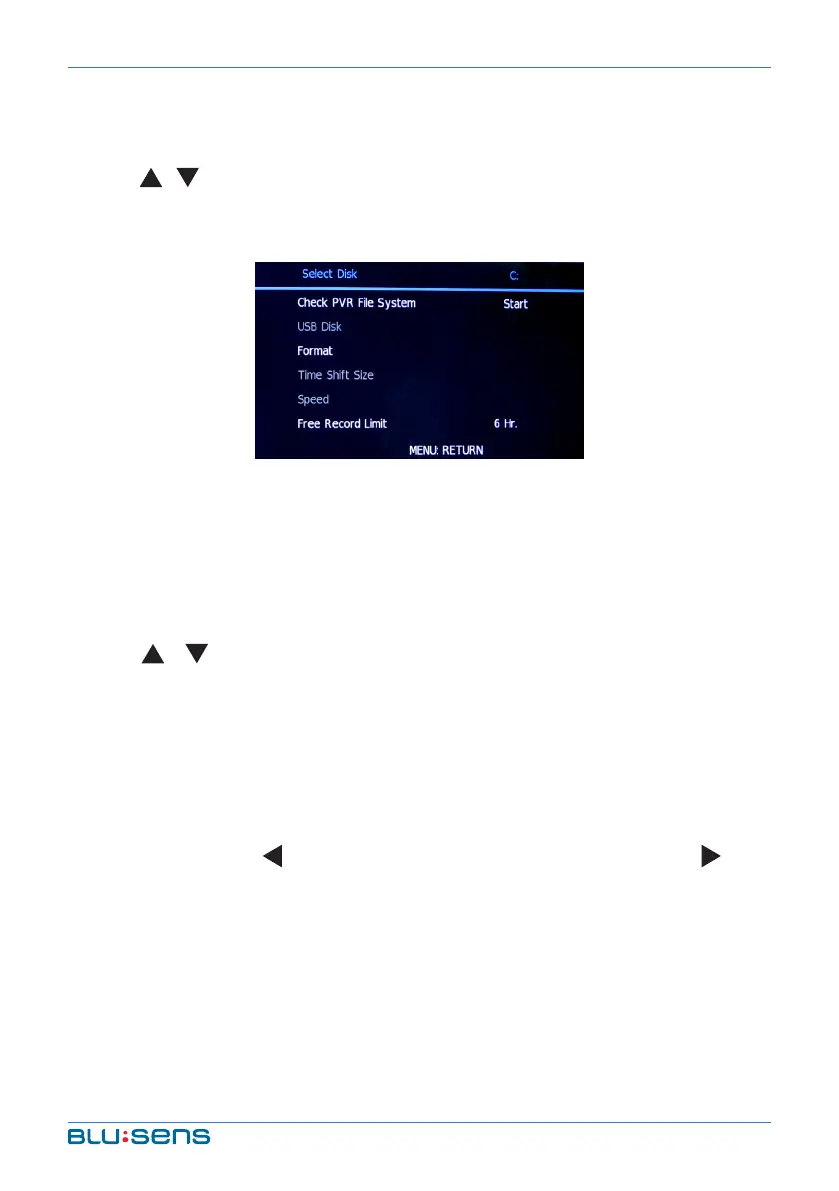
PVR File System: Press OK to enter into PVR File System submenu.
Press / key to select “Check PVR File System” and press OK. After
checking successful, press MENU key to exit menu operation. Press
REC to record.
NOTE: Insert U disk into the interface of the machine before operating the
PVR File System function.
Recorder: Insert a storage device, and select one option: Record
start, Record List, Record mode and Record Schedule.
Aspect Ratio: press OK key to enter into Aspect Ratio submenu.
Press / key to select aspect ratio mode: Auto, 4:3, 16:9, Zoom1,
Zoom2 and Panorama.
Blue Screen: Press OK key to select “On”/”Off”, open or close Blue
Screen function.
First Time installation: Configure the initial values
User Default: The screen display “Are you sure?” by pressing OK
key. You can press key to resume the factory setting or press key
to cancel current operation.
DEFAULT SETTING: Restore the initial values directly.
Software Update (USB): Open or close software update fuction by
USB pressing OK.



 To Next Page