16
Quick start
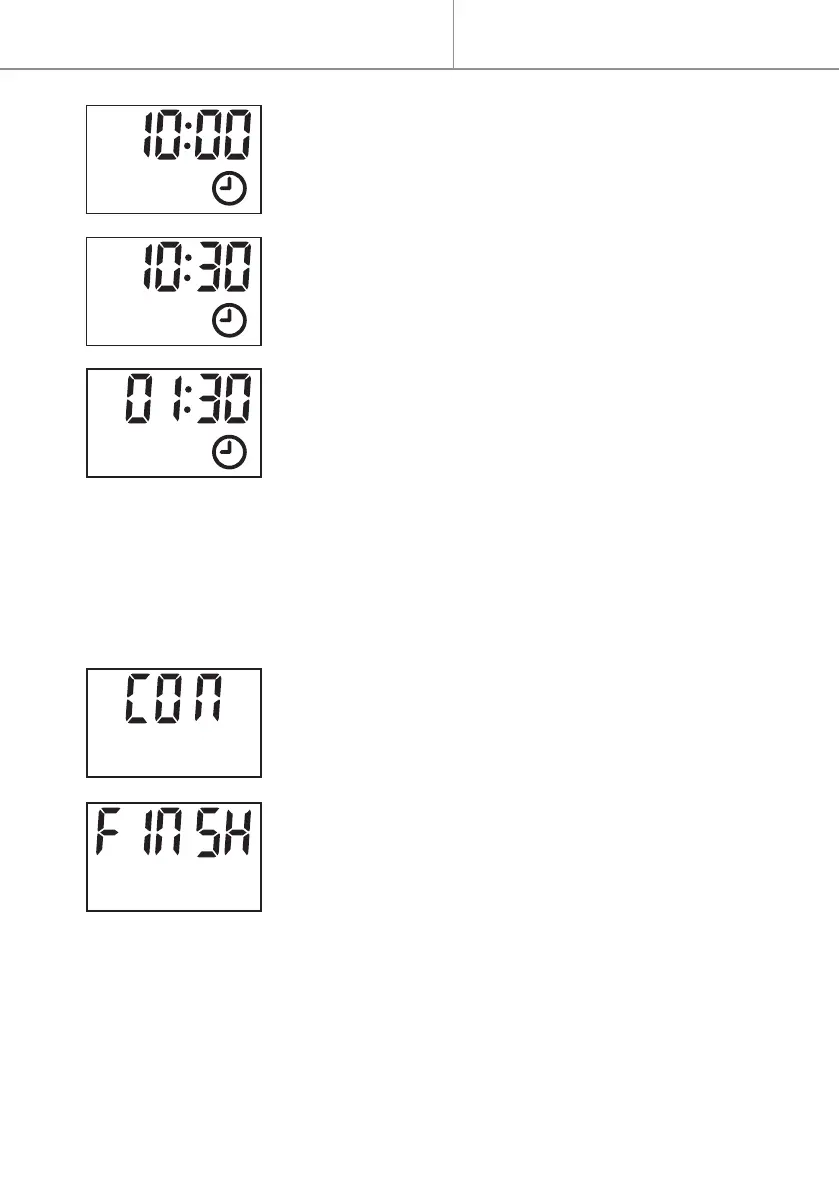
5- Press button + or - to set the hour of the activa-
tion time.
- Press to validate.
6- Press button + or - to set the minutes of the
activation time (in steps of 5 minutes).
- Press to validate.
7- Press button + or - to set the duration of the
time period (in steps of 30 minutes).
- Press to validate.
. Till now 1
st
time period of program is completed. It’s displayed “CON”
(conrm).
NOTES : The program cannot run into the next day. The maximum
duration can therefore not exceed midnight (for example, if the start
time is 20:30, the maximum duration displayed is 4 hours and the real
maximum duration is 3 hours 30 minutes).
- To continue the setting for 2
nd
time period, press
to continue. After , the screen will return to the
interface of day selection (step 1).
OR
- To nish the setting, press button + or - to nd
“FINSH”.
- Press to nish the setting.
NOTE :
. Maximum 24 time periods could be used.
. Multi time periods could be used for one day.
. Same time period could be used for multiple days.


 To Next Page