8 9
Quick start
HEATING ON / OFF
HEATING MODE QUICK START
- Press button + or - to quick start heat setting (even though it’s under
weekly program) as following:
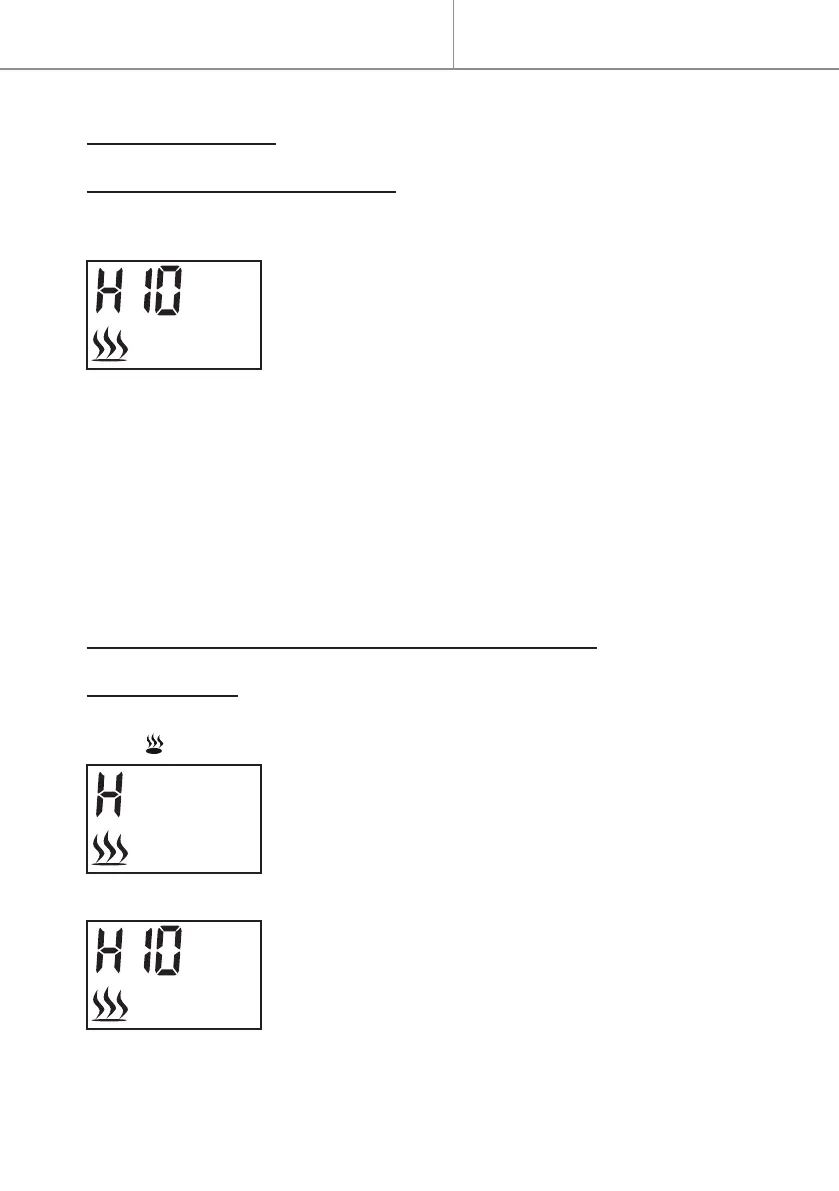
- Press either button + or - to see the current tem-
perature on screen.
- Press button + or - to adjust the temperature as
desired.
. If the set temperature is higher than the room temperature detected
by appliance, the heating starts. The heating will not start if the set
temperature is lower than the room temperature.
NOTE: The temperature range including OFF and from 10°C to 30°C.
OFF for no heating, 10°C to 30°C is the selectable temperatures.
LOW/HIGH HEATING & SETTING THE TEMPERATURE
HIGH HEATING
- At default interface, press button
≡
to display “H” and ashing
icon as following:
- Press
button to set temperature.
. The default temperature is 10°C (50°F).
- Press button + or - to adjust temperature.
. If the set temperature is higher than the room
temperature detected by appliance, the heating
starts. The heating will not start if the set tempera-
ture is lower than the room temperature.


 To Next Page