10
Quick start
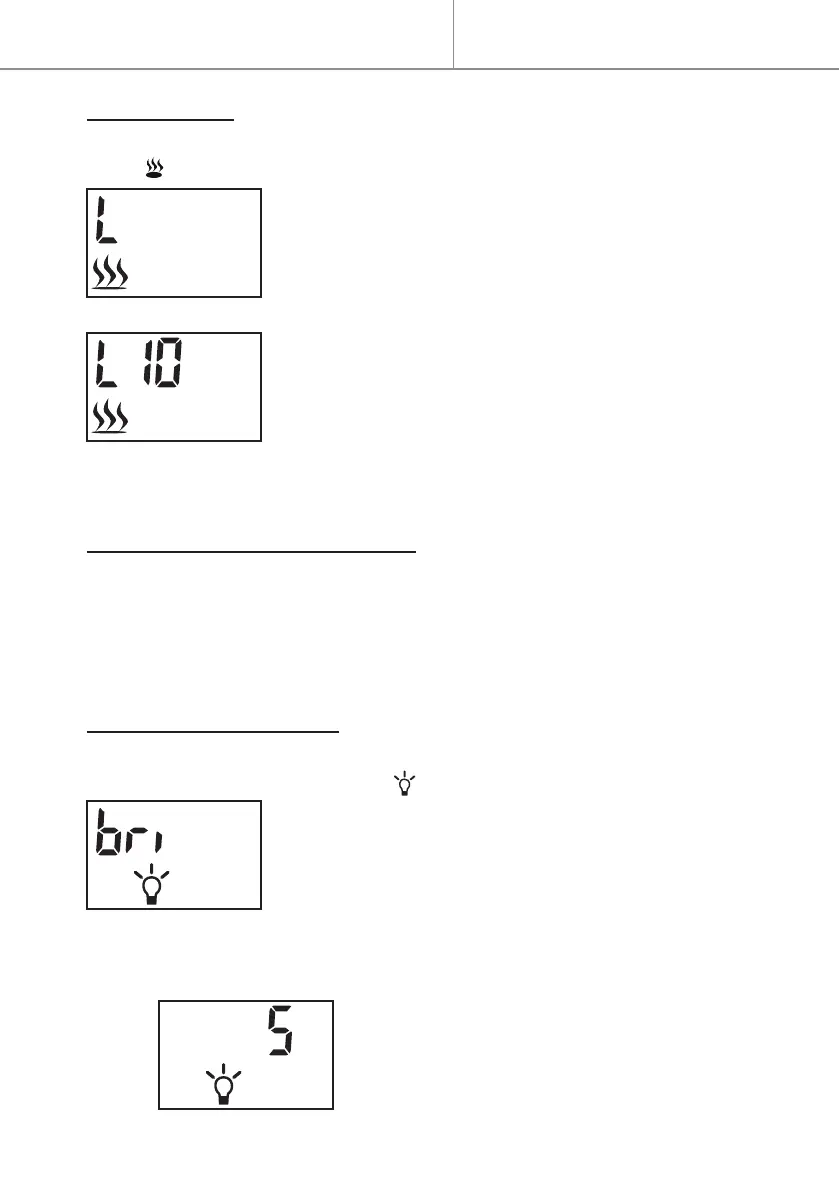
LOW HEATING
- At default interface, press button
≡
twice to display “L” and ashing
icon as following:
- Press button to set temperature.
- Press button + or - to adjust temperature.
. The default temperature is 10°C (50°F).
. If the set temperature is higher than the room
temperature detected by appliance, the heating
starts. The heating will not start if the set tempera-
ture is lower than the room temperature.
CELSIUS/FAHRENHEIT SETTING
The default temperature readout is Celsius.
- Long press button
≡
for 3 seconds.
- Press button + or - to change the temperature readout from Celsius “C“
to Fahrenheit “F“.
BRIGHTNESS CONTROL
- At default interface, press button
≡
to select the Brightness Control, it’s
displayed “bri” and ashing icon as following:
- Press button to start the brightness setting.
- Press button + or - to select the brightness level.
. 5 brightness levels are selectable.
. Default setting is 3.
5 is the highest level as shown following:
Quick start


 To Next Page