10 11
Quick start Quick start
REGULAR TIMER
- At default interface, press button
≡
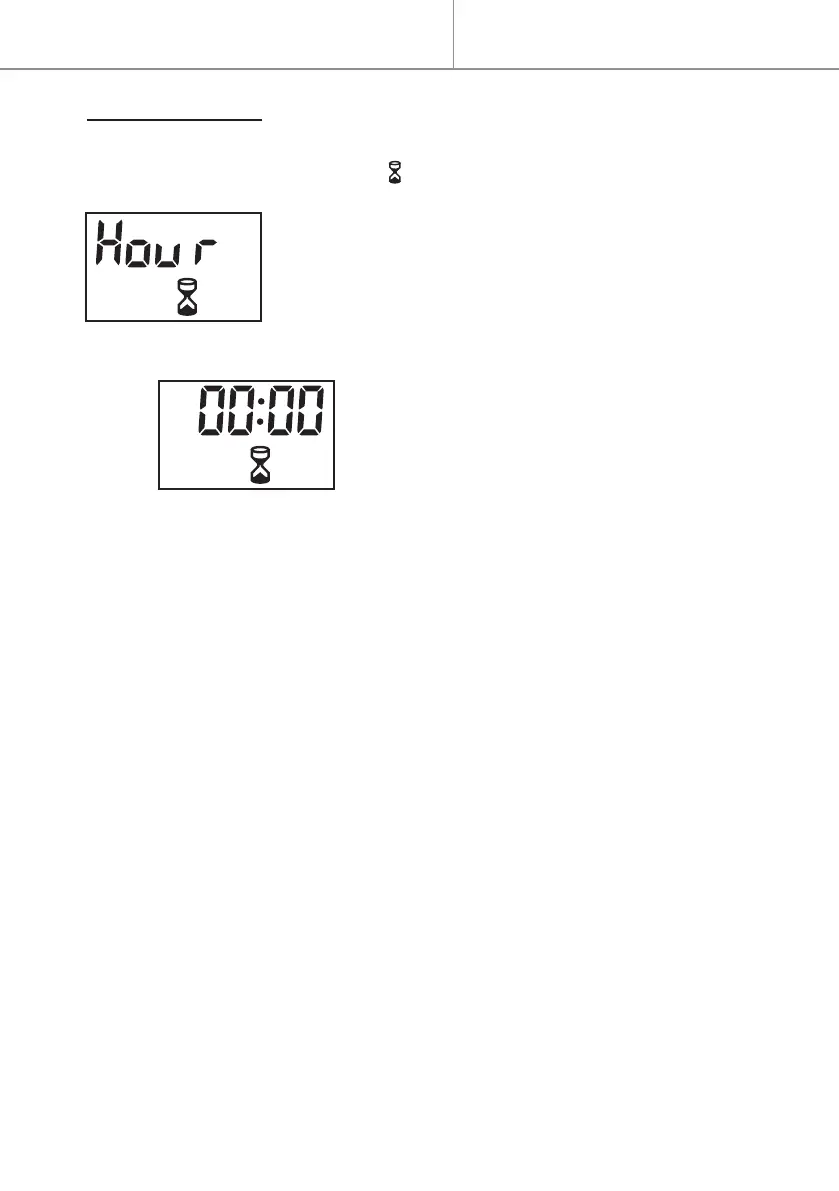
to select the regular timer, it’s dis-
played “Hour” and ashing icon as following:
- Press button to start the regular timer setting.
- Press button + or - to select the desired time.
The time sequence will read 00, 30 min, 1H, 2H,
3H, 4H, 5H, 6H, 7H, 8H or 9H.
The default setting is 00:00 as shown following:
NOTE:
.This appliance doesn’t have down light function (“doLi”).
.The display will return to default interface after 15 seconds without any
operation on control panel or remote control.


 To Next Page