12
MODE SELECTION
- At default interface, press button
≡
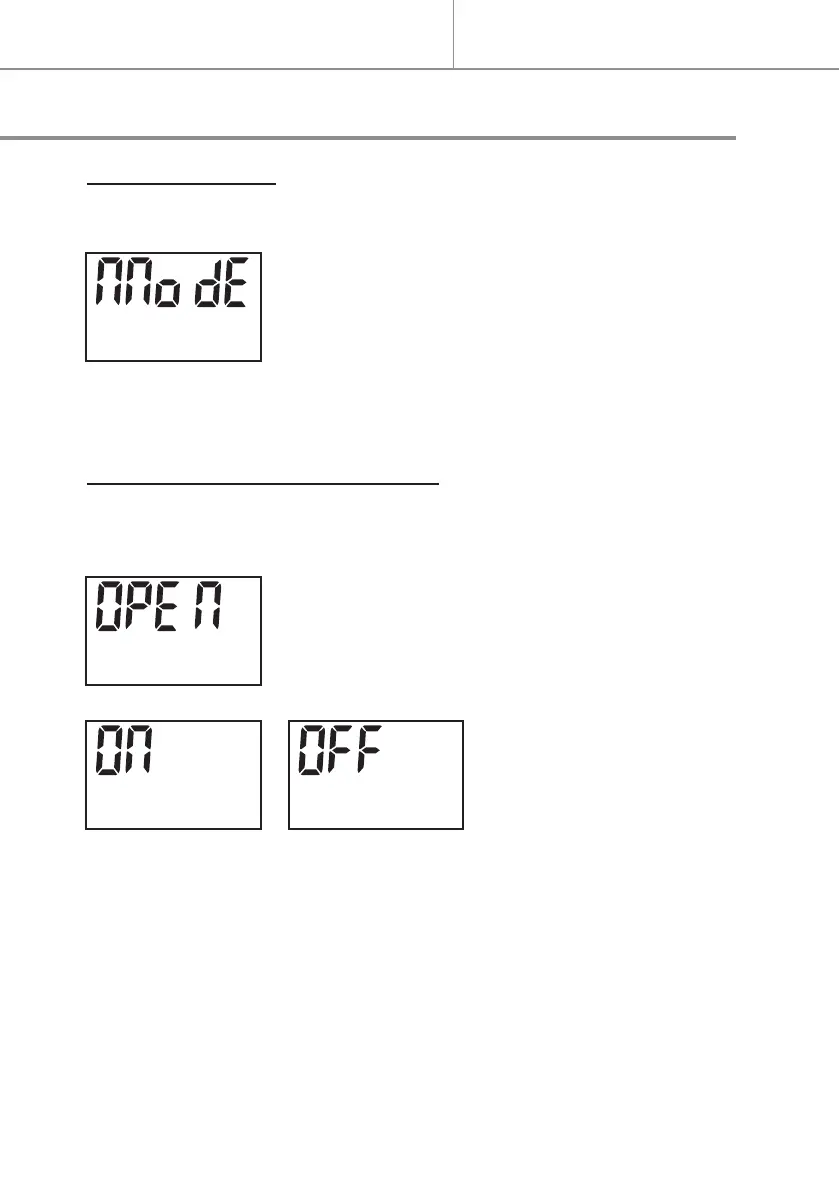
to select Mode Selection, it’s dis-
played “ΠΠodE” as following:
- Press button to access Mode menu.
- Press button + or - to select the desired mode.
OPEN WINDOW DETECTION MODE
- Press button
≡
to select “ΠΠodE“ menu.
- Press to validate,
- Press button + or - to access Open Window Detection Mode “OPEN”.
- Press to validate.
- Press button + or - to
select “ON” or “OFF” to
turn on or turn o the Open
Window Detection Mode.
- Press to validate.
. After activate the Open Window Detection, the appliance will auto-
matically shut o the heating when it detects the room temperature
decreased more than 4°C in 10 minutes and maintain the decreased
temperature not less than 20 minutes.
. To restart the heating, adjust the set temperature then press button
to validate the setting. The Open Window Detection Mode will be OFF
after reset the temperature.
Quick start
Secondary programmes and functions


 To Next Page