NavigationEntertainment Driving tips
145
Reference At a glanceControlsCommunicationsMobility
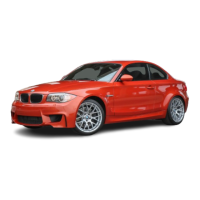
Treble, bass, balance, fader
> "Treble": height adjustment.
> "Bass": depth adjustment.
> "Balance": left/right volume distribution
> "Fader": front/rear volume distribution
Adjustments
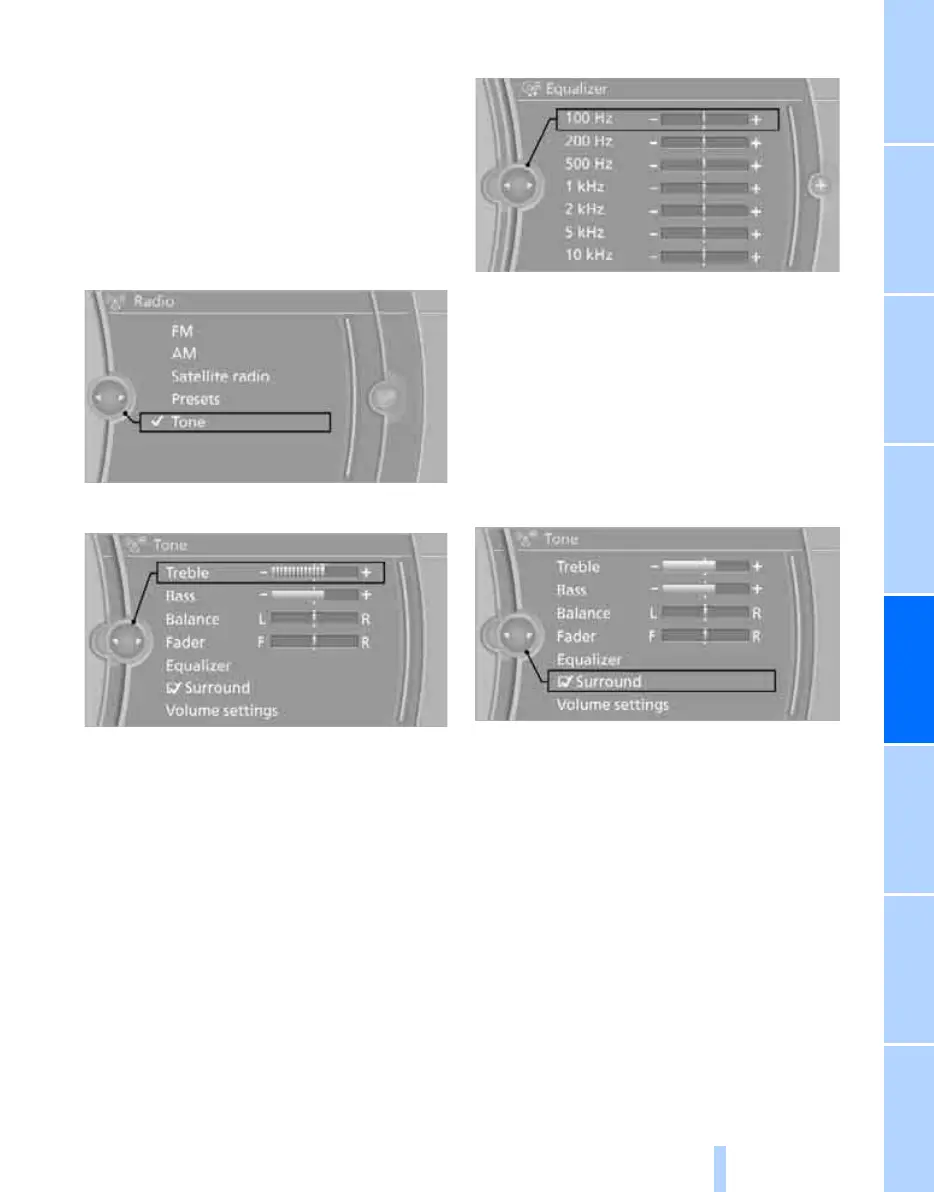
1. "CD/Multimedia", "Radio" or "Settings".
2. "Tone"
3. Select the desired tone setting.
4. To adjust: turn the controller.
5. To store: press the controller.
Equalizer*
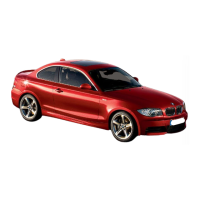
You can set individual sound frequency ranges.
1. "CD/Multimedia", "Radio" or "Settings".
2. "Tone"
3. "Equalizer"
4. Select the desired setting.
5. To adjust: turn the controller.
6. To store: press the controller.
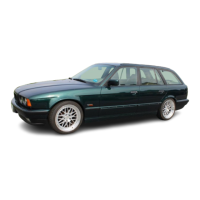
Multi-channel playback, surround*
You can choose between stereo and multi-
channel playback, surround.
1. "CD/Multimedia", "Radio" or "Settings".
2. "Tone"
3. "Surround"
When surround is activated, multi-channel
playback is simulated when playing an audio
track in stereo.
Volume
> "Speed volume": volume is adapted
depending on the speed
> "PDC
"*: volume of the PDC acoustic signal
relative to the entertainment sound output
> "Gong": volume of the acoustic signal, e.g.
for the acoustic seat belt warning relative to
the entertainment sound output
> "Microphone": volume of the microphone
during a phone conversation.
> "Loudspeak.": volume of the speaker dur-
ing a phone conversation
Online Edition for Part no. 01 40 2 606 818 - © 03/11 BMW AGOnline Edition for Part no. 01 40 2 606 818 - © 03/11 BMW AG


 To Next Page