67n
Index Data Technology Repairs Car care Controls Overview
Dynamic Performance Flat Tire Monitor
Sport mode recognition
Activating:
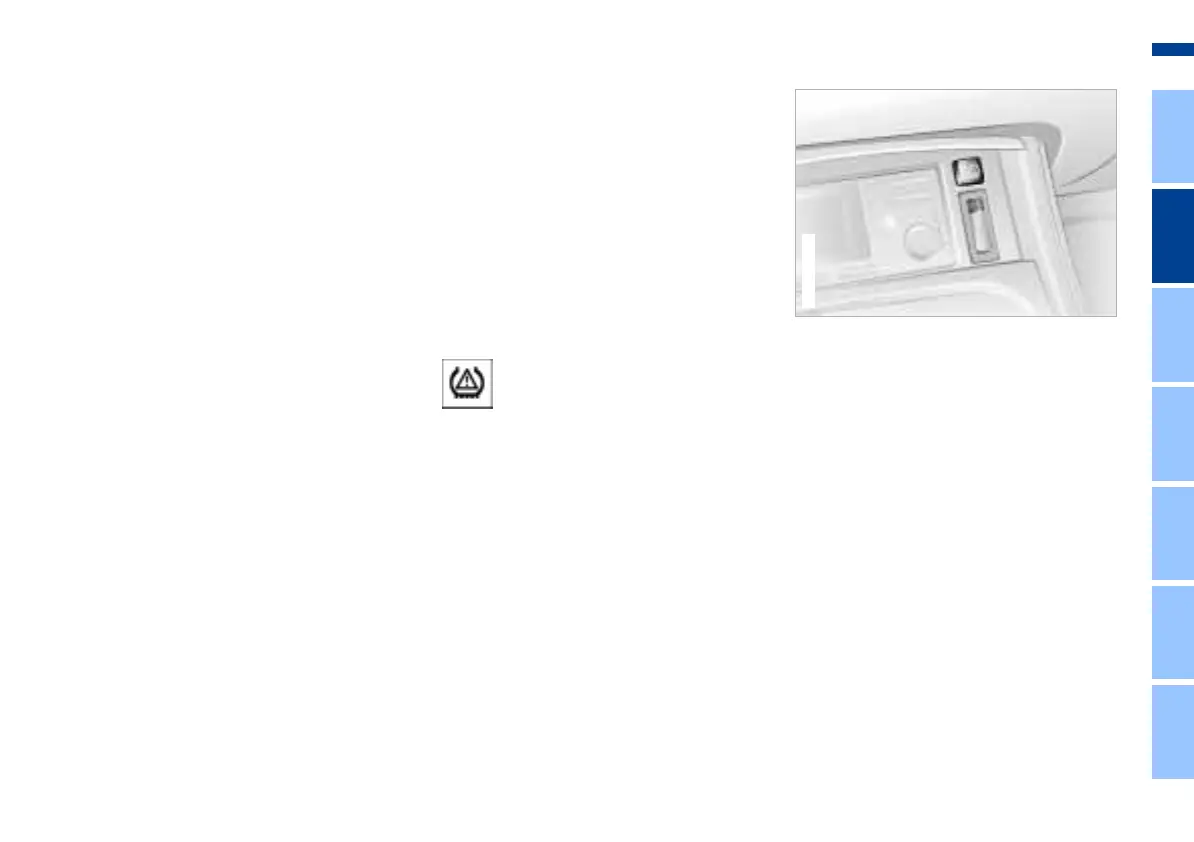
In ignition key position 2, press the
button. The indicator lamp will come
on.
Deactivating:
Whenever the indicator lamp is on, it
will go out if you press the button again.
The concept
The Flat Tire Monitor keeps track of the
inflation pressures in all four tires as
you drive. The system provides an alert
whenever the inflation pressure has
dropped significantly in one of the tires.
To initialize the Flat Tire Monitor with
the correct inflation pressures, start by
ensuring that all of the vehicle's tires
are inflated to the pressures specified
in the inflation pressure table, refer to
page 27. Then initialize the system.
The indicator lamp within the
instrument cluster flashes to
alert you to substantial pres-
sure loss in any of the tires.
Initialize system
1. Turn the ignition key to position 2
2. Press the button long enough for the
indicator lamp in the instrument
cluster to light up red for a few sec-
onds
3. As you drive, the Flat Tire Monitor
automatically enters the system ini-
tialization mode in which it stores the
current pressures as its reference
figures. The initialization process
lasts for ten minutes or somewhat
longer. Once it has been completed
the Flat Tire Monitor is able to detect
and warn of flat tires.
Online Edition for Part No. 01 41 0 156 878 - © 06/02 BMW AG



 To Next Page