79
Computer
Mode selection
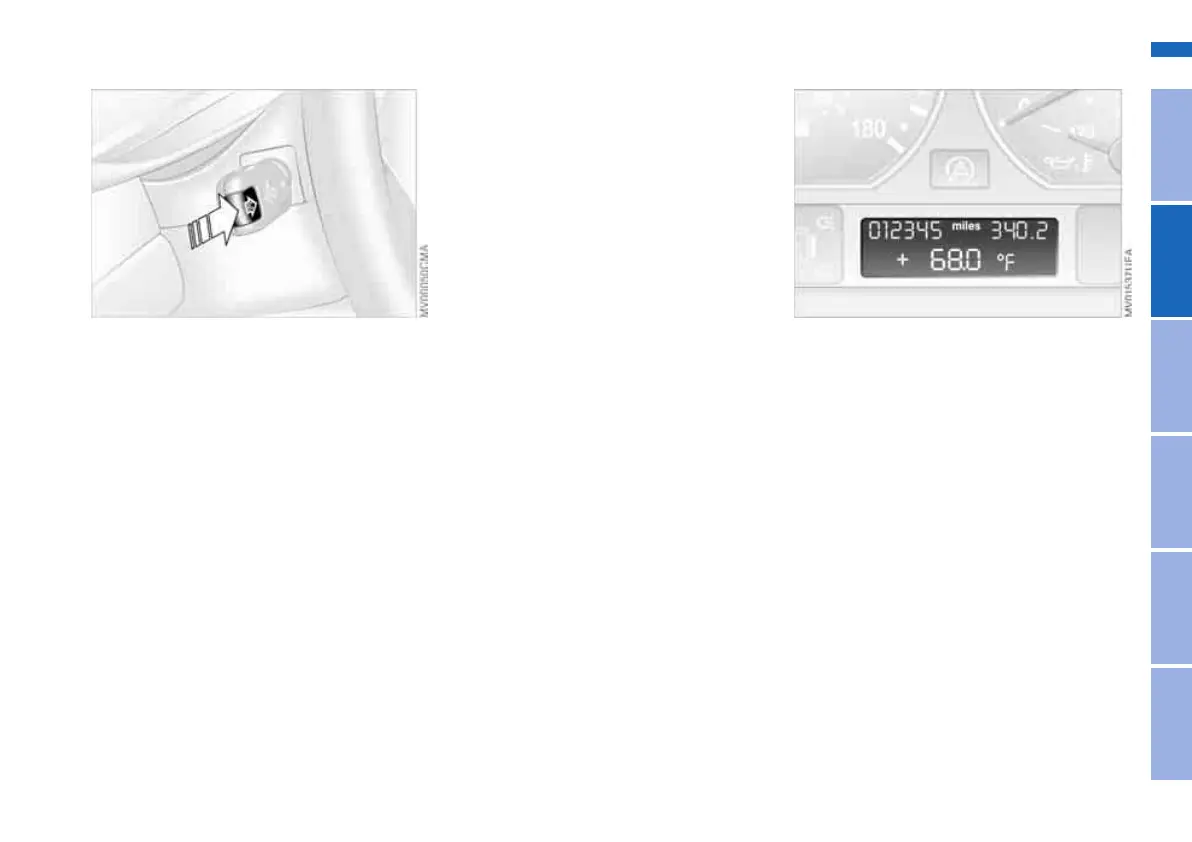
With the ignition key in position 1 or
higher, you can use the onboard com-
puter button BC in the turn signal lever
to retrieve information from the com-
puter for display in the instrument clus-
ter.
Every time you tap the onboard com-
puter button BC, the display changes to
the next function in sequence.
Order of the displays:
> Time
> Outside temperature
> Average fuel consumption
> Range
> Average speed.
When the ignition key is in position 1 or
higher, the last active setting is dis-
played.
Outside temperature
You can change the units of measure
7/6 for the outside temperature dis-
play by pressing the right-hand reset
button in the instrument cluster while
the temperature display is active. The
units of measure 7/6 in the tempera-
ture display of the automatic climate
control change automatically, refer to
page 90.
Ice warning
If the outside temperature drops to
about 37.57/+36, then the computer
will automatically switch to a display of
the outside temperature. In addition, a
signal sounds as a warning and the dis-
play flashes for a brief period.
OverviewControlsMaintenanceRepairsDataIndex
Online Edition for Part-No. 01 41 0 158 512 - © 09/04 BMW AG



 To Next Page