Displays
1. "CAR"
2. "Vehicle status"
3. "Service requirements"
Essential maintenance routines and any stat‐
utory inspections required are displayed.
4. "Service history"
5. Select an entry to display more detailed infor‐
mation.
Symbols
Symbols Description
Green: maintenance has been
carried out on time.
Yellow: maintenance has been
carried out later than scheduled.
Maintenance has not been car‐
ried out.
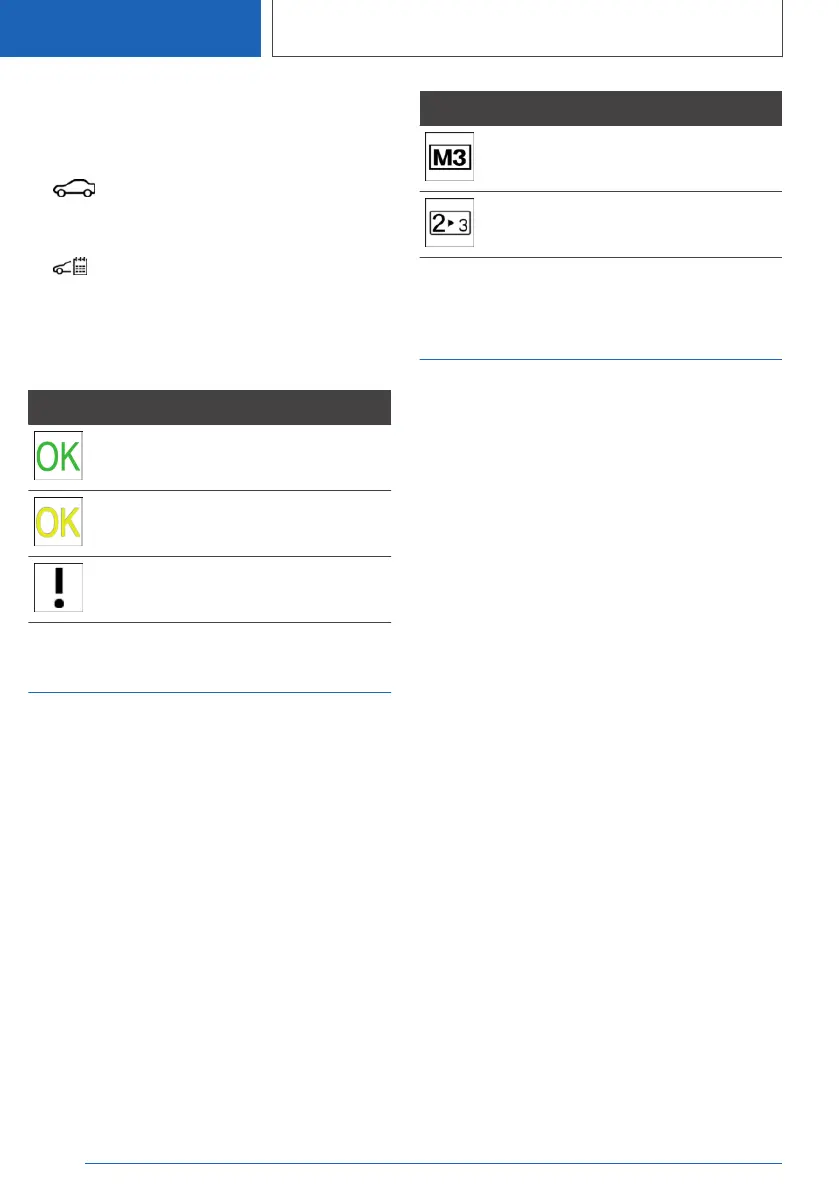
Optimum shift indicator
Principle
The system recommends the most efficient gear
for the current driving situation.
General
Depending on the design and the national-mar‐
ket version, the shift point indicator is active in M
manual operation of the Steptronic transmission.
Steptronic transmission:
displays
Information on up or down shifting are displayed
in the instrument cluster.
For vehicles without optimum shift indicator, the
gear engaged is shown.
Example Description
Most efficient gear is engaged.
Shift to a more efficient gear.
Speed Limit Info with no-
overtaking indicator
Speed Limit Info
Principle
Speed Limit Info shows the currently applicable
speed limit in the instrument cluster and, if appli‐
cable, the Head-Up Display, as well as additional
signs where necessary; for example, in wet con‐
ditions.
General
The camera located near the interior mirror de‐
tects road signs at the edge of the road as well
as variable overhead signs.
Road signs with additional instructions, for exam‐
ple restrictions applicable in wet conditions, are
taken into account and compared with internal
vehicle data, for example the windscreen wiper
signal. The road sign and associated additional
instructions are then displayed in the instrument
cluster and the Head-Up Display, if applicable, or
ignored, depending on the situation. Some addi‐
tional signs are taken into account in the speed
limit evaluation, but are not displayed in the in‐
strument cluster.
If a navigation system is installed, the system
takes the information saved in the navigation
data into account where applicable and also dis‐
plays the speed limits for sections of road with
no road signs.
If a navigation system is not installed, the system
has certain technical limitations. Only road signs
Seite 190
CONTROLS
Displays
190
Online Edition for Part no. 01405A1EA53 - X/20



 To Next Page