Switch off parking lights:
Press the button on the light switch ele‐
ment or switch on the drive-ready state.
Welcome lights
General
The exterior lights are switched on automatically
when the vehicle is approached or unlocked. De‐
pending on the equipment version, the exterior
lights of the vehicle can be individually adjusted.
Activating/deactivating
1.
"CAR"
2. "Settings"
3. "Exterior lighting"
4. Select the desired setting:
▷ "Welcome and goodbye"
When the vehicle is unlocked, individual
light functions are switched on for a limi‐
ted time.
▷ "Door handle lights"
The door handles and the ground in front
of the doors are illuminated for a limited
time.
▷ "Welcome Light Carpet"
The area adjacent to the vehicle is illumi‐
nated for a limited time.
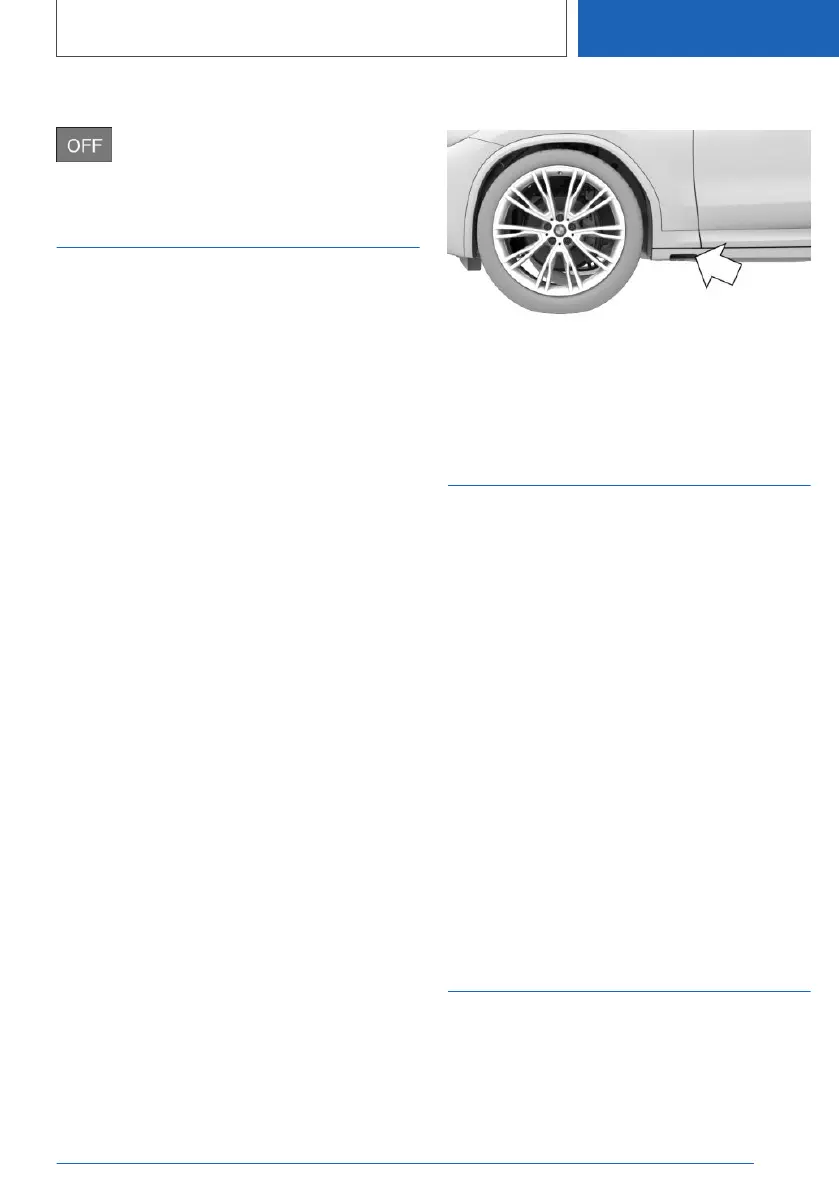
Welcome Light Carpet
The light source is located in the position indica‐
ted.
Keep the light source clean and unobstructed.
Home lights
General
The exterior lights can be switched on for a cer‐
tain period of time to illuminate the surroundings
after exiting the vehicle.
Activating
Push the turn indicator lever forwards briefly after
switching off the drive-ready state.
Setting the duration
1.
"CAR"
2. "Settings"
3. "Exterior lighting"
4. "Home lights"
5. Select the desired setting.
6. "OK"
Daytime running lights
General
The daytime running lights illuminate when
drive-ready state is switched on.
Seite 201
Lights
CONTROLS
201
Online Edition for Part no. 01405A1EA53 - X/20



 To Next Page