Switching on
As soon as all of the operating require‐
ments have been met, Assisted Driving
Plus is displayed as an additional symbol
in the function bar. The function bar is
shown at the bottom of the instrument
cluster.
Select Assisted Driving Plus with the
button on the steering wheel.
The symbol for Assisted Driving Plus is shown in
green.
Two green LEDs are illuminated on the steering
wheel.
The indicator lamp is shown in green in the in‐
strument cluster.
The system starts to help the driver to control
the vehicle.
Displays in the instrument
cluster
Symbol Description
Green indicator lamp: the sys‐
tem is active.
White indicator lamp: the system
is ready.
Grey indicator lamp: the system
is interrupted.
Alternative displays
Depending on the vehicle's equipment, the dis‐
plays in the instrument cluster may vary and are
indicated as follows:
Indicator
lamp
Description
Green indicator lamp: the sys‐
tem is active.
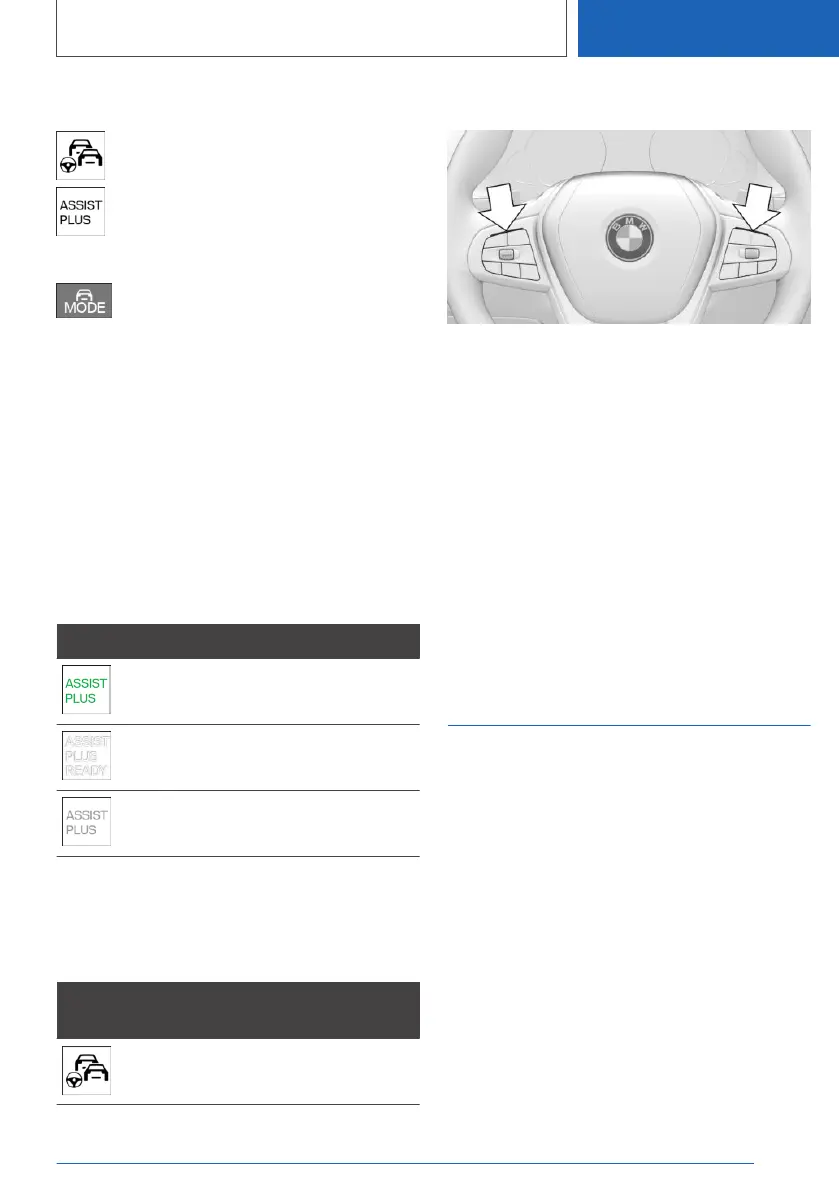
Displays on the steering wheel
The two LEDs above the button fields are illumi‐
nated in the same way as the displays in the in‐
strument cluster:
▷ Green: the system is active.
▷ Yellow: the system has been interrupted.
▷ Red: the system is deactivated.
System limits
The system limits for the steering and lane con‐
trol assistant apply.
Depending on the
equipment version: lane
change assistant
Principle
The system provides the driver with additional
support when changing lanes on multi-lane
roads.
General
The system uses the sensors of the steering and
lane control assistant.
Seite 273
Driver Assistance Systems
CONTROLS
273
Online Edition for Part no. 01405A1EA53 - X/20



 To Next Page