Radio
142
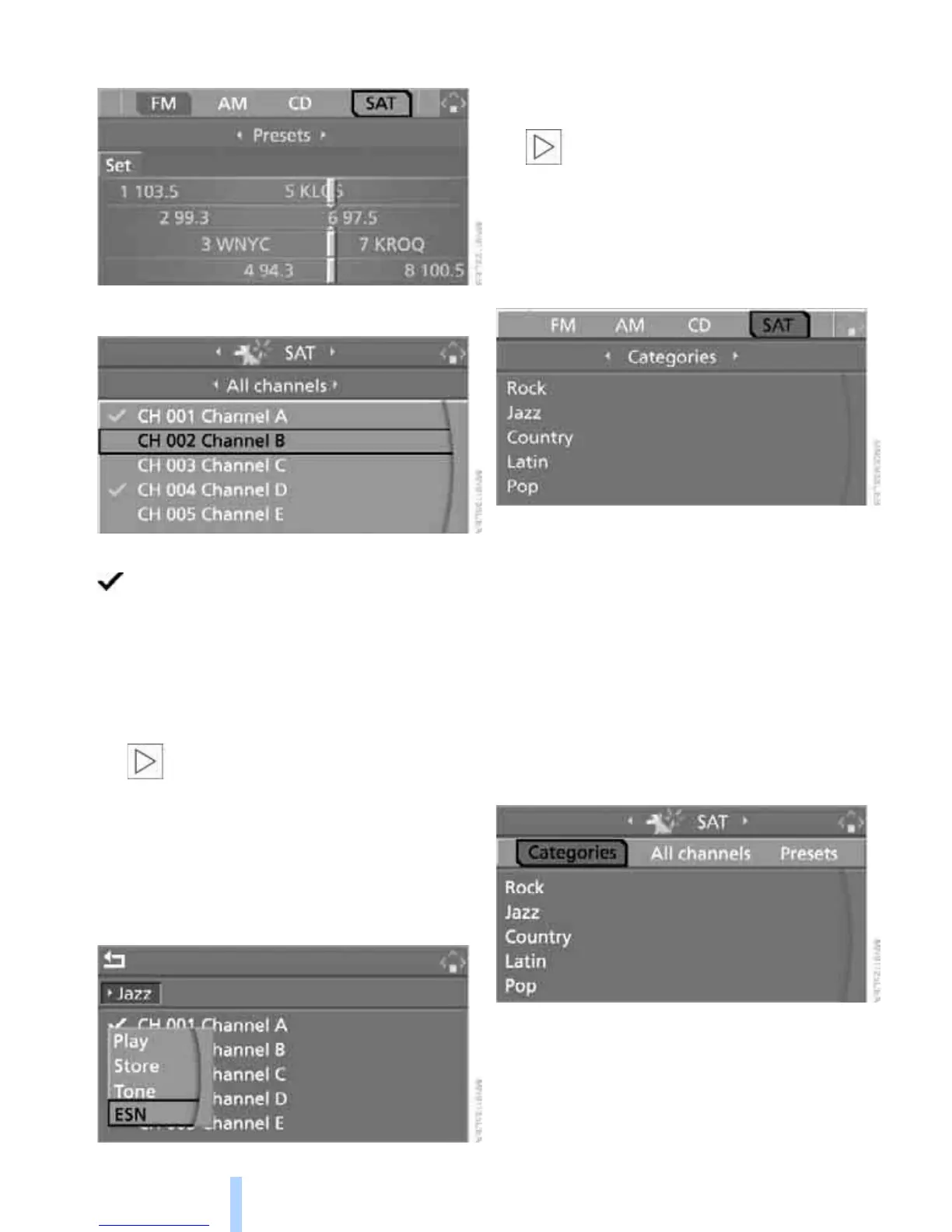
3. Select "SAT".
4. Press the controller.
The channels are displayed.
These channels are enabled.
Enabling
1. Select a channel that has not yet been
enabled and press the controller.
A telephone number and the electronic
serial number, ESN, are displayed.
The electronic serial number is
required to enable or disable.<
2. To enable the channel:
Dial the phone number.
Disabling
1. Select an enabled channel and press the
controller.
2. Select "ESN" and press the controller.
The electronic serial number, ESN, is dis-
played.
The electronic serial number is
required to disable.<
3. To disable the channel:
Dial the phone number.
Selecting and storing a channel
1. Select "SAT" and press the controller.
Channels are shown on the Control Display
sorted on the basis of selection criteria.
2. Select a menu item:
> "Presets":
Up to twelve channels you have stored
previously.
> "All channels":
All channels are displayed.
> "Categories":
All channels, sorted by categories, e.g.
news, jazz.
3. Press the controller.





 To Next Page