At a glance
21
Reference ControlsDriving tipsCommunications NavigationEntertainmentMobility
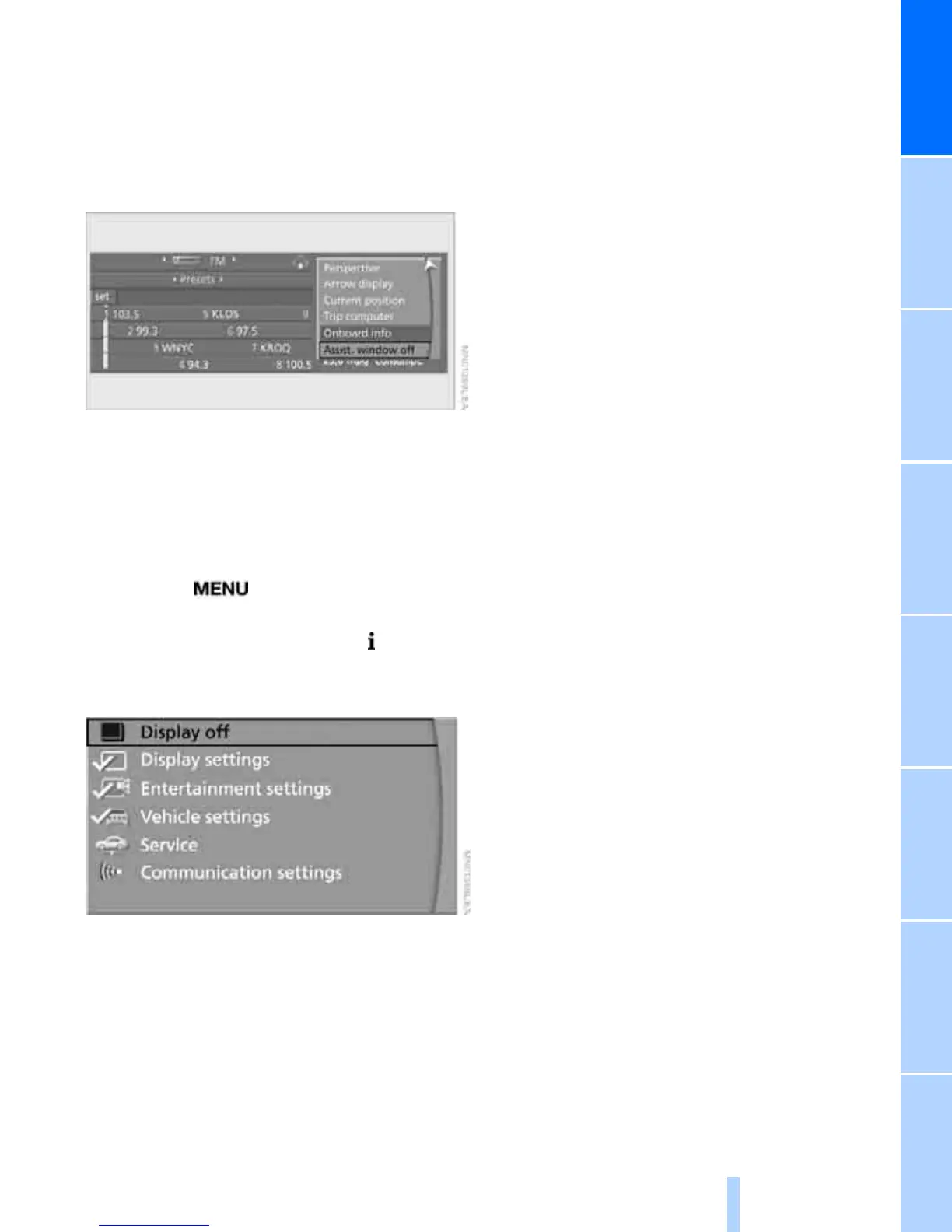
Switching assistance window on/off
1. Move the controller to the right to change to
the assistance window and press the con-
troller.
2. Select "Assist. window off" and press the
controller.
To turn back on, switch to the assistance win-
dow and press the controller.
Switching Control Display on/
off
1. Press the button.
This opens the start menu.
2. Press the controller to open the menu.
3. Select "Display off" and press the control-
ler.
Press the controller to switch on.




 To Next Page