Navigation Driving hints
113
Reference OverviewControlsCommunication EntertainmentMobility
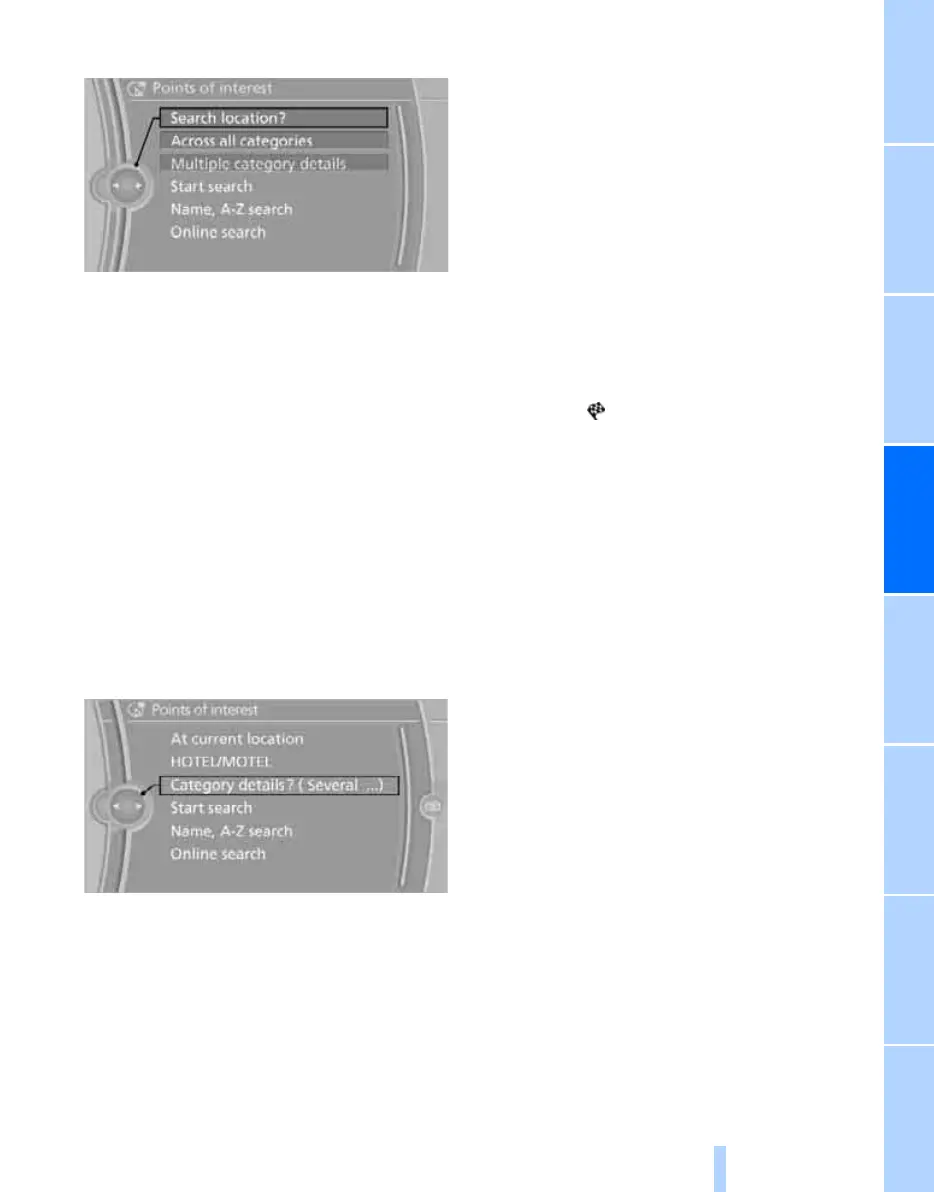
1. "Search location"
2. Select search location of point of interest:
> "At current location"
> "At destination"
> "At another place"
> "Along the route"
Category of the points of interest
1. "Category"
2. Select "All" or a special category, e.g. hotels
or restaurants.
Category details
Additional details can be displayed for some
points of interest available in the navigation
data, e.g. restaurant type: Italian.
"Category details"
Starting the search for points of
interest
1. "Start search"
2. The list of points of interest is displayed.
> "At current location"
The points of interest are displayed by
distance, with an arrow pointing in the
direction of the destination.
> "At destination", "At another place",
"Along the route"
The points of interest are sorted by their
distance to the search location.
> Destinations in the selected category
are displayed as symbols in the map
view. The display depends on the map
scale and the category.
3. Highlight a point of interest.
With navigation system Professional:
The destination is displayed in the preview
map.
4. Select a point of interest.
5. Select the symbol.
6. "Start guidance" or "Add as another dest.".
If a phone number has been stored, a tele-
phone connection can be established if
necessary.
Destination input via BMW Assist*
A connection is established to the BMW infor-
mation service, see page 171.
1. "Navigation"
2. "Destination input"
3. Call up "Options".
4. "BMW Assist dest. input"
Entering points of interest by name
1. "Navigation"
2. "Points of interest"
3. "Name, A-Z search"
4. Enter letters.
Depending on the distance, the search can
take some time. A maximum of 100 entries
can be displayed in the list.
5. Move to the list of points of interest.
6. Highlight a point of interest.
With navigation system Professional:
The destination is displayed in the preview
map.
7. Select a point of interest.
Online Edition for Part no. 01 41 2 602 816 - © 08/09 BMW AGOnline Edition for Part no. 01 41 2 602 816 - © 08/09 BMW AG



 To Next Page