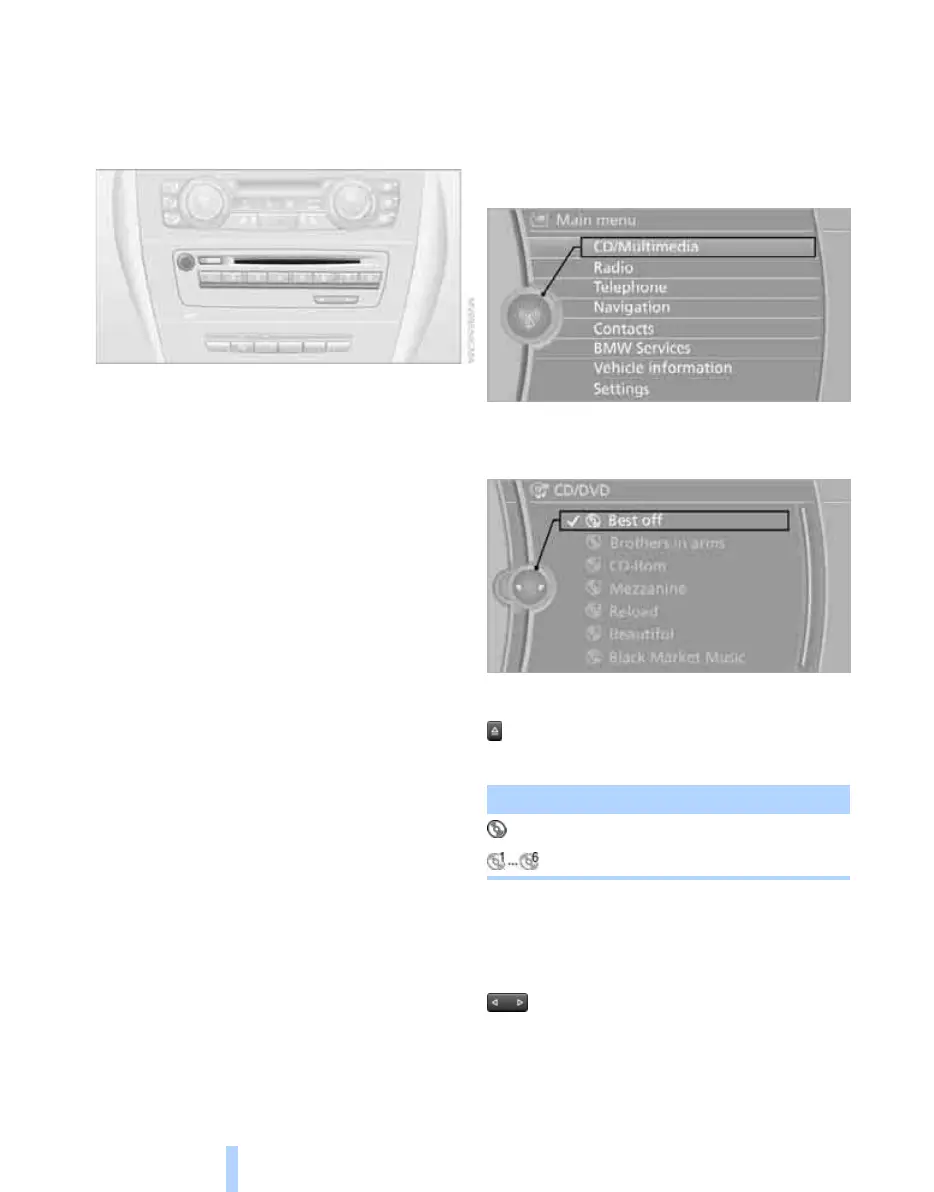
CD/DVD player and CD changer
138
CD/DVD player and CD changer
CD/DVD playback
Inserting a CD/DVD
Insert the CD/DVD into the drive with the label
side up. The CD/DVD slides in automatically.
The CD starts to play automatically if audio out-
put is switched on. When playing CDs/DVDs
with compressed audio files, it can take the CD
player a few minutes to read in the data,
depending on the directory structure.
Formats that can be played
CD/DVD player
*
> DVD: DVD-ROM, DVD-R, DVD+R, DVD-
RW, DVD+RW, DVD-R DL, DVD+R DL,
DVD-Audio (only video system), DVD-
Video
> CD: CD-ROM, CD-R, CD-RW, CD-DA,
VCD, SVCD
> Compressed audio files: MP3, WMA, AAC
CD player/CD changer
*
> CD: CD-ROM, CD-R, CD-RW, CD-DA
Starts playback
Via iDrive
Load and insert the CD/DVD magazine, see
page 142.
To start to play a CD if there is already a CD in
the player or changer:
1. "CD/Multimedia"
2. "CD/DVD"
3. Selecting the desired CD or DVD:
Ejecting a CD/DVD
Press the button beside the CD/DVD player.
The CD/DVD is partially ejected out of the drive.
Playing audio tracks
Track selection using the button
Press the button for the appropriate
direction repeatedly until the desired track is
reached.
**
Symbol Function
CD/DVD player
CD changer
Online Edition for Part no. 01 41 2 602 816 - © 08/09 BMW AGOnline Edition for Part no. 01 41 2 602 816 - © 08/09 BMW AG



 To Next Page