NavigationEntertainment Driving hints
139
Reference OverviewControlsCommunicationMobility
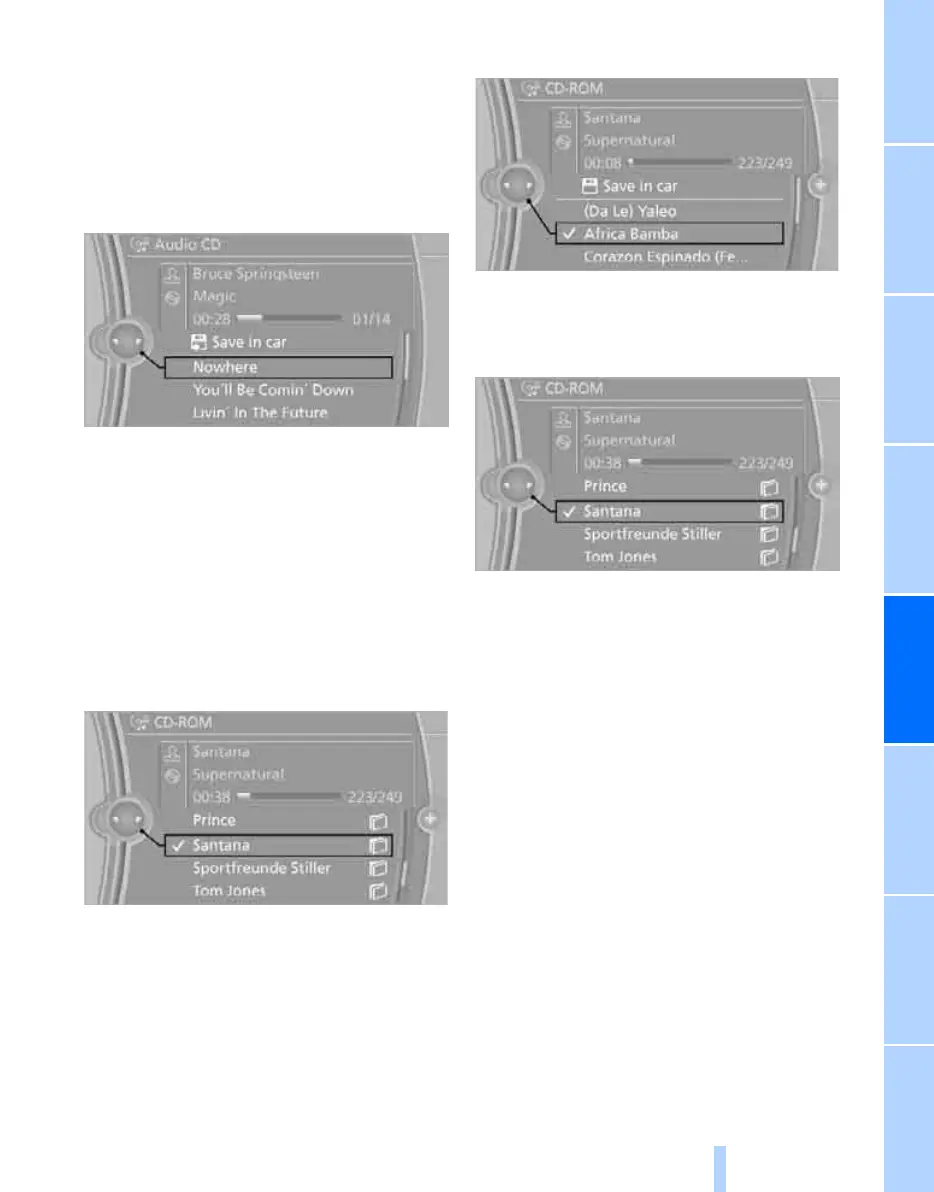
Track selection via iDrive
Audio CDs
1. "CD/Multimedia"
2. "CD/DVD"
3. Select the desired CD or DVD.
4. Select the desired track to start playback.
CDs/DVDs with compressed audio
files*
Depending on the data, certain characters may
not be displayed correctly on the CD/DVD.
1. "CD/Multimedia"
2. "CD/DVD"
3. Select the desired CD or DVD.
4. Select the directory as appropriate.
To change to a higher-level directory: tilt
the controller to the left.
5. Select a track and press the controller.
Displaying information on the track*
If information is stored for a track, this is dis-
played automatically:
> Artist
> Album title
> Number of tracks on the CD/DVD
> File name of the track
Random playback
The tracks on the current CD/DVD are played
once each in random order.
1. "CD/Multimedia"
2. "CD/DVD"
3. Select the desired CD or DVD.
4. Call up "Options".
Online Edition for Part no. 01 41 2 602 816 - © 08/09 BMW AGOnline Edition for Part no. 01 41 2 602 816 - © 08/09 BMW AG



 To Next Page