CD/DVD player and CD changer
140
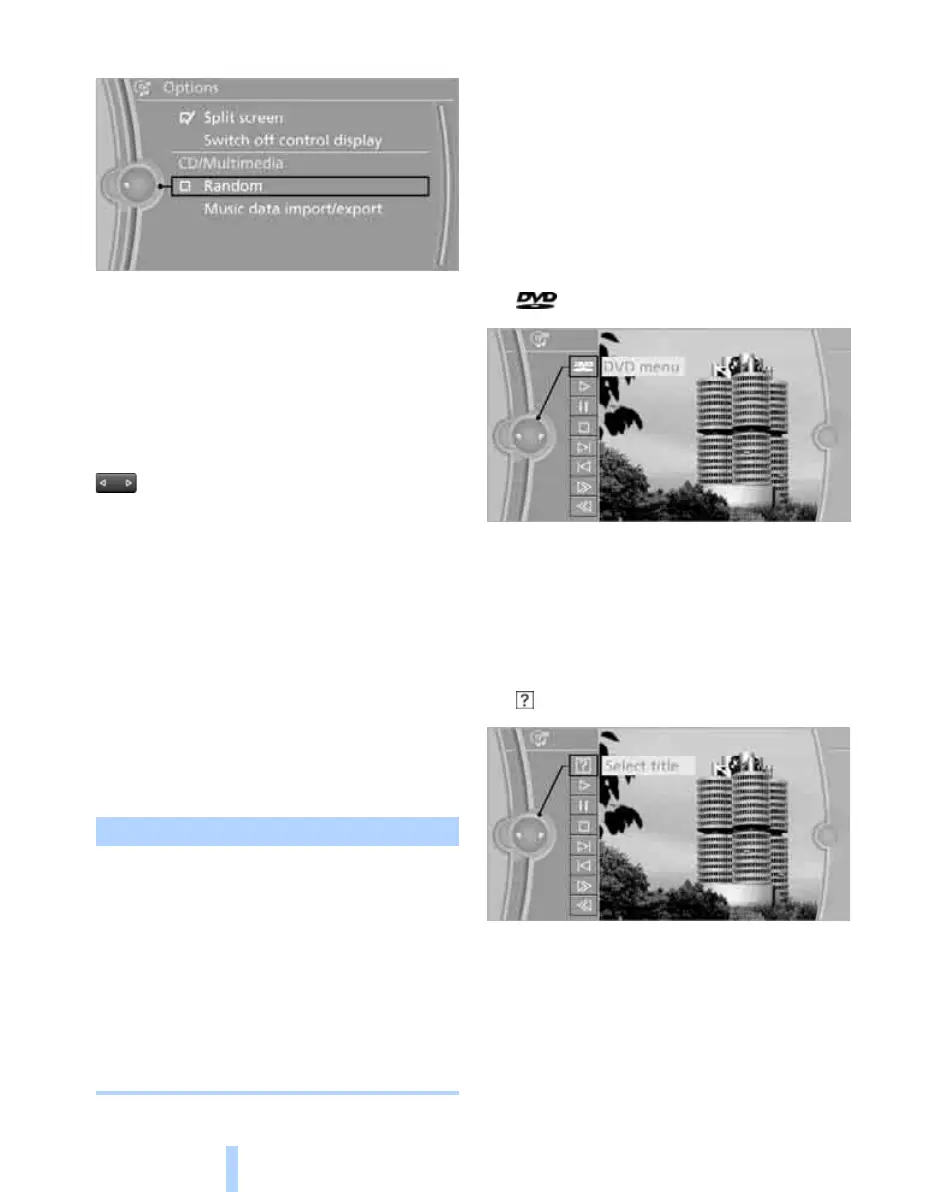
5. "Random"
CDs/DVDs with compressed audio files: the
folders and the tracks they contain are played in
random order.
Random playback is switched off when the
audio source is changed or the ignition is
switched off.
Fast forward/reverse
Press and hold the button for the appro-
priate direction.
Automatic repetition*
Selected tracks, directories or CDs/DVDs are
repeated automatically.
Video playback*
Country codes
Only DVDs with the code of your home region
can be played, see also the information on your
DVD.
Starts playback
For your own safety, the video image is only dis-
played up to approx. 3 km/h, approx. 2 mph. On
some national-market versions, it is only dis-
played when the handbrake is engaged.
DVD video
1. "CD/Multimedia"
2. "CD/DVD"
3. Select a DVD with video content.
4. "DVD menu"
5. Start the DVD via the DVD menu.
VCD/SVCD
1. "CD/Multimedia"
2. "CD/DVD"
3. Select a CD/DVD with video content.
4. "Select track"
5. Select the desired track.
The CD/DVD is started.
Code Region
1USA, Canada
2 Japan, Europe, Middle East,
South Africa
3 South-East Asia
4 Australia, Central and
South America, New Zealand
5 North-West Asia, North Africa
6China
0All regions
Online Edition for Part no. 01 41 2 602 816 - © 08/09 BMW AGOnline Edition for Part no. 01 41 2 602 816 - © 08/09 BMW AG



 To Next Page