BMW Services
174
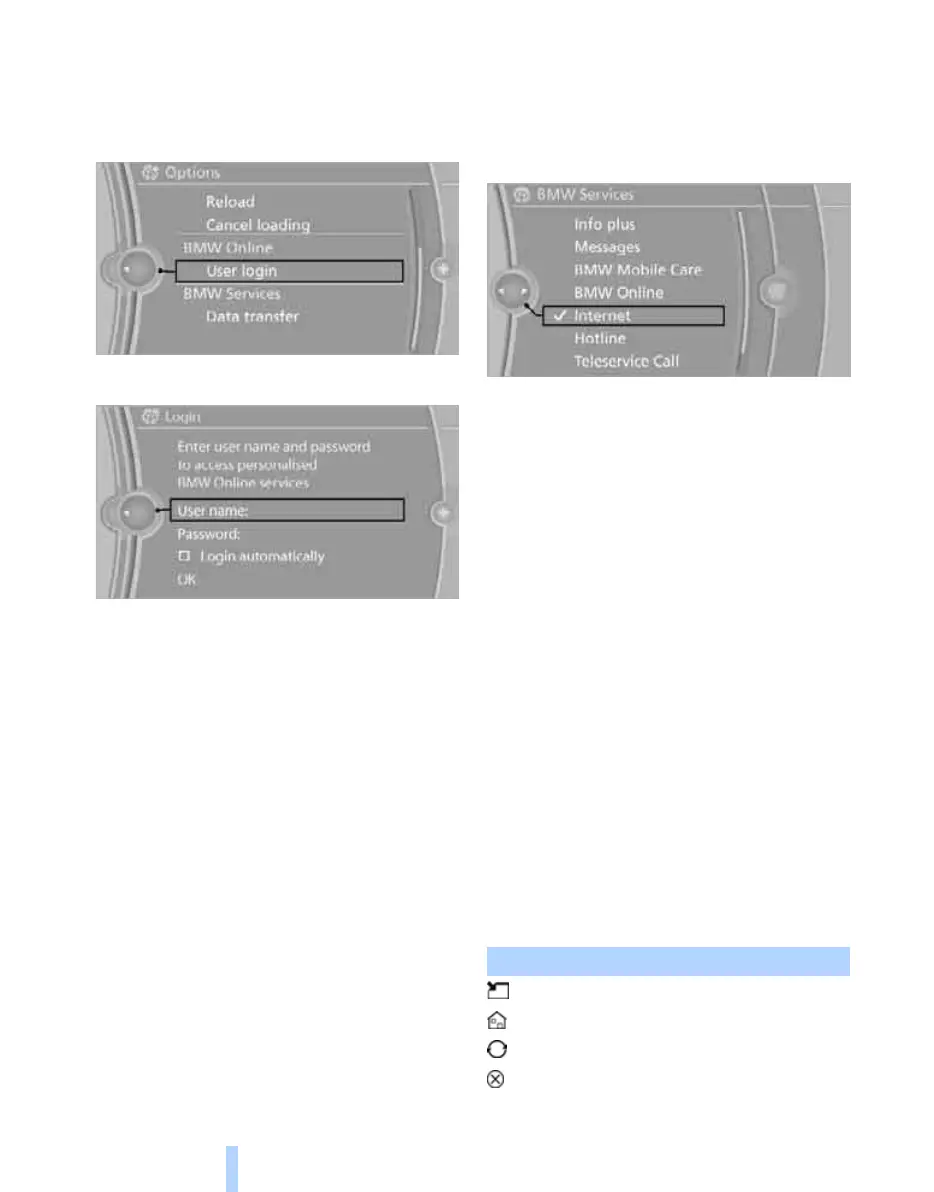
1. "BMW Services"
2. "BMW Online"
3. Call up "Options".
4. "User login"
5. "User name:"
6. Enter your user name and select "OK".
7. "Password:"
8. Enter your password.
9. "OK"
Automatic logon
The logon takes place automatically when
BMW Online is called up.
"Login automatically"
Logging off
1. "BMW Services"
2. "BMW Online"
3. Call up "Options".
4. "User logoff"
Internet*
Calling up the Internet
1. "BMW Services"
2. "Internet"
3. If necessary, "OK"
The home page is displayed. It is possible that
the Internet sites are not displayed in the same
way as on a PC. In the case of Flash or Java
applications, content may not be displayed cor-
rectly.
Licensing terms:
This product contains NetFront Browser soft-
ware from ACCESS Co., Ltd. Copyright © 2007
ACCESS Co., Ltd. All rights reserved. NetFront
is a trademark or registered trademark of
ACCESS Co., Ltd. in Japan and in other coun-
tries.
This software is based in part on the work of the
Independent JPEG Group.
Operating the Internet
Menu bar
A menu bar for operation is displayed. To acti-
vate the menu bar, tilt the controller to the left if
required, until the cursor is located in the menu
bar.
Symbol Function
Activate mouse pointer
Call up home page
Refresh, reload
Cancel
Online Edition for Part no. 01 41 2 602 816 - © 08/09 BMW AGOnline Edition for Part no. 01 41 2 602 816 - © 08/09 BMW AG



 To Next Page