Copying Data via the CD/DVD Drive
Self-recorded CD/DVD ROMs with audio files in MP3, WMA or AAC (M4A) format
can be read, copied and stored using the DVD player (drive).
All CD/DVD formats (from CD-R to DVD Double Layer) are supported, except for
CD-RAM and DVD-RAM.
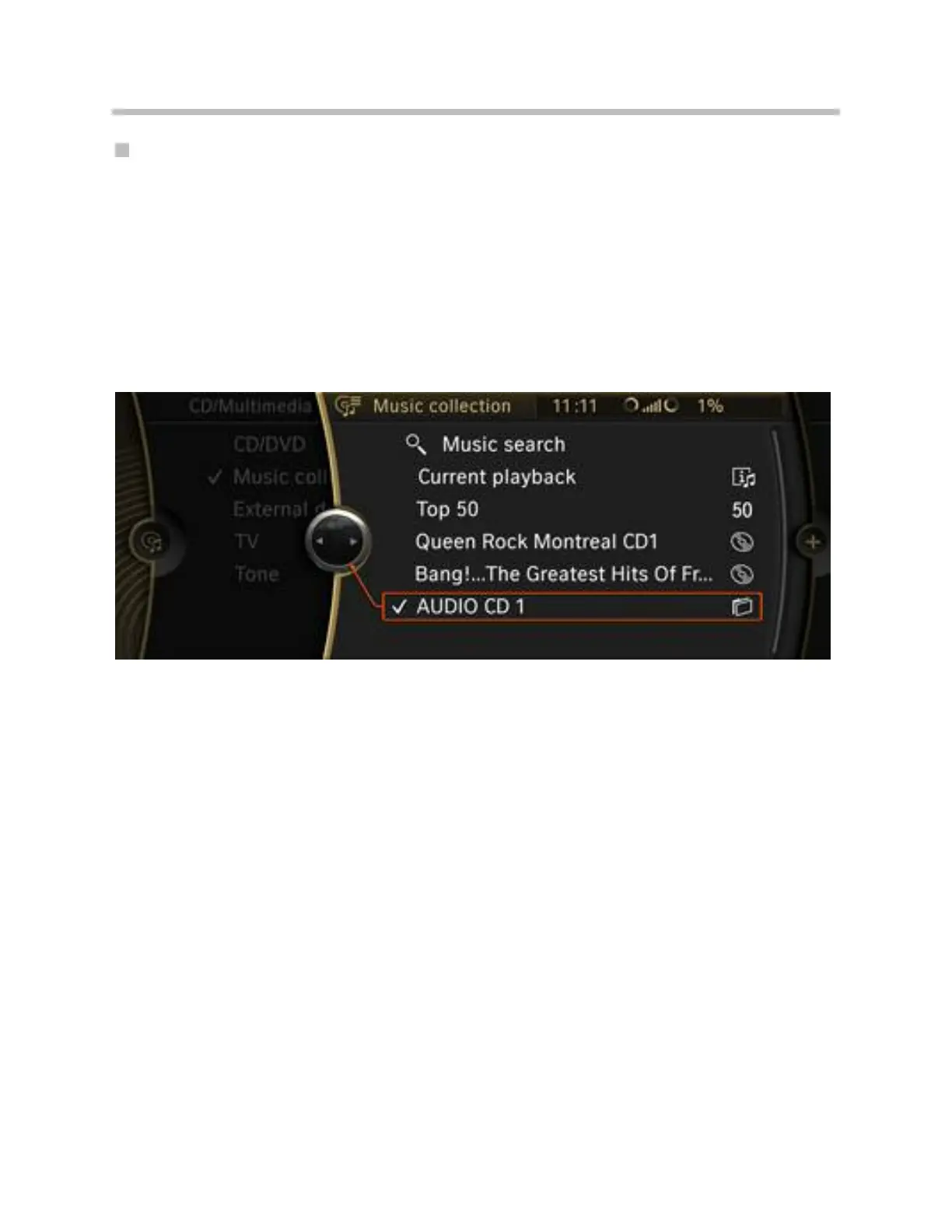
The audio data is then stored in the form of file folders in the music collection together
with the title of the respective CD/DVD ROM.
If the CD/DVD ROMs are untitled, they will be stored as "Audio-CD 1", "Audio-CD 2",
etc. To facilitate identification, a folder icon is shown next to the file folder.
Copying a music file from a CD-ROM
35
F01 Audio Systems



 To Next Page