Display in the instrument cluster
The READY display indicates that
the vehicle is ready for driving.
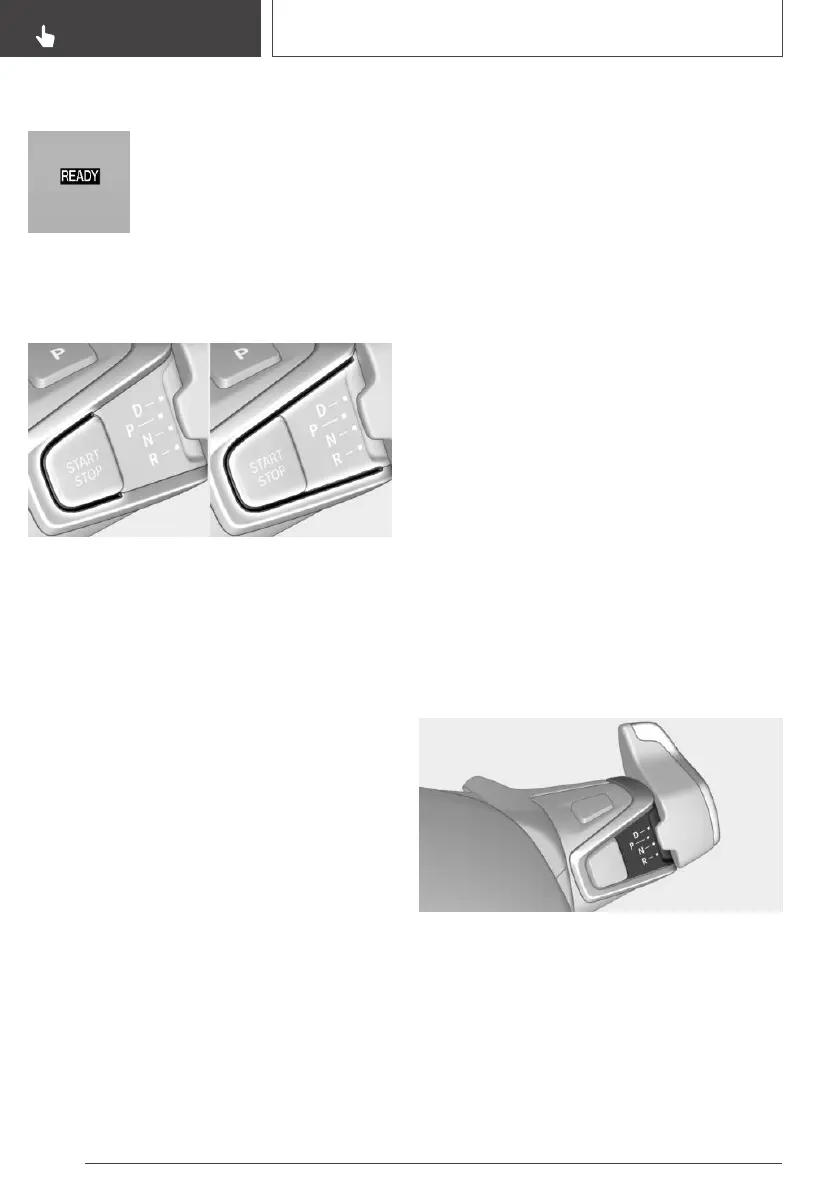
Display on the Start/Stop button
General information
Drive-ready state is also displayed through light
indicators on the Start/Stop button.
Lighting pulses orange
▷ After unlocking and opening the door.
▷ After switching off drive-ready state.
When the brake pedal is depressed, the lighting
becomes more intense.
Lighting lights up steady blue
After drive-ready state is switched on, light turns
blue. The vehicle is ready to drive. The READY
indicator lights up in the instrument cluster. In
addition, a signal sounds.
Lighting off
Drive-ready state, standby state and radio-ready
state are switched off. The vehicle is in the idle
state. The charging cable may be connected.
Driving off
Functional requirements
Driving is possible under the following condi‐
tions:
▷ The high-voltage battery is sufficiently
charged.
▷ The driver's door is closed.
State of charge in strong temperature
fluctuations
In the case of strong temperature fluctuations
and a low state of charge of the high-voltage bat‐
tery, it may not be possible to start the vehicle
again at the beginning of the next trip. Recharge
vehicle with low state of charge in time.
Driving
1.
Switch on drive-ready state.
2. Apply the brake and engage the selector
lever in position D or R.
3. Release the parking brake.
4. Depress the accelerator pedal to drive.
Selector lever positions
The engaged selector lever position is displayed
on the selector lever.
D Drive
Position for normal vehicle operation.
Seite 102
CONTROLS
Driving
102
Online Edition for Part no. 01402989267 - II/18



 To Next Page