Press button on the steering wheel.
▷ If active: press twice.
▷ If interrupted: press once.
The displays go out. The stored desired speed is
deleted.
Interrupting manually
Press button on the steering wheel.
If interrupting the system while stationary, press
on the brake pedal at the same time.
Interrupting automatically
The system is automatically interrupted in the
following situations:
▷ When the driver applies the brakes.
▷ When selector lever position D is disengaged.
▷ When Dynamic Traction Control DTC is acti‐
vated.
▷ If DSC Dynamic Stability Control intervenes.
▷ If the safety belt is unbuckled and the driver's
door is opened while the vehicle is standing
still.
▷ If the detection range of the camera is im‐
paired, for instance by soiling, heavy precipi‐
tation or glare effects from the sun.
▷ After a stationary period of approx. 3 seconds
when the vehicle has been braked to a stop
by the system.
Setting the speed
Maintaining/storing the speed
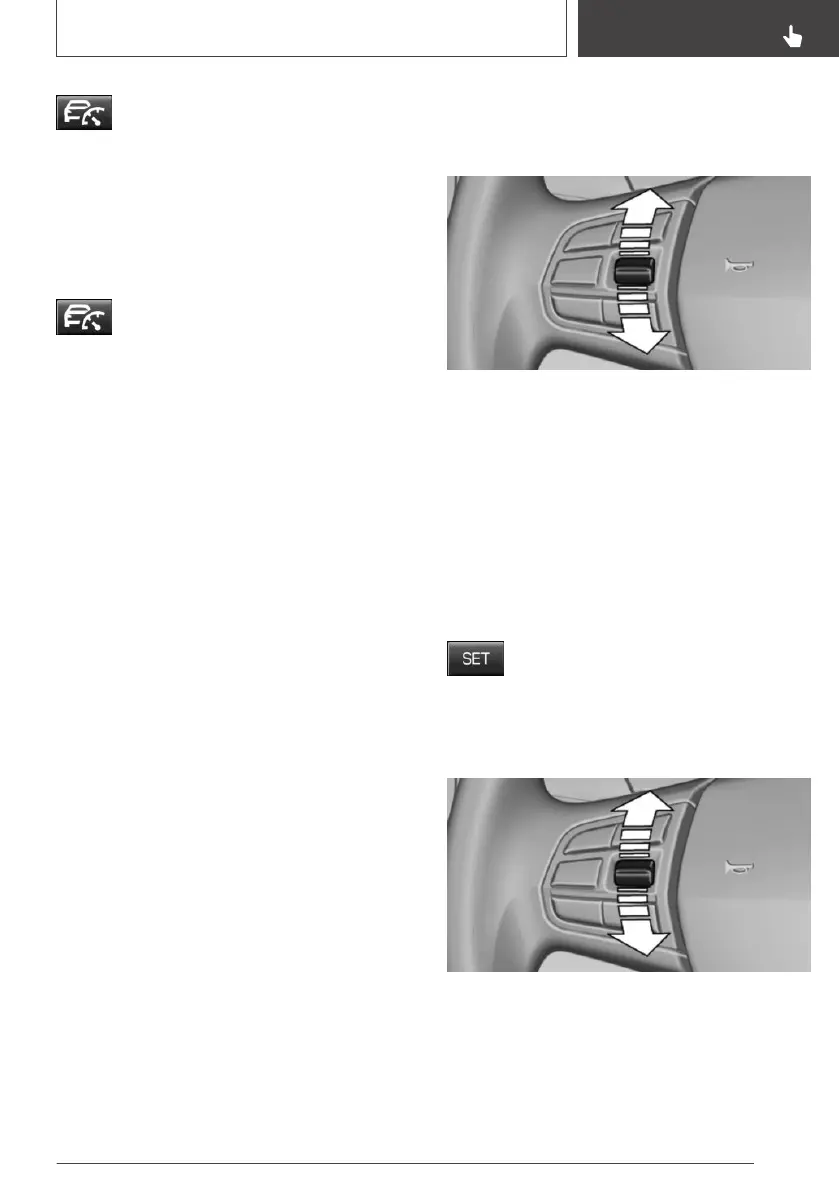
Press the rocker switch up or down once while
the system is interrupted.
When the system is switched on, the current
speed is maintained and stored as the desired
speed.
The stored speed is displayed in the speedome‐
ter and permanently in the instrument cluster, re‐
fer to page 156.
DSC Dynamic Stability Control is switched on, if
necessary.
The speed can also be stored by press‐
ing a button.
Press button.
Changing the speed
Press the rocker switch up or down repeatedly
until the desired speed is set.
If active, the displayed speed is stored and the
vehicle reaches the stored speed when the road
is clear.
Seite 155
Driving comfort
CONTROLS
155
Online Edition for Part no. 01402989267 - II/18



 To Next Page