WARNING
Risk of accident due to too high speed differen‐
ces to other vehicles, for instance in the follow‐
ing situations:
▷ When fast approaching a slowly moving
vehicle.
▷ Vehicle suddenly swerving into own lane.
▷ When fast approaching standing vehicles.
There is a risk of injuries or danger to life.
Watch traffic closely and actively intervene
where appropriate.
Overview
Buttons on the steering wheel
Button Function
Cruise control on/off, interrupting, re‐
fer to page 154.
Store/maintain speed, refer to
page 155.
Resume speed, continue cruise con‐
trol, refer to page 156.
Adjust distance, refer to page 156.
Rocker switch:
Set speed, refer to page 155.
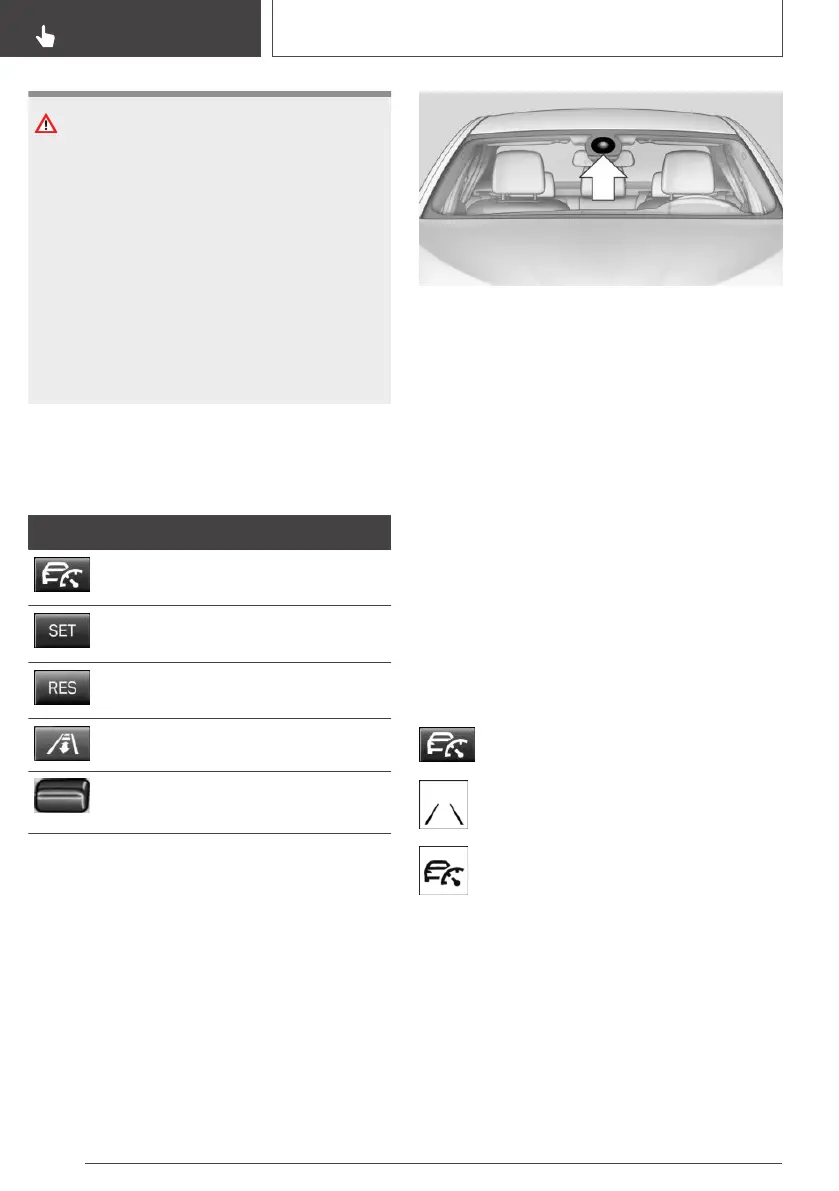
Camera
A camera in the area of the interior mirror serves
to detect vehicles.
Keep the windshield in front of the interior mirror
clean and clear.
Functional requirements
Speed range
The system is best used on well-constructed
roads.
The desired speed can be set between
20 mph/30 km/h and 85 mph/140 km/h.
The system can also be activated when station‐
ary.
Switching on/off and interrupting
cruise control
Switching on
Press button on the steering wheel.
The indicator light in the instrument clus‐
ter lights up.
Desired speed becomes current speed
and will be displayed - beside the symbol
- in the Info Display.
Cruise control can be used.
DSC Dynamic Stability Control is switched on, if
necessary.
Switching off
To switch off the system while standing, step on
brake pedal at the same time.
Seite 154
CONTROLS
Driving comfort
154
Online Edition for Part no. 01402989267 - II/18



 To Next Page