The objects displayed on the Control Display
may be closer than they appear. Do not estimate
the distance from the objects on the display.
Parking assistant
Concept
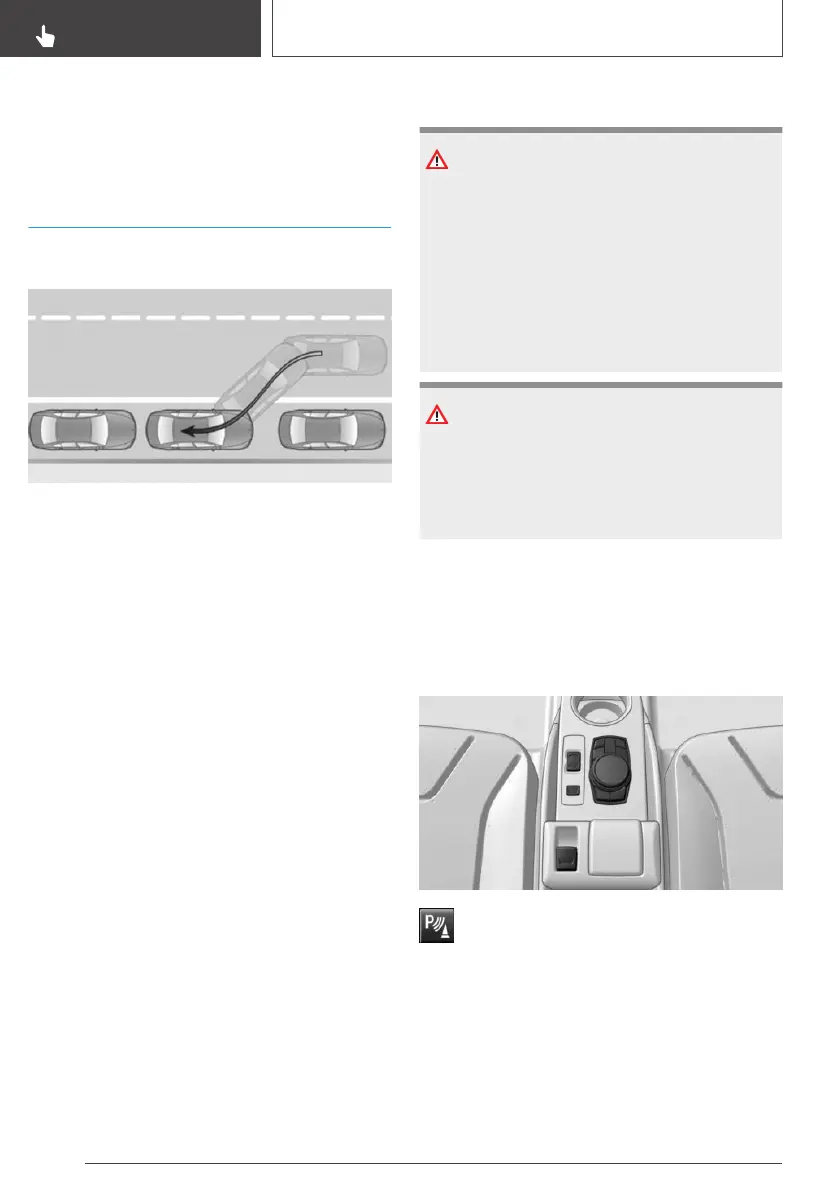
This system assists the driver in parking parallel
to the road.
General information
Parking assistant handling is divided into three
steps:
▷ Switching on and activating.
▷ Parking space search.
▷ Parking.
Ultrasound sensors measure parking spaces on
both sides of the vehicle.
The parking assistant calculates the best possi‐
ble parking line and during the parking procedure
takes control of steering, the acceleration and
braking, and if needed, changes the gears. Press
and hold the park assistance button for the dura‐
tion of the parking procedure.
System status and instructions on required ac‐
tions are displayed on the Control Display.
The parking assistant uses the sensors of PDC
Park Distance Control.
Safety information
WARNING
The system cannot serve as a substitute for the
driver’s personal judgment in assessing the
traffic situation. Based on the limits of the sys‐
tem, it cannot independently react to all traffic
situations. There is a risk of an accident. Adjust
driving style to traffic conditions. Watch traffic
closely and actively intervene where appropri‐
ate.
NOTICE
The parking assistant can steer the vehicle over
or onto curbs. There is a risk of damage to
property. Watch traffic closely and actively in‐
tervene where appropriate.
Also follow the safety information for PDC Park
Distance Control.
Overview
Button in the vehicle
Park assistance button
Seite 168
CONTROLS
Driving comfort
168
Online Edition for Part no. 01402989267 - II/18


 To Next Page
 Loading...










