Calling up settings
Using the button:
Press the desired memory button 1 or 2.
The stored position is called up.
The procedure stops when a seat setting
switch or one of the memory buttons is
pressed again.
The adjustment of the seat position on the
driver's side is interrupted after a short time
while driving.
Via iDrive:
1.
Apps menu
2. "Vehicle"
3. "Seat comfort"
4. Select desired seat.
5. "Seat position"
6. Select the desired seat position.
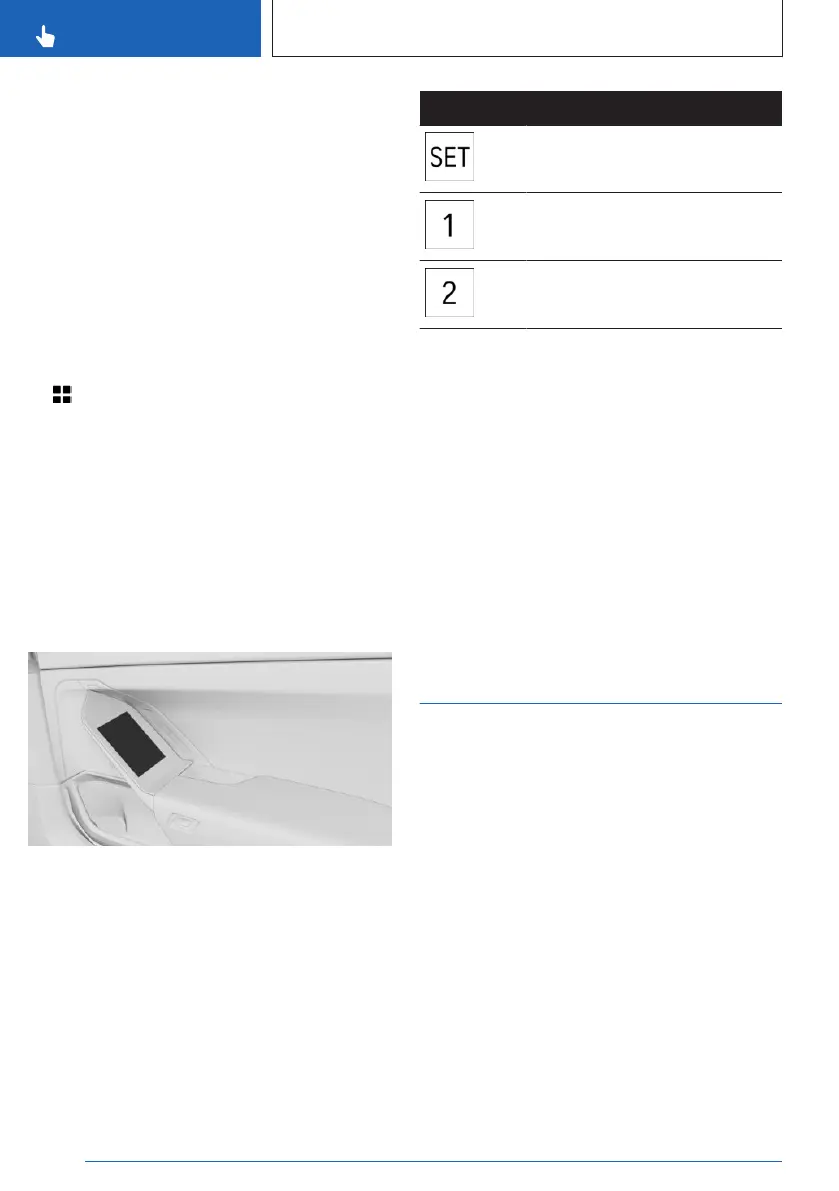
Memory function, rear
Overview
The memory function is operated via BMW
Touch Command.
Icon
Meaning
SET button
Memory button 1
Memory button 2
Storing settings
1.
Set the desired position.
2. "SET"
3. Press the desired memory button 1 or 2.
Calling up settings
Press the desired memory button 1 or 2.
The stored position is called up.
The procedure stops when a seat setting
switch or one of the memory buttons is
pressed again.
Seat climate control
Various climate control functions are available
for the seats.
Additional information:
Climate control, refer to page 275.
Seite 118
CONTROLS
Seats, mirrors and steering wheel
118
Online Edition for Part no. 01405A88D67 - VI/23



 To Next Page