Selecting My Modes
1. Press the button.
2. "Switch mode"
3. Select the desired mode.
Configuring My Modes
Some modes can be configured individually.
1. Press the button.
2. Select mode.
3. "Settings"
4. Select the desired settings.
Changing the start mode
Some modes can be set as the start mode.
The start mode set is enabled when drive-
ready state is switched on.
1.
Press the button.
2. Select mode.
3. "Settings"
4. "Start mode"
My Modes Design
Specific depictions of a mode can be shown on
the control display under My Modes Design.
1.
Press the button.
2. "My Modes design"
Operation in rear
General information
Some modes can be selected in the rear using
BMW Touch Command.
For safety reasons, it is not always possible to
change My Modes, e.g., when drive-off assis-
tance is enabled or if vehicle handling is influ-
enced as a result.
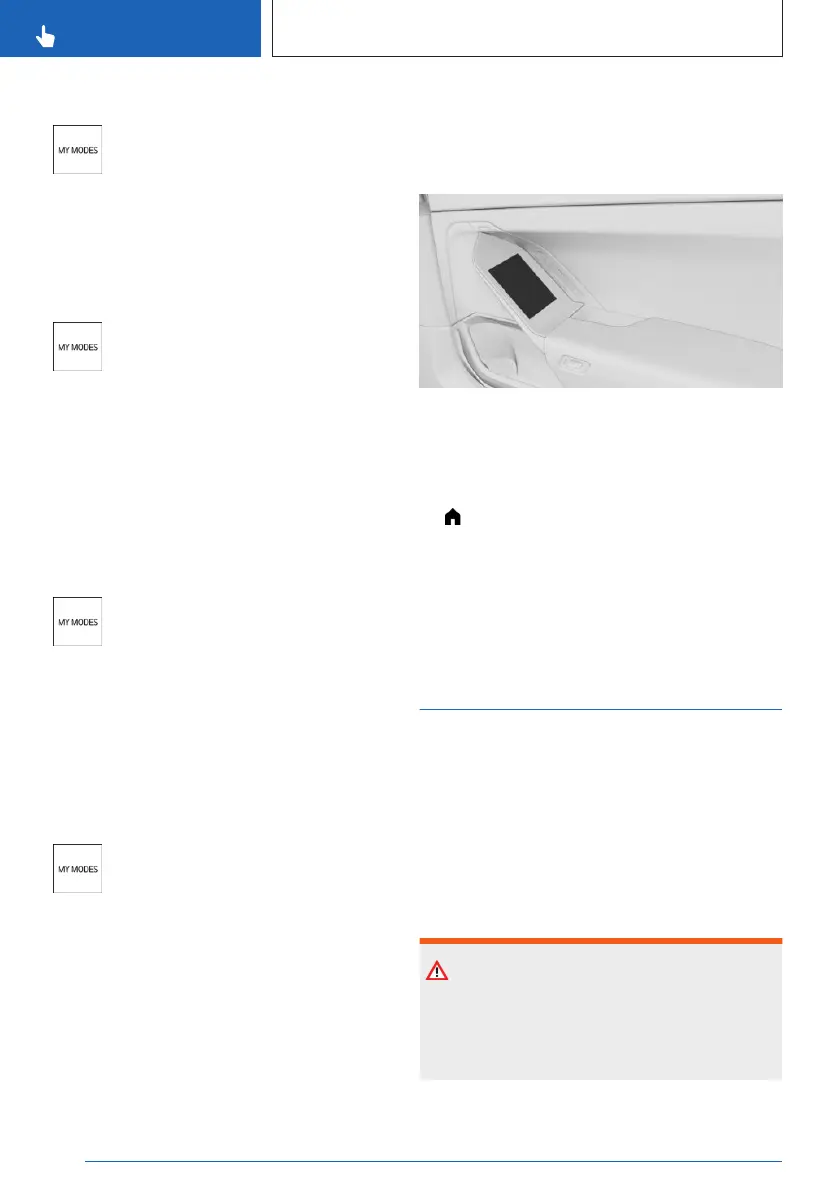
Overview
BMW Touch Command is located in the door
handle of the rear doors.
Selecting My Modes
1.
Tap on the icon.
2. "My Modes"
3. Select the desired mode.
Additional information:
BMW Touch Command, refer to page 57
My Programs
Principle
Various vehicle functions in the vehicle interior
are adapted to each other in a program.
When you select a program, the interior light-
ing, climate control, and music selection will be
adjusted, among other things.
Safety information
Warning
People or animals in the vehicle can lock the
doors from the inside and lock themselves in.
In this case, the vehicle cannot be opened
from the outside. There is a risk of injury.
Seite 136
CONTROLS
Driving
136
Online Edition for Part no. 01405A88D67 - VI/23



 To Next Page