After setting it up, use Amazon Alexa in the
vehicle as follows:
Say the activation word "Alexa" and the de-
sired command.
Information about the active function is dis-
played on the control display. If the function
is restricted, reconnect Bluetooth and Wi-Fi as
necessary.
Automating routines
General information
The Personal Assistant can automate routines,
for instance the automatic opening of windows
in the same place. Rules are created for this
purpose, which can be activated and deacti-
vated at any time.
Activating/deactivating routines
1.
Apps menu
2. "All apps"
3. "Automate habits"
4. Select the desired setting.
System limits
▷
The Personal Assistant provides informa-
tion about vehicle functions that may not be
installed in the vehicle.
This also applies to safety functions and
systems.
▷ Certain noises can be detected and may
lead to problems. Keep the doors and win-
dows closed.
▷ Noises from the front passenger or occu-
pants can impair the system. Avoid making
other noise in the vehicle while speaking.
▷ Major language dialects can cause prob-
lems with the speech recognition feature.
▷ A poor data connection affects the re-
sponse time of the Personal Assistant and
search function.
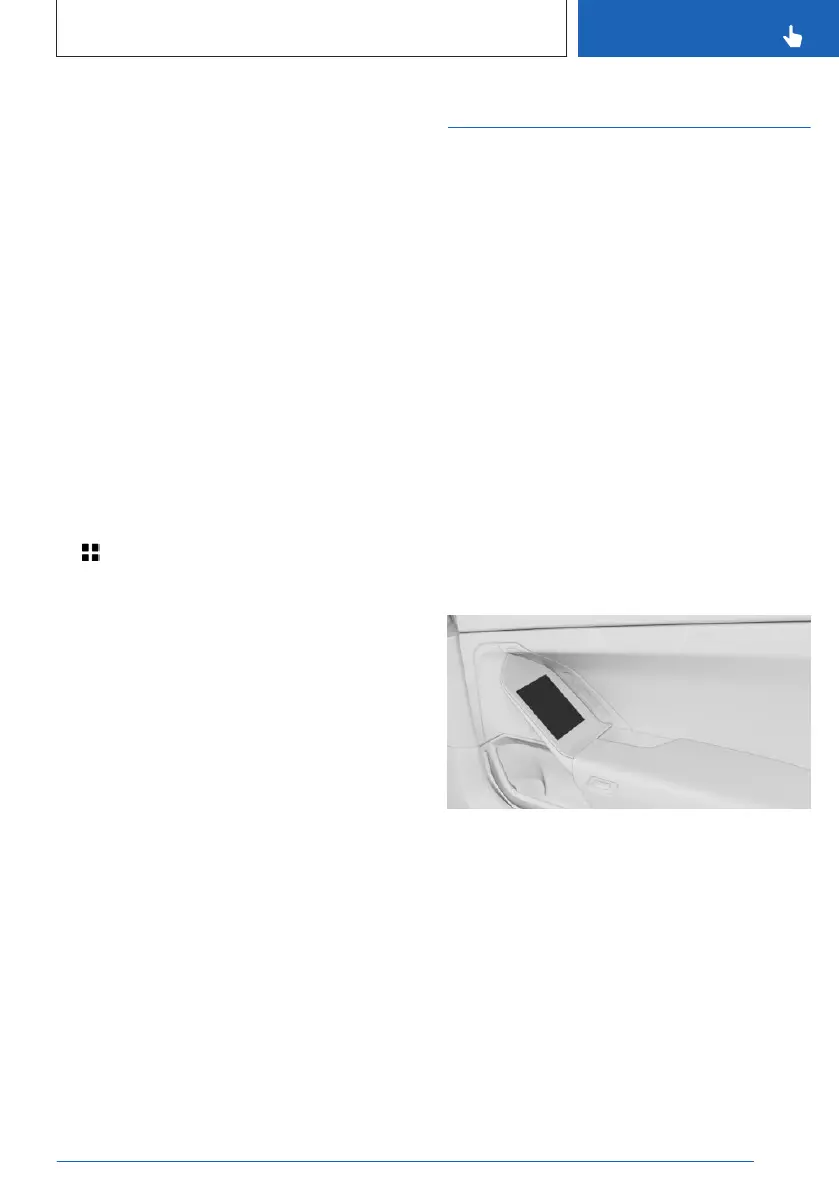
BMW Touch Command
Principle
BMW Touch Command is a touchscreen used
to operate vehicle functions.
General information
The following functions can be operated:
▷ Audio sources.
▷ My Modes.
▷ Interior lighting.
▷ Sun protection.
▷ Rear seats.
▷ Climate control in the rear.
▷ BMW Theater Screen.
▷ Wireless charging tray in rear.
▷ Some phone features.
Overview
BMW Touch Command is located in the door
handle of the rear doors.
Switching on BMW Touch
Command
BMW Touch Command is switched on auto-
matically after unlocking the vehicle.
If necessary, tap BMW Touch Command.
Seite 57
BMW iDrive
CONTROLS
57
Online Edition for Part no. 01405A88D67 - VI/23



 To Next Page