Cleaning of the front camera and rear-
view camera can be switched on as
needed.
▷ "Settings"
Settings can be entered in the Park
menu.
Toolbar, right
The Parking Assistant functions are displayed
in the right toolbar.
▷ Status of the parking assistance systems.
▷ Available parking methods of the Automatic
Parking Assistant.
▷ Functions of the Back-up Assistant.
▷ Functions of the Maneuver Assistant.
▷ Additional information in case of malfunc-
tions.
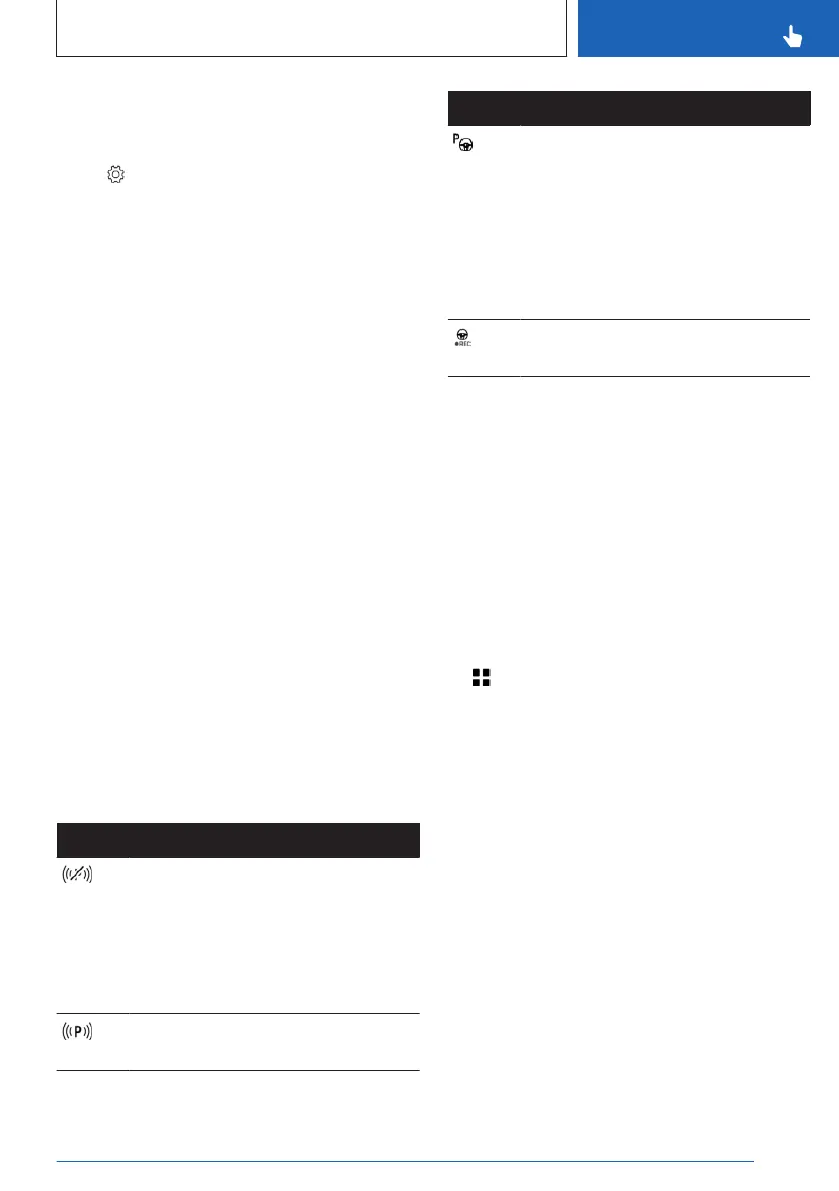
Status of parking assistance
systems
The status of the following parking assistance
systems is displayed:
▷
Automatic Parking Assistant.
▷ Maneuver Assistant.
▷ Back-up Assistant.
The icons are shown on the control display in
the right toolbar and in the status area in the
instrument cluster. In addition to the icon, a
message is shown on the control display.
Icon
Meaning
No search for parking assistance
system offers.
No other parking assistance sys-
tems available.
Parking assistance systems have
failed.
Search for parking assistance sys-
tem offers is active.
Icon Meaning
White: an available maneuver is se-
lected but is not being performed.
Functional requirements have not
been met or the functions transfer
has been completed.
Green: parking assistance system is
active. Functions are controlled de-
pending on the system activated.
Maneuver Assistant records the
maneuver to be stored.
Additional displays
General information
Additional displays can be shown in the cam-
era image of the display of the parking assis-
tance systems, e.g., parking aid lines, to make
parking and maneuvering easier.
Several additional displays can be active at the
same time.
Turning additional displays on/off
1.
Apps menu
2. "Vehicle"
3. "Driving settings"
4. "Driver Assistance"
5. "Parking"
6. Select the desired setting.
Seite 247
Parking
CONTROLS
247
Online Edition for Part no. 01405A88D67 - VI/23



 To Next Page