Activating adaptive recuperation
1. Apps menu
2. "Vehicle"
3. "Driving settings"
4. "Drivetrain and chassis"
5. "Adaptive recuperation"
6. Select the desired setting.
Coasting
Principle
The electric drivetrain makes it possible to roll
without consuming energy. This driving condi-
tion is referred to as coasting.
General information
An anticipatory driving style helps the driver
to use the function often and supports the en-
ergy-saving effect of coasting.
Coasting is automatically adapted to the re-
spective driving situation.
The coasting mode is displayed in the Live Ve-
hicle menu as efficient coasting.
Additional information:
Current driving condition, refer to page 161.
Exemplary driving situations
If a route can be traveled without an antici-
pated need for braking, it is advantageous to
roll.
The following exemplary driving situations may
be suitable:
▷
Rolling on a straight downhill route without
obstacles.
▷ Coasting on a distance without obstacles.
Avoid late or strong braking.
Functional requirements
▷ Selector lever position D is engaged.
▷ Brake is not depressed.
▷ Accelerator pedal is not operated.
System limits
▷ While Active Cruise Control is active.
▷ With defective, dirty or covered sensors.
Efficient mode
Principle
Efficient mode helps promote an efficient driv-
ing style.
In addition, the efficiency trainer displays situa-
tion dependent notes to assist with an energy-
saving driving style.
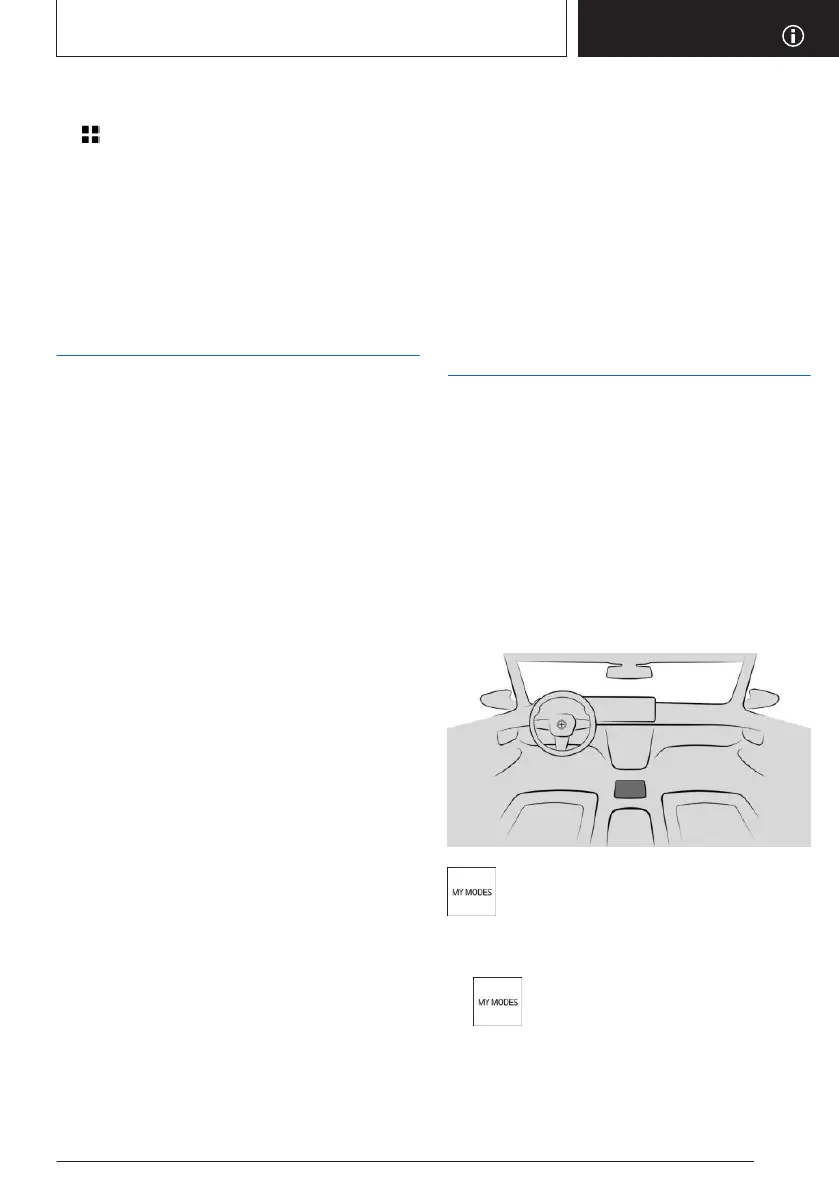
Overview
Button in the vehicle
My Modes
Selecting the driving mode
1.
Press the button.
2. "Switch mode"
3. Select the driving mode.
Seite 311
Increasing range
DRIVING TIPS
311
Online Edition for Part no. 01405A88D67 - VI/23



 To Next Page