▷ The camera lens is dirty, clean camera
lens.
Sensors and camera lenses, refer to
page 377.
▷ The gesture is executed outside of the de-
tection range.
▷ Wearing of gloves or jewelry.
▷ Smoking in the car's interior.
Connecting mobile devices
to the vehicle
Principle
Various connection types are available for us-
ing mobile devices in the vehicle. The connec-
tion type to select depends on the mobile de-
vice and the desired function.
General information
Detailed information on the functions and con-
nection types can be found in the following
media in the Owner's Manual under the speci-
fied keyword:
▷
Integrated Owner's Manual in the vehicle.
▷ Printed Owner's Manual for navigation,
communication and entertainment.
The following information sources can also be
used:
▷ Driver’s Guide app.
▷ Driver’s Guide Web.
Safety information
Warning
Operating the integrated information systems
and communication devices while driving can
distract from surrounding traffic. It is possi-
ble to lose control of the vehicle. There is
a risk of accident. Only use the systems or
devices when the traffic situation allows. As
warranted, stop and use the systems and de-
vices while the vehicle is stationary.
Overview
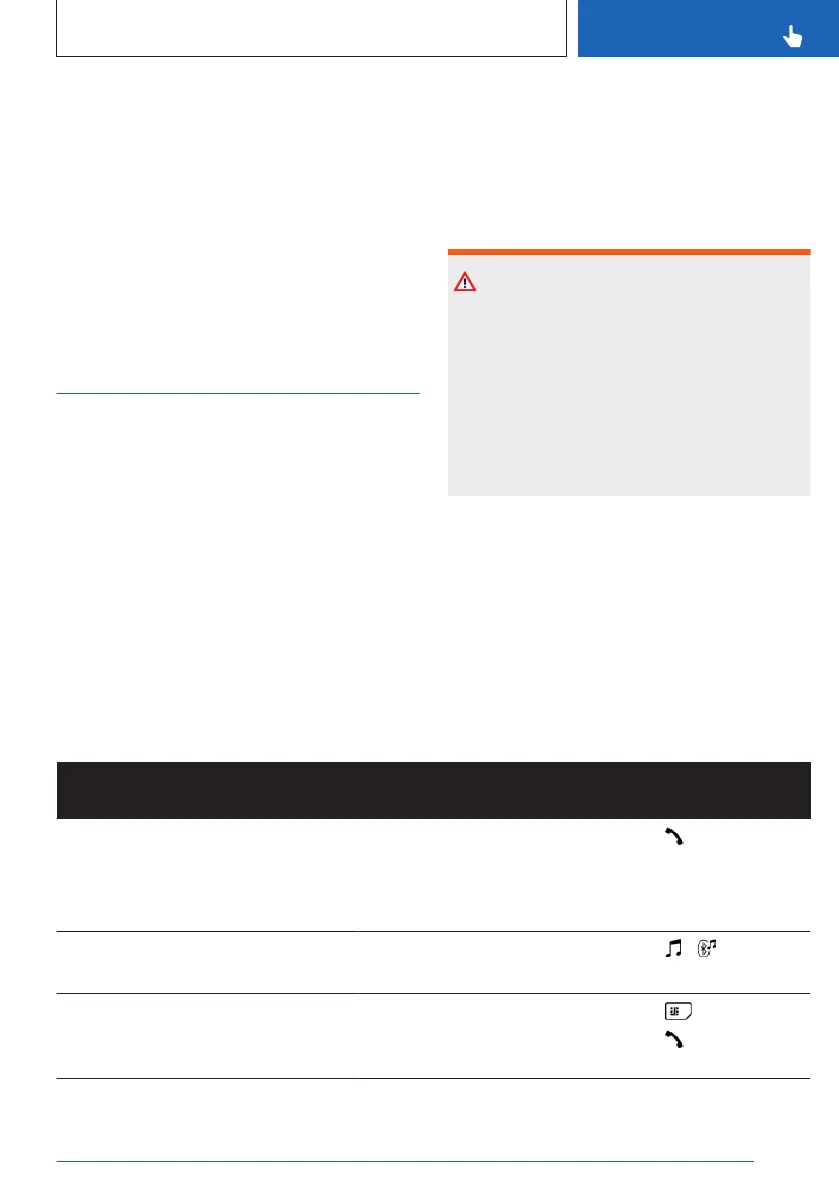
The following overview shows possible func-
tions and the suitable connection types for
them. The range of functions depends on the
vehicle equipment and the mobile device.
Function Connection type Icon on the con-
trol display
Making calls via the hands-free sys-
tem.
Using phone functions via iDrive.
Keyword: calling via Bluetooth.
Bluetooth.
Keyword: Bluetooth connection.
Playing music from a mobile device.
Keyword: audio.
Bluetooth audio.
Keyword: Bluetooth connection.
Calling without a mobile phone.
Keyword: calling with the Personal
eSIM.
Personal eSIM.
Keyword: Personal eSIM.
Seite 61
BMW iDrive
CONTROLS
61
Online Edition for Part no. 01405A88D67 - VI/23



 To Next Page