Climate
108
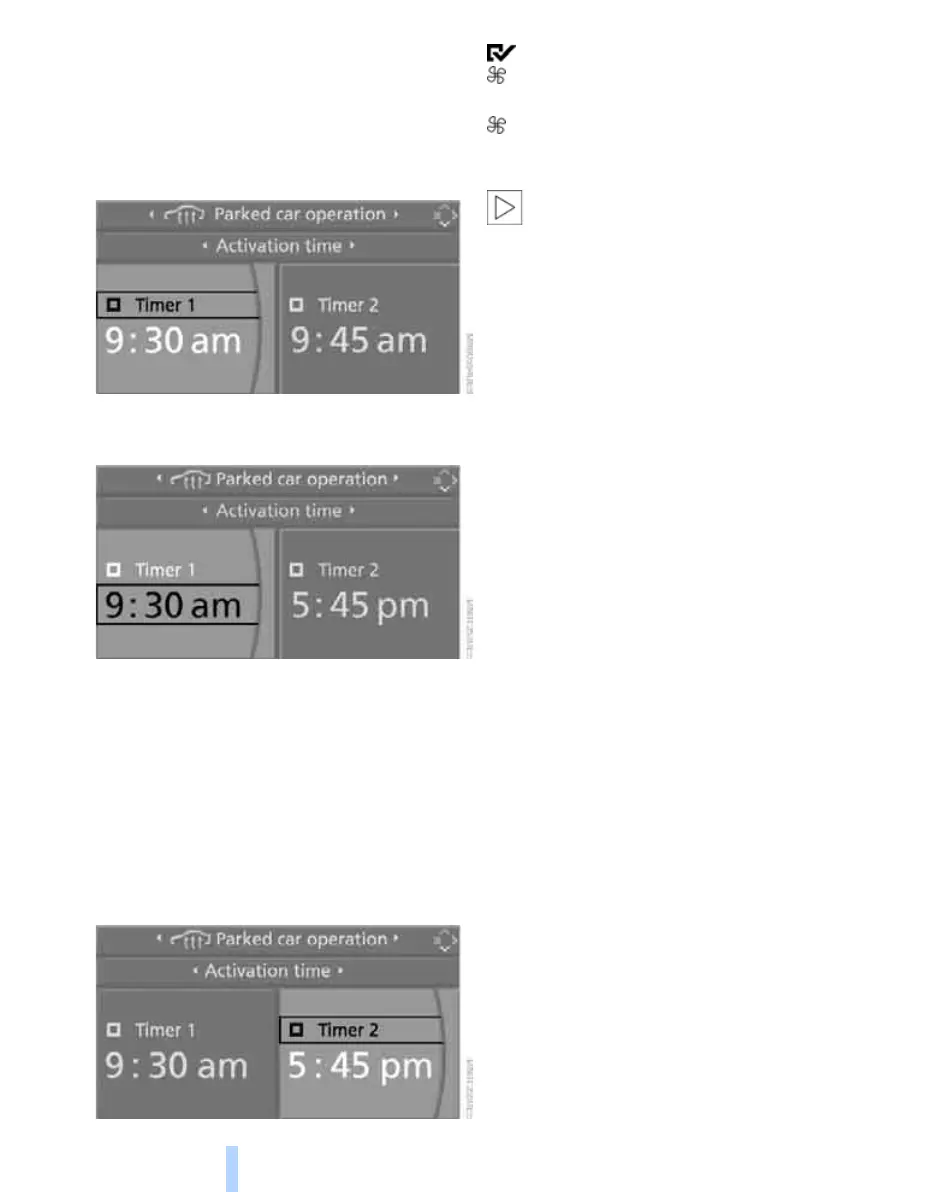
3. Select "Parked car operation" and press the
controller.
4. Select "Activation time" and press the con-
troller.
5. Move the controller to the left or right to
select "Timer 1" or "Timer 2".
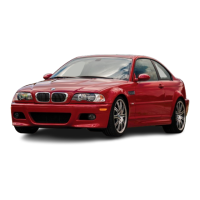
6. Select the time and press the controller.
The first time setting is selected.
7. Turn the controller to make the adjustment.
8. Press the controller to apply the setting.
The next setting is highlighted.
9. Make the remaining adjustments. After the
last adjustment, the time is stored.
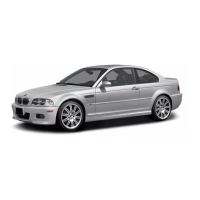
Activating switch-on times
Move the controller to the left or right to select
"Timer 1" or "Timer 2" and then press the con-
troller.
The switch-on time is activated.
The symbol on the automatic climate control
display lights up.
The symbol on the automatic climate control
display flashes when the system has switched
on.
The parked car ventilation is switched on
within the next 24 hours only. After these
have elapsed, it must be reactivated.<
Online Edition for Part no. 01 41 0 014 962 - © 02/08 BMW AG



 To Next Page