Navigation Driving tips
143
Reference At a glanceControlsCommunications EntertainmentMobility
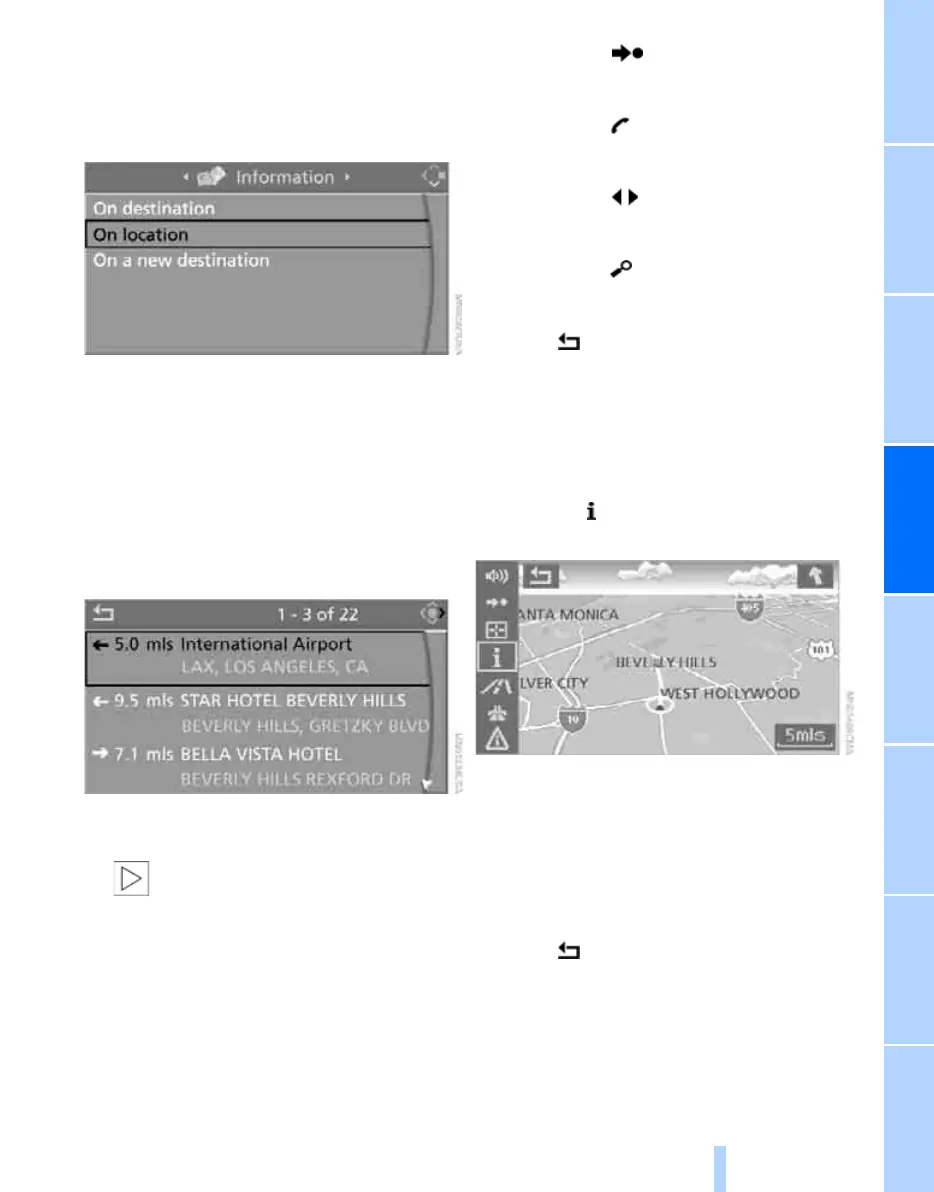
3. Select location:
> "On destination"
> "On location"
> "On a new destination"
4. Press the controller.
5. Make your selection, e.g. "Hotels and res-
taurants", and press the controller.
6. Enter search criteria if necessary, e.g. the
maximum distance from your location.
7. Select "<Start search>" and press the con-
troller.
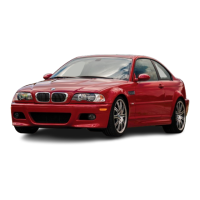
Destinations are shown on the Control Dis-
play.
8. Select a destination and press the control-
ler.
The scope of information and sym-
bols depends on the particular navi-
gation DVD you are using.<
9. Select the desired menu item:
> To transfer the address to the destina-
tion list and start destination guidance:
Select the symbol and press the
controller.
> To establish a telephone connection:
Select the symbol and press the con-
troller.
> To display additional destinations:
Select the symbol and press the
controller.
> To start a new search:
Select the symbol and press the con-
troller.
To exit from the menu:
Select the arrow and press the controller.
Symbols in the map display
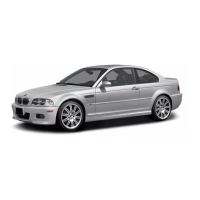
If you select the hotel category, for example,
and start a search, hotels appear on the map as
symbols.
To hide the symbols in the map display:
1. Select the symbol and press the control-
ler.
2. Select "Hide map icons" and press the con-
troller.
The symbols are hidden.
To show the symbols:
Select "Show map icons" and press the con-
troller.
To exit from the menu:
Select the arrow and press the controller.
Destination list
The last 20 destinations entered into the sys-
tem are shown in the destination list. You can
call up these destinations and transfer them for
Online Edition for Part no. 01 41 0 014 962 - © 02/08 BMW AG



 To Next Page