On/off and settings
164
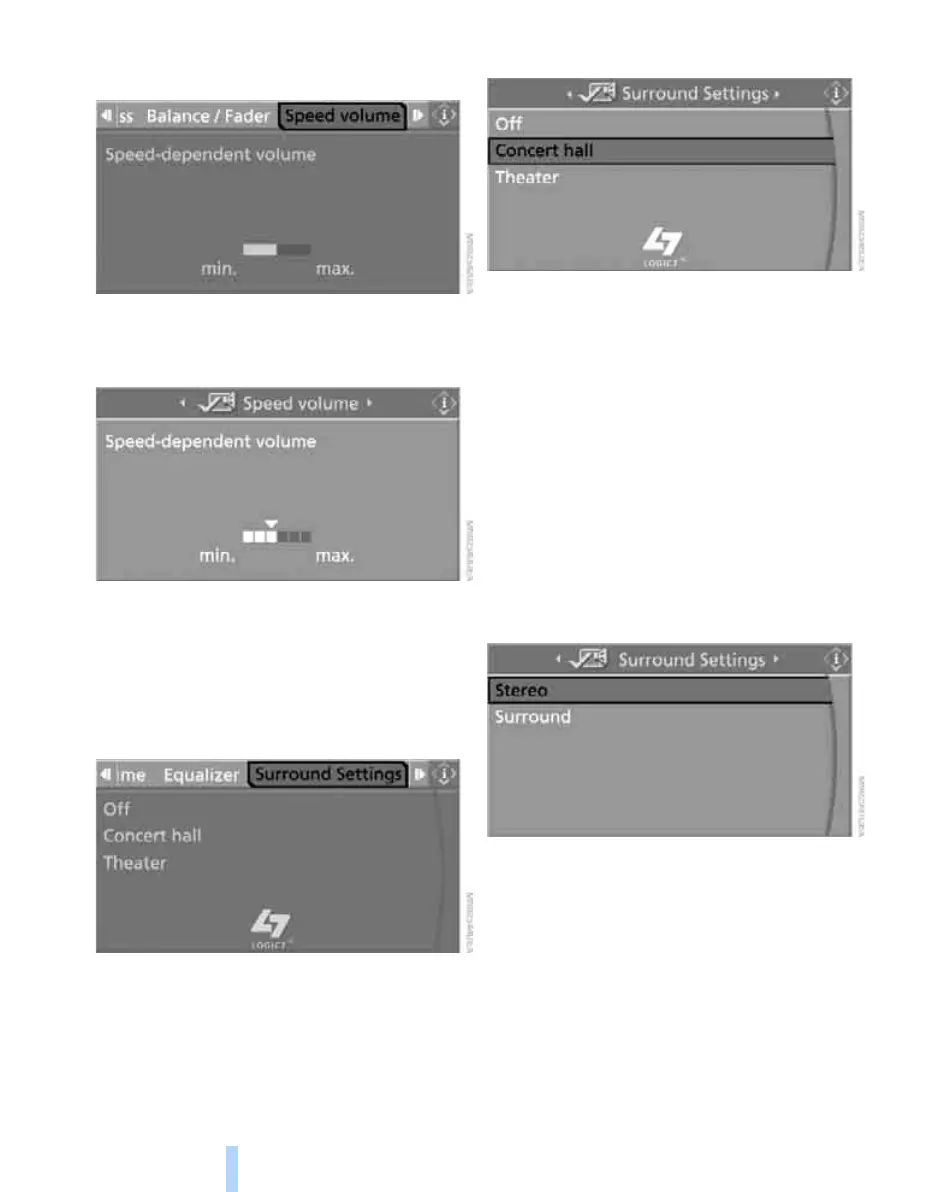
1. Select "Speed volume" and press the con-
troller.
2. Turn the controller:
The adjustment is applied; the field can be
changed.
Professional LOGIC7 HiFi System*
You can select a spatial sound effect that
improves the spatial acoustics in all frequency
ranges.
1. Select "Surround Settings" and press the
controller.
2. Select "Concert hall" or "Theater".
3. Press the controller.
LOGIC7 spatial sound is switched on.
To switch off the spatial sound effect:
Select "Off" and press the controller.
LOGIC7 and the LOGIC7 logo are registered
trade marks of Lexicon, Inc., a company of the
Harman International Group.
Individual High-End Audio System*
You can choose between stereo and multichan-
nel playback, surround.
1. Select "Surround Settings" and press the
controller.
2. Select "Stereo" or "Surround".
Equalizer*
You can set individual sound frequency ranges.
Online Edition for Part no. 01 41 0 014 962 - © 02/08 BMW AG



 To Next Page