NavigationEntertainment Driving tips
183
Reference At a glanceControlsCommunicationsMobility
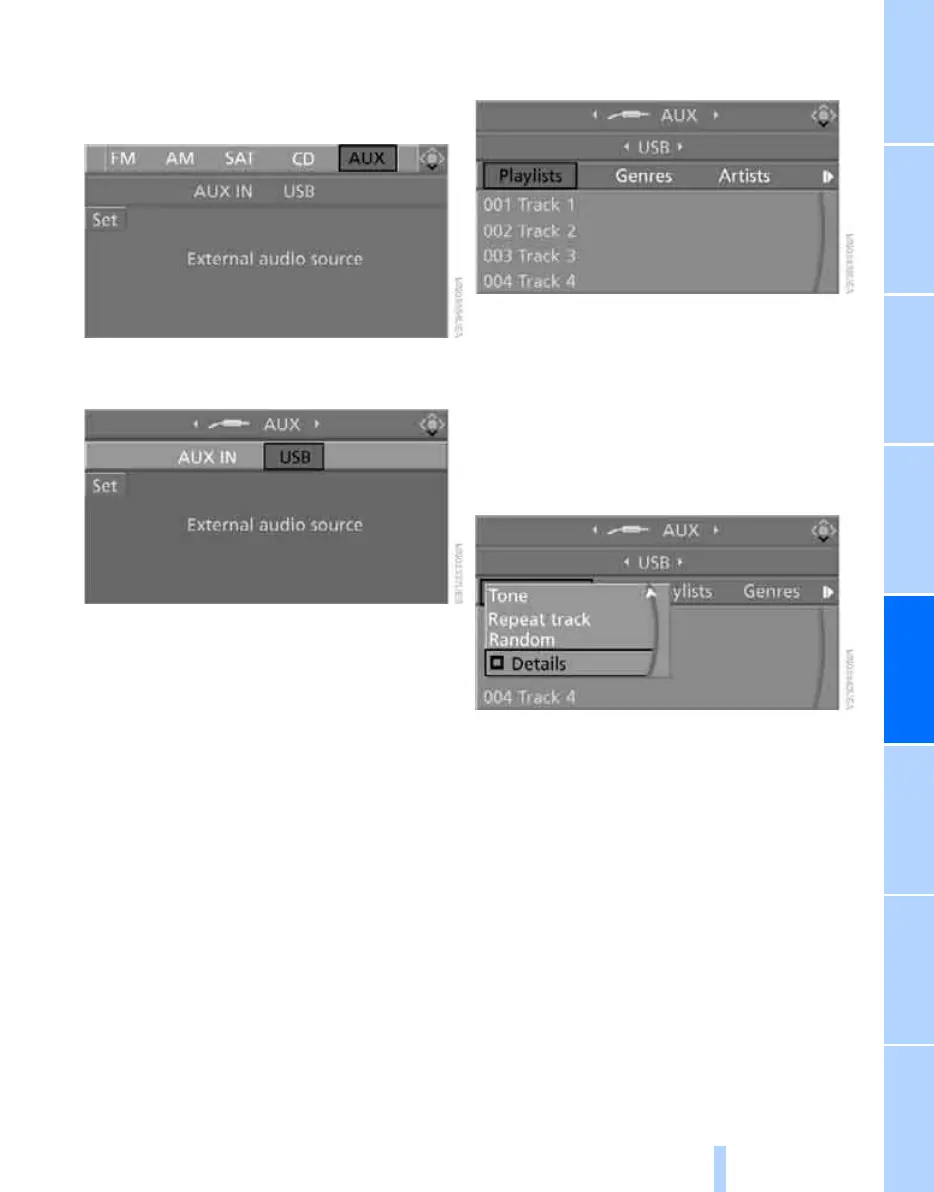
3. If necessary, move the highlight marker to
the uppermost field. Turn the controller
until "AUX" is selected and press the con-
troller.
4. Select "USB" or the name of the audio
device and press the controller.
Playback begins with the first track.
Via programmable memory keys
You can store the "USB" function on the pro-
grammable memory keys to start audio play-
back, refer to page 21.
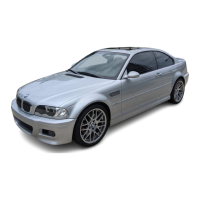
Selecting a track
You can call up the tracks using the playlists
and information. With USB devices you can also
call up tracks using the file directory. The tracks
can be displayed if they have been stored in the
Latin alphabet.
1. Make your selection, e.g. "Playlists" or "Art-
ists", and press the controller.
2. Select a track and press the controller.
Displaying information about the track
Any information about the current track that has
been recorded can be displayed, e.g. the name
of the artist.
1. Press the controller during playback.
2. Select "Details" and press the controller.
The information is shown for the current track.
Online Edition for Part no. 01 41 0 014 962 - © 02/08 BMW AG



 To Next Page