Voice command system
24
item on the Control Display.
To have the possible commands read out to
you:
For instance, if you have selected "CD", the
commands available for operating the CD
player and CD changer are read out
*
.
Opening help
Using alternative commands
There are often a number of commands to run a
function, e.g.:
Calling up functions immediately via
short commands
Short commands enable you to perform certain
functions immediately, irrespective of which
menu item is selected, refer to page 252.
Opening the start menu
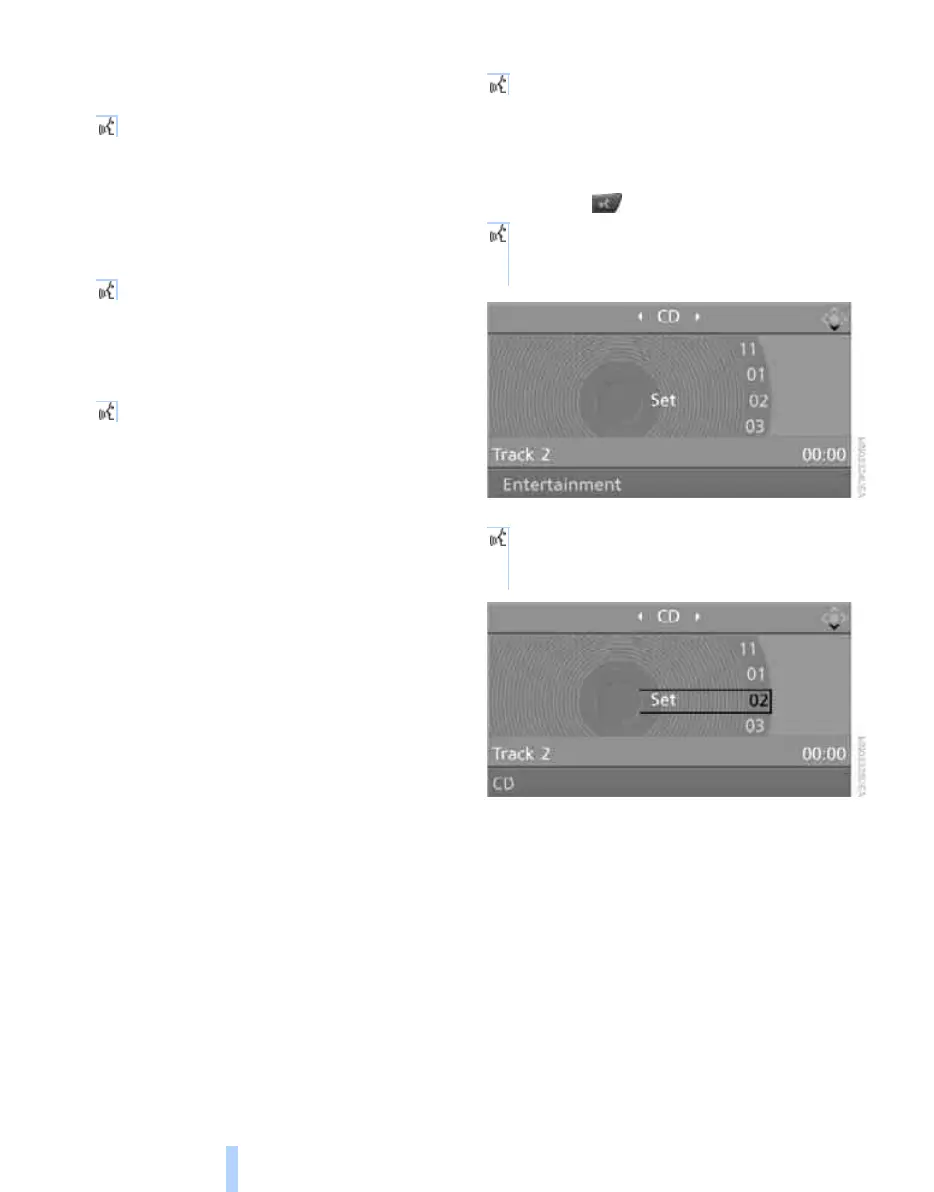
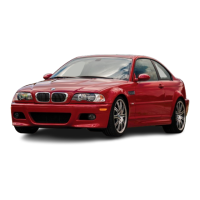
Example: selecting a track
1. If necessary, switch on entertainment audio
output.
2. Press the button on the steering wheel.
{Options}
{Help}
{Radio on} or {Turn radio on}
{Main menu}
3. {Entertainment}
The system says:
{{Entertainment}}
4. {CD}
The system says:
{{CD on}}
Online Edition for Part no. 01 41 0 014 962 - © 02/08 BMW AG



 To Next Page