Everything under control
86
until "Language" is selected and press the
controller.
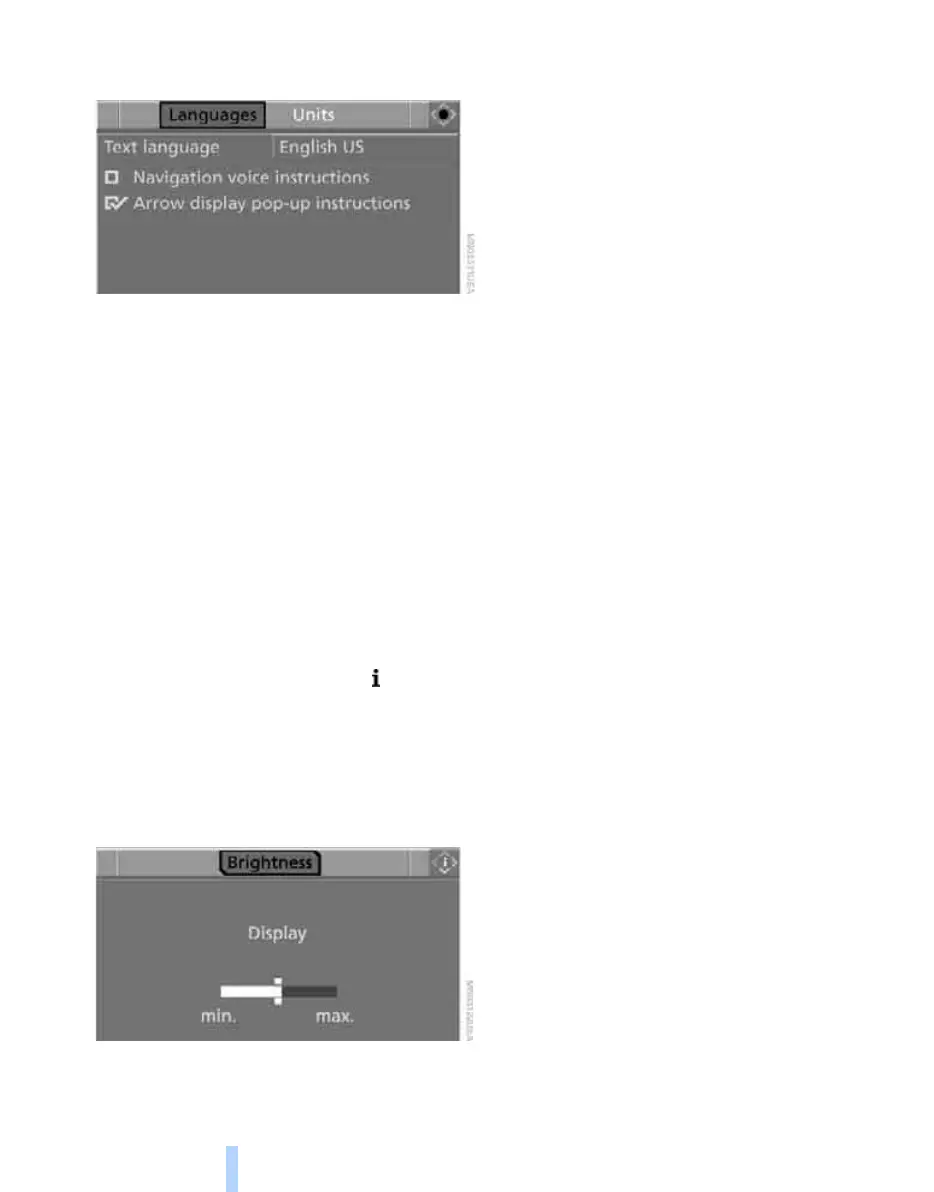
5. Select "Text language" and press the con-
troller. You can switch to another language
for the display texts and navigation mes-
sages.
6. Select and activate the desired language by
pressing the controller.
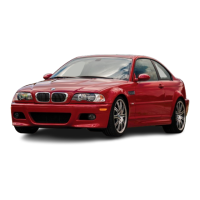
Brightness of the Control Display
The brightness is automatically adapted to the
ambient lighting conditions. Note, however,
that you can change the basic setting while the
low beams are switched on. The setting is
stored for the remote control currently in use.
iDrive, for operating principle refer to page 16.
1. Open the start menu.
2. Press the controller to open the menu.
3. Turn the controller until "Settings" is
selected and press the controller.
4. If necessary, move the highlight marker to
the uppermost field. Turn the controller
until "Brightness" is selected and press the
controller.
5. Turn the controller until the desired setting
is reached.
Online Edition for Part no. 01 41 0 014 962 - © 02/08 BMW AG



 To Next Page