73n
OverviewControlsMaintenanceRepairsDataIndex
Computer
Only make entries when the
vehicle is standing still – to avoid
endangering yourself or other road
users.<
Computer calculations begin at the
start of the journey.
Display information can also be
accessed by remote control, refer to
page 77.
Speed limit
Speed limit entry:
You can enter the road speed here at
which you wish to hear and see a
reminder signal: a signal will sound, the
word LIMIT will flash and the stored
speed will briefly flash in the Check
Control display on the instrument panel
(Limit).
The speed limit reminder is only
repeated if the vehicle has in the mean-
time been driven at least approx. 3 mph
(5 km/h) slower.
Press the right of the button.
Press.
Press the right of the button.
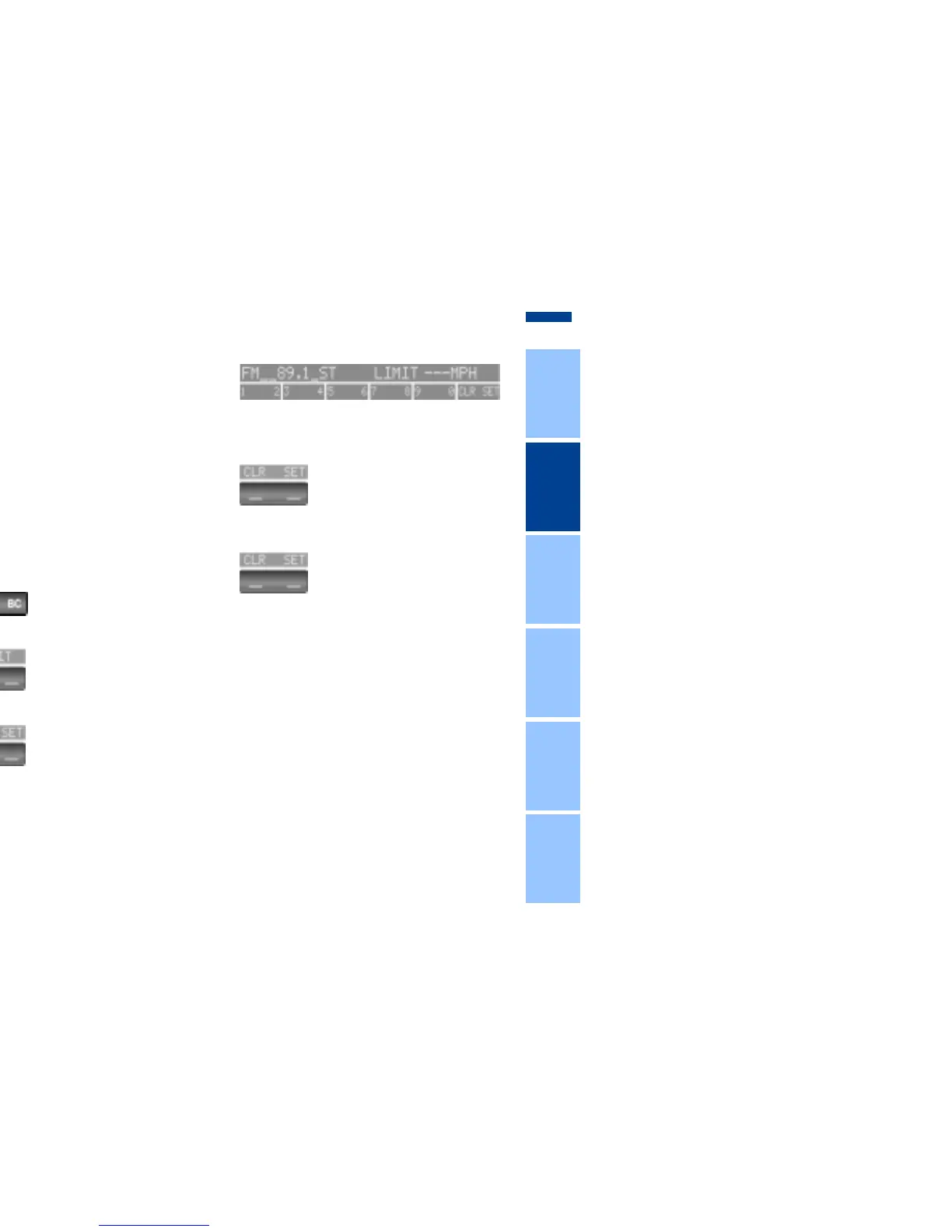
Display shows:
Enter the limit by pressing the function
buttons.
To correct an entry:
Press at left and repeat the entry.
To store the entry:
Press the right of the button.


 To Next Page