82n
Flat Tire Monitor
The concept
The Flat Tire Monitor keeps track of the
inflation pressures in your tires as you
drive. The system provides an alert
whenever the inflation pressure drops
significantly in one of the tires.
To initialize the Flat Tire Monitor system
with the correct tire pressures, start by
checking the inflation pressures in all
four tires, comparing them with the
figures specified in the tire pressure
table (page 23). Then correct the tire
pressures as necessary. Now you can
activate the system.
The Check Control (refer to page 66)
will inform you if the tire pressure of one
the tires has dropped significantly.
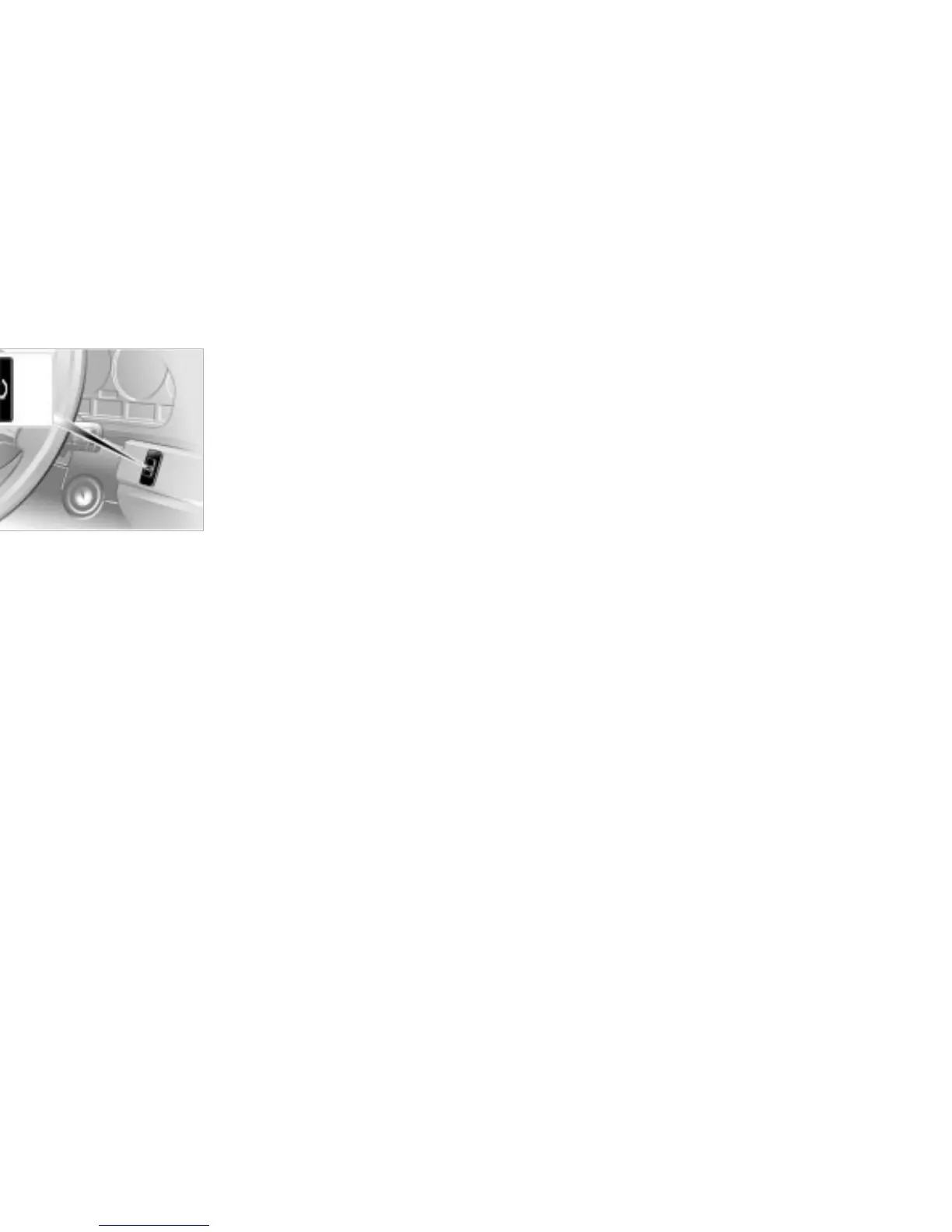
Activating the system
1. Turn the ignition key to position 2 (do
not start the engine)
2. Press the button and maintain pres-
sure until the message "SET TIRE
PRESSURE" appears in the Check
Control display panel (several
seconds)
3. As you drive, the Flat Tire Monitor
automatically enters the system
initialization mode in which it stores
the current pressures as its reference
figures. The initialization process
lasts for ten minutes or somewhat
longer. Once it has been completed
the Tire Pressure Monitor is able to
detect and warn of flat tires.
39mde119
Repeat this process after altering the
tire inflation pressure, changing the tire,
or rotating the wheels.
Do not carry out a new initialization of
the system, if you correct the inflation
pressures to the already specified tire
pressures.



 To Next Page