Service Interval Display
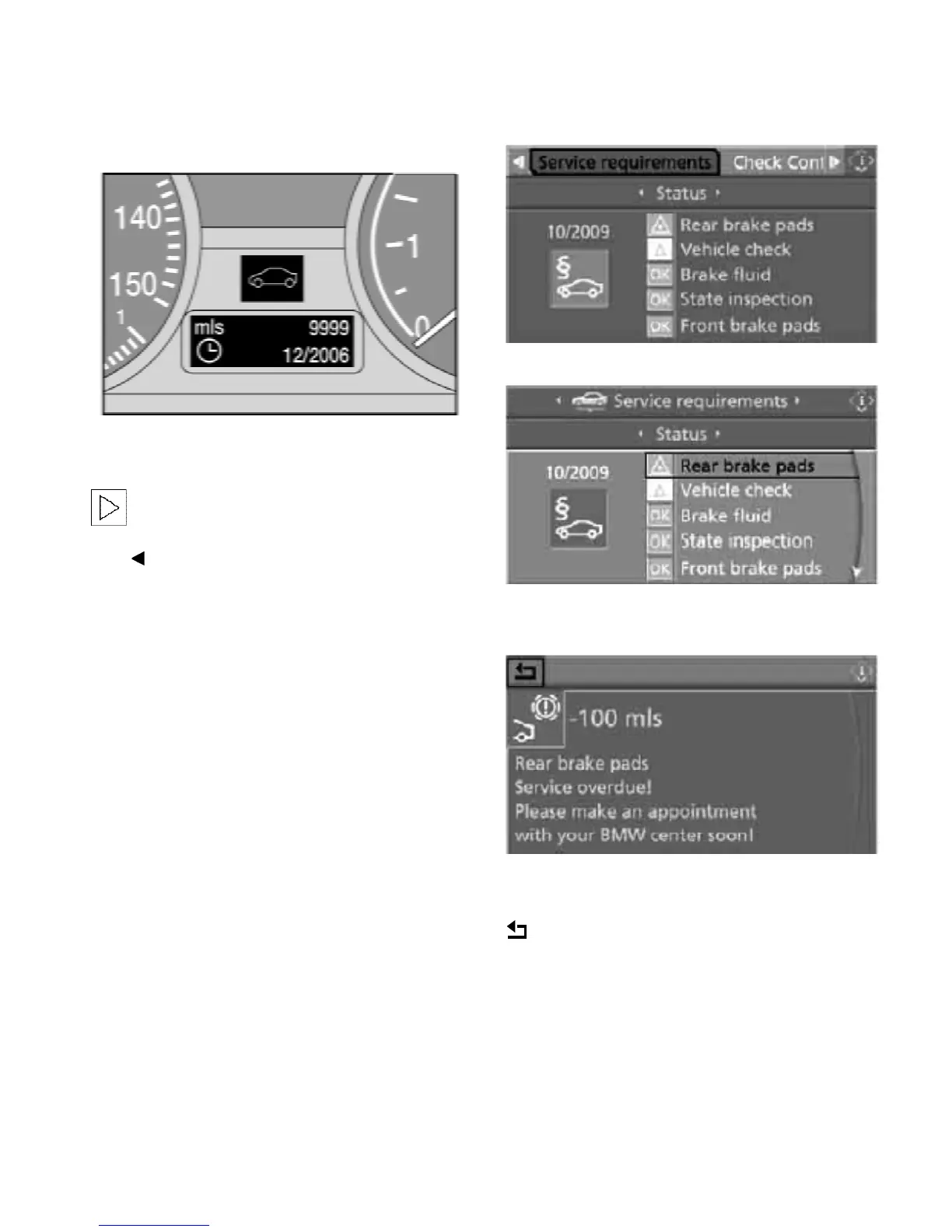
Info Display screen contents
The distance remaining until your next service
briefly appears when you switch on the ignition.
The Info Display immediately switches to
its compute mode when you press one of
the two buttons in the turn signal indicator
lever.
Control Display screen contents
The current Status of Service items determined
by the CBS are shown in the Control Display.
You can also view additional information on the
service and maintenance requirements.
1. Open the start menu.
2. Press the controller to select the i-menu.
3. Select “Info sources” and press the
controller.
4. Select “Service” and press the controller.
5. Change to the upper field if necessary. Turn
the controller until “Service requirements” is
selected and press the controller.
6. Select “Status” and press the controller.
You can request more detailed information on
every entry.
Turn the controller to scroll through the list, then
confirm the selected entry.
Confirm to exit the list.
3



 To Next Page