11n
OverviewSettingsReceptionPlayingIndex
Adjusting the volume
Setting the sound quality
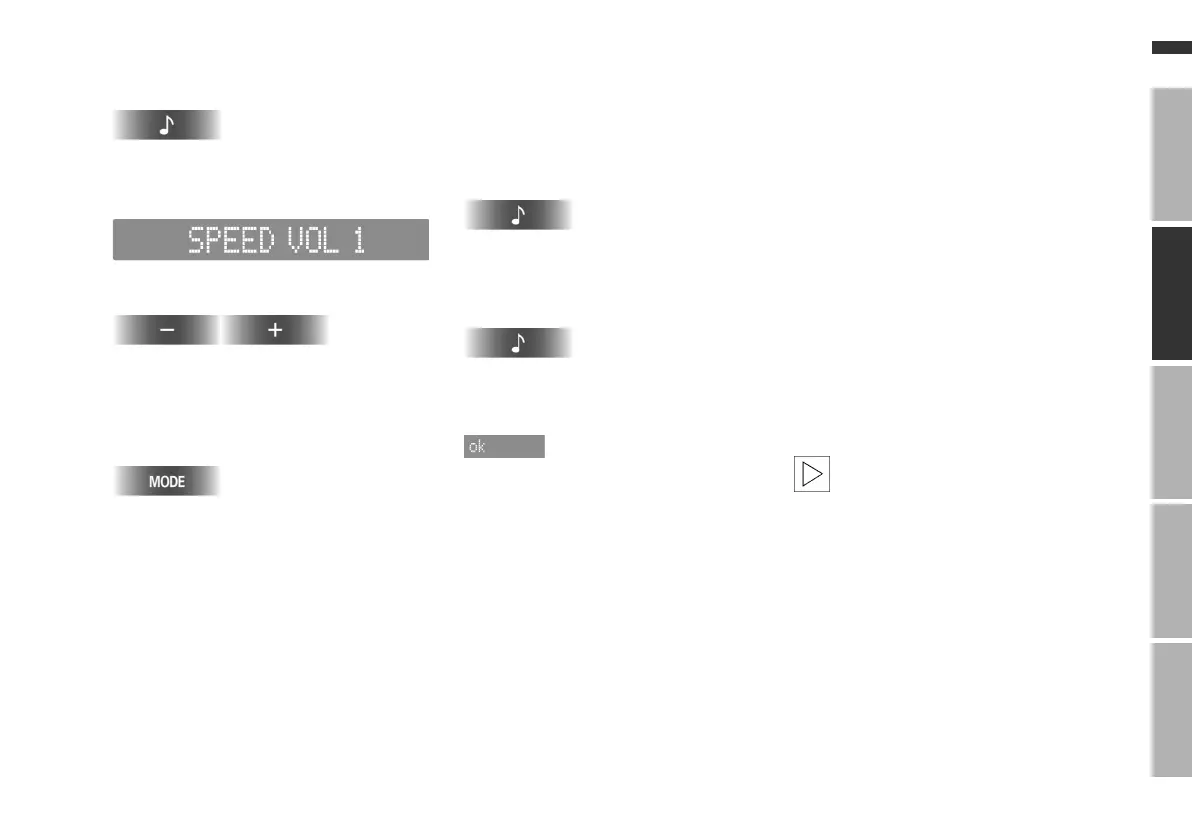
1. Call up the current setting
Press and hold the key.
The display changes to the operating
display for SPEED VOL, e.g.:
2. Select the level
Press or keep pressed down.
The selected level will be indicated in
the display
3. Leave the mode display
Reset the setting
The speed-dependent volume can be
reset to the midrange setting.
1. Call up the current setting
Press and hold the key.
The display changes to the operating
display for SPEED VOL
2.
"RESET?" is shown in the display
3. Reset the setting
The speed-dependent volume will be
re-set to level 3.
Sound and tone playback
You can choose from the following
sound settings:
>
Bass:
Amplify or reduce bass tones
>
Treble:
Amplify or reduce higher tones
>
Front/back volume distribution
(Fader):
Front or rear, louder/softer
>
Right/left volume distribution
(Balance):
Left or right, louder/softer
>
Midrange setting (Tone Linear):
Reset the sound settings to the mid
range.
The sound setting for bass and
treble is source-dependent, i.e.
can be adjusted separately for the
radio, CD changer and CD. Changing
the audio source will call up the last
sound setting used for this particular
audio source.
The sound setting for the front/back
and left/right volume distribution
applies to all audio sources.
<
Online Edition for Part No. 01 41 0 155 848 - © 01/01 BMW AG



 To Next Page