EN
15
Restarting and troubleshooting
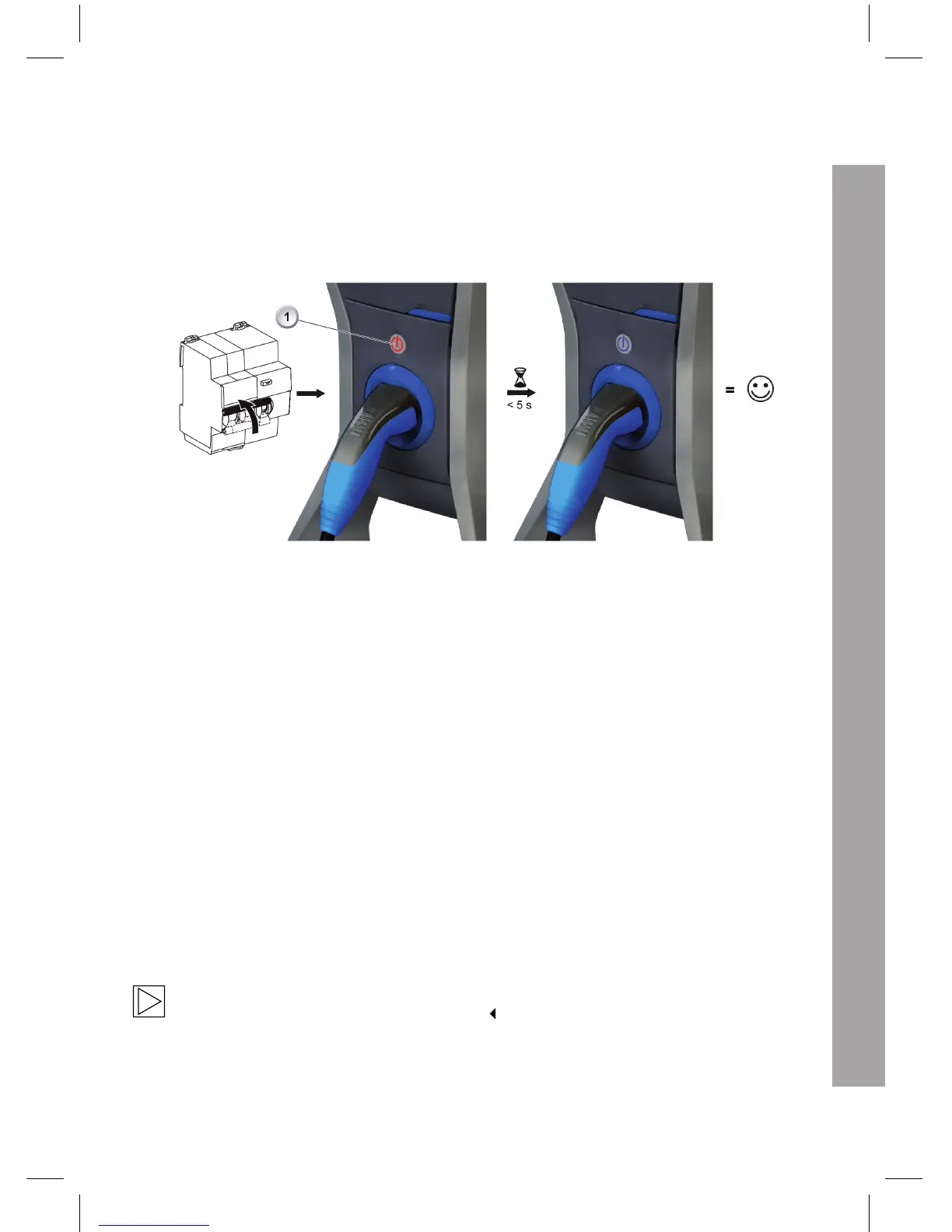
The Wallbox Pure restarts automatically after a power failure:
The device first performs a self test. The LED indicator in the Stop/Start button is illuminated in blue,
green and red for one second each. Then the Stop/Start LED (1) is illuminated in blue; the Wallbox
Pure is again ready for operation.
Fault reporting
The LED in the Stop/Start button flashes red when an error is detected:
1 Press and hold the Stop/Start button for five seconds.
2 Then release the Stop/Start button to display the error code.
3 The LED in the Stop/Start button flashes: The colour indicates the source of the error.
4 After one minute, the LED in the Stop/Start button flashes red again until the error has been cor-
rected.
5 If vehicle is connected, it will begin charging immediately.
Repairs must only be performed by qualified personnel!
Please contact the Wallbox Installation Service.



 To Next Page