The following assistance functions are automati‐
cally displayed:
▷ Side parking aid.
▷ Door opening angle.
Safety information
Warning
The system cannot serve as a substitute for the
driver’s personal judgment in assessing the
traffic situation. Based on the limits of the sys‐
tem, it cannot independently react to all traffic
situations. There is a risk of accident. Adjust
driving style to traffic conditions. Watch traffic
and vehicle surroundings closely and actively
intervene where appropriate.
Overview
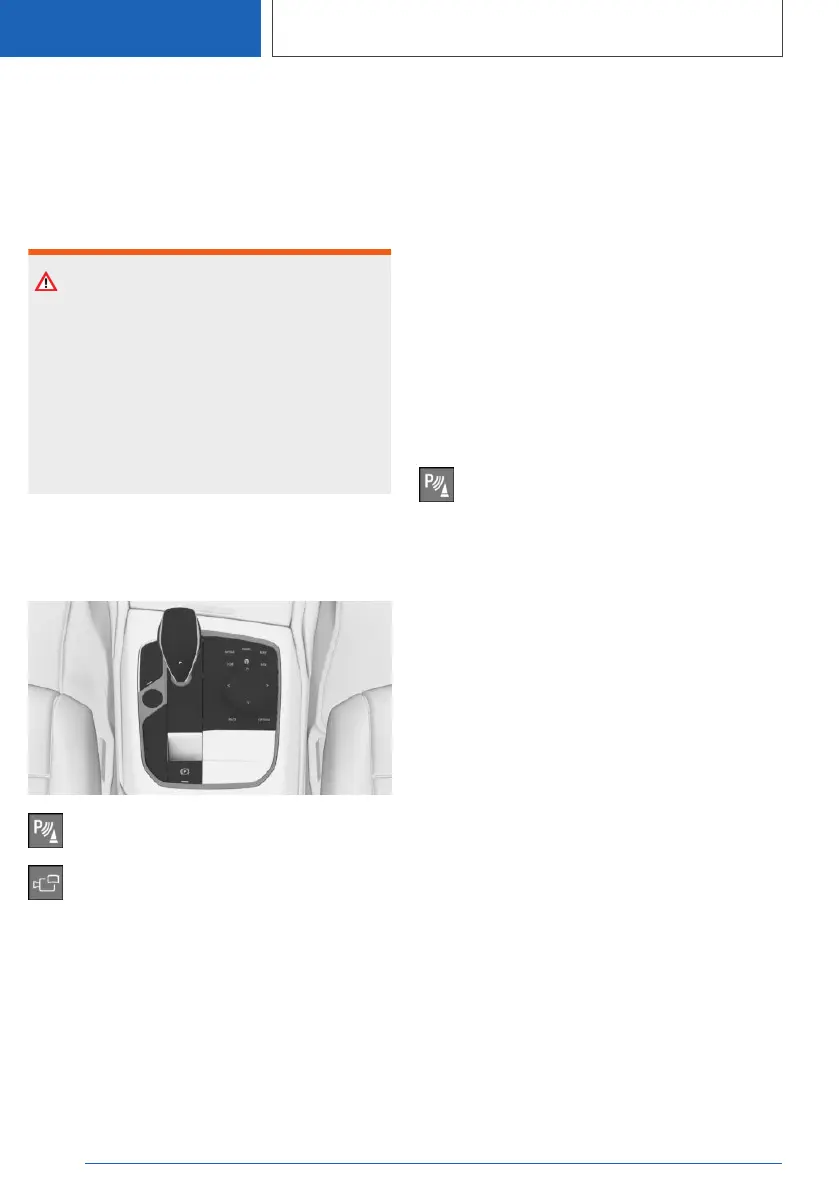
Buttons in the vehicle
Park assistance button
Panorama View
Sensors
The system is controlled by the following sen‐
sors:
▷ Front camera.
▷ Top view cameras.
▷ Rearview camera.
Additional information:
Sensors of the vehicle, refer to page 35.
Turning on/off
Turning on automatically
The system is switched on automatically if selec‐
tor lever position R is engaged when the engine
is running.
The camera perspective suitable for the respec‐
tive driving situation is displayed.
Additional information:
Park Distance Control, turn on/off, refer to
page 241.
Switching on/off manually
Press the park assistance button.
▷ On: the LED lights up.
▷ Off: the LED goes out.
Depending on the equipment version, the rear‐
view camera cannot be switched off when the
reverse gear is engaged.
Automatic deactivation during
forward travel
The system switches off when a certain driving
distance or speed is exceeded.
Switch the system back on, if needed.
Seite 256
CONTROLS
Driver assistance systems
256
Online Edition for Part no. 01405A37CC6 - VI/21



 To Next Page