Index Data Technology Repairs Car care Controls Overview
89n
Computer in the MID*
Adopting the current speed as the
speed limit:
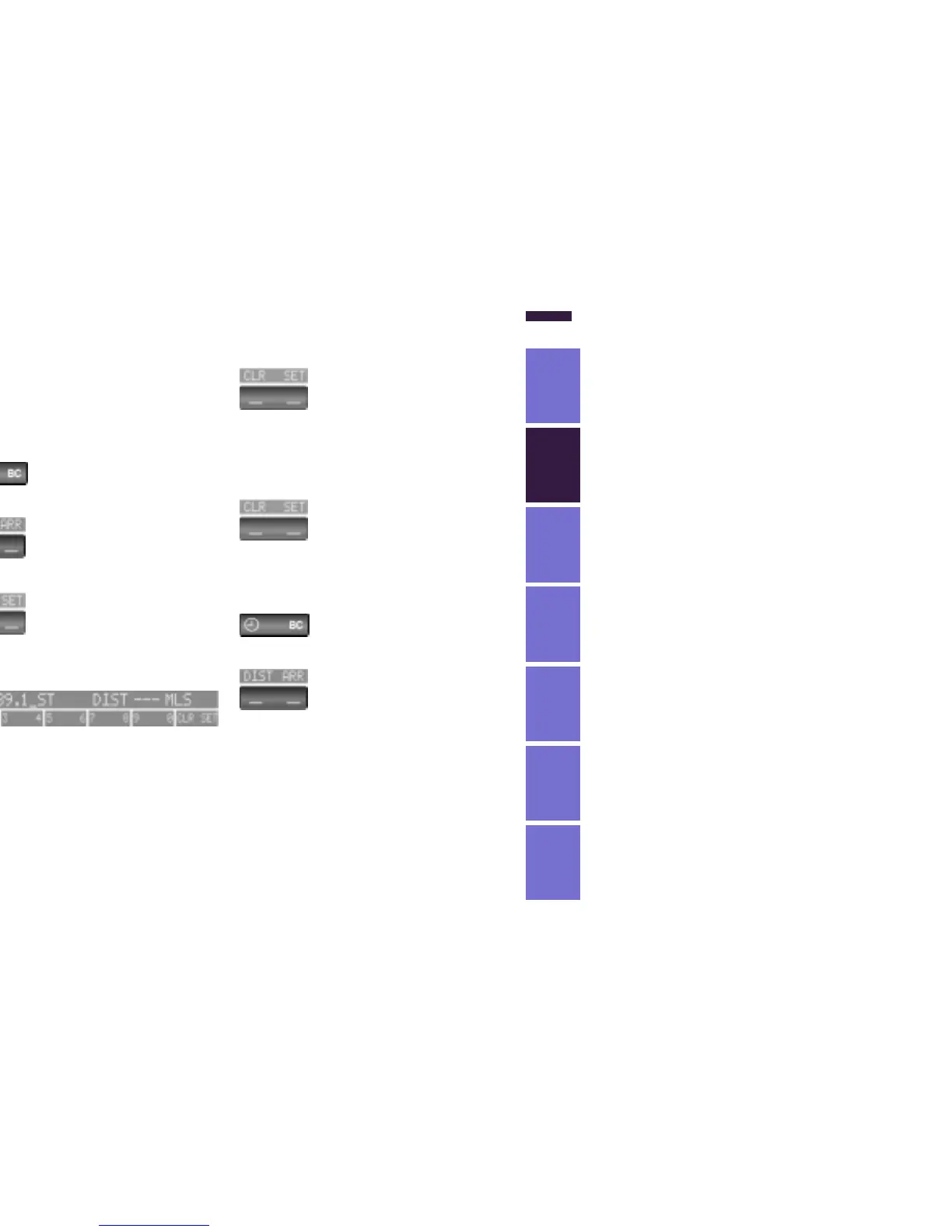
Press the right side of the button.
Press.
Press twice at right.
Deactivating the speed limit:
Press the right side of the button.
Press.
The LIMIT display goes out, but the
memorized value is not lost and can be
re-activated by pressing the LIMIT but-
ton.
Distance from destination
The remaining distance to the destina-
tion will be displayed on the screen.
Enter the entire distance before starting
the journey.
Input:
Press the right side of the button.
Press the left side of the button.
Press the right side of the button.
Display shows:
You can input the distance by pressing
the function buttons.
To correct an entry:
Press the left side of the button and
repeat the input.
To store the input:
Press the right side of the button.
Checking memorized value:
Press the right side of the button.
Press the left side of the button.



 To Next Page