87n
OverviewControlsMaintenanceRepairsDataIndex
Computer**
**
in the MID
Adopting the current speed as the
speed limit:
Press the right side of the button.
Press.
Press twice at right.
Deactivating the speed limit:
Press the right side of the button.
Press.
The LIMIT display goes out, but the
stored value is not lost and can be
reactivated by pressing the LIMIT
button.
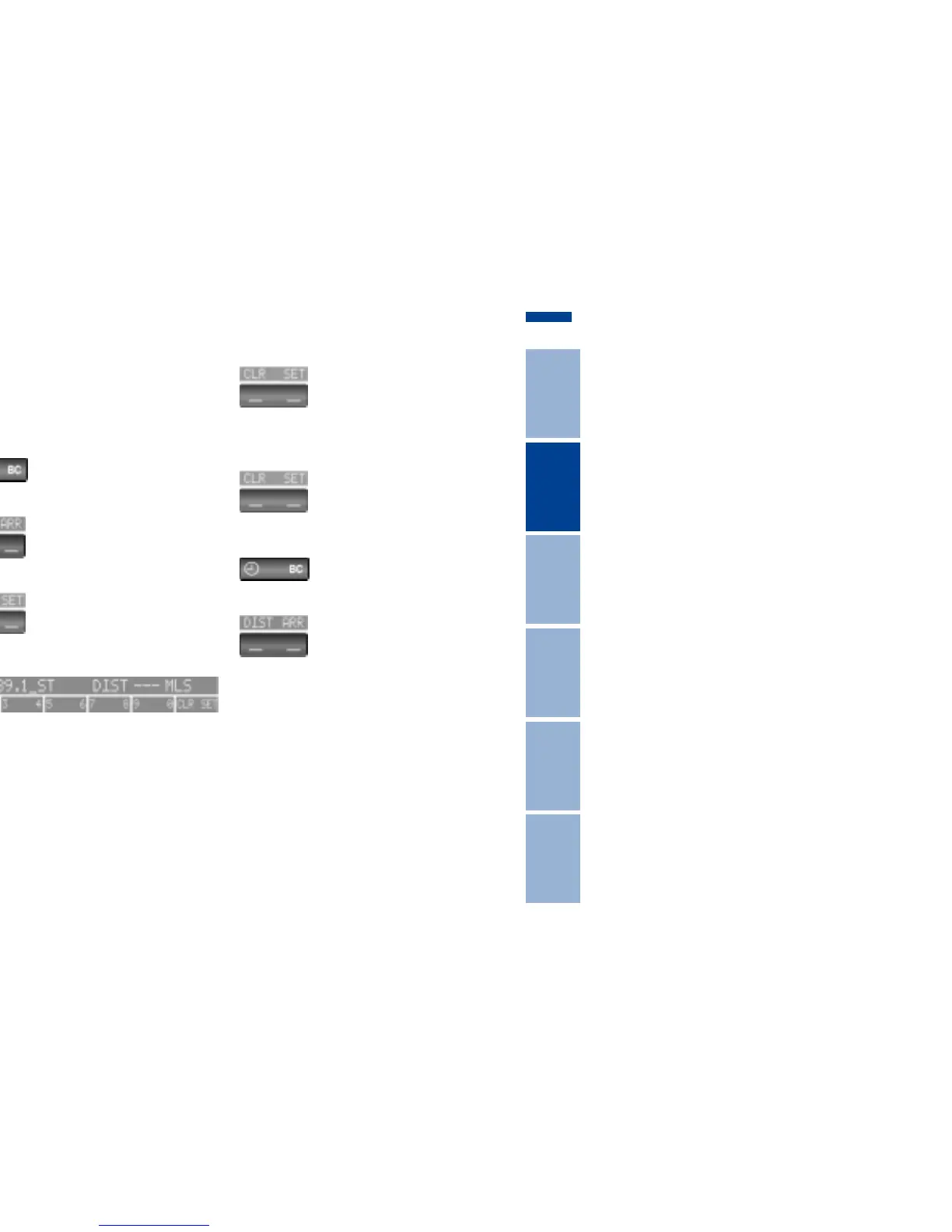
Distance to destination
The remaining distance to the destina-
tion will be displayed on the screen.
Enter the entire distance before starting
the journey.
Enter:
Press the right side of the button.
Press the left side of the button.
Press the right side of the button.
Display shows:
You can enter the distance by pressing
the function buttons.
To correct an entry:
Press the left side of the button and
repeat the entry.
To store the entry:
Press the right side of the button.
Checking stored value:
Press the right side of the button.
Press the left side of the button.



 To Next Page