Low Speed Assistant
Principle
The Low Speed Assistant gives assistance at
very low speeds. The vehicle moves at walking
speed.
General information
Use the Low Speed Assistant for maneuvering
or in stop-and-go traffic.
The Low Speed Assistant can also be used
for rocking the vehicle free in the snow. To do
this, change over between reverse gear and
forward gear without stepping on the brakes in
the process.
Activating
1.
Switch on drive-ready state while pressing
on the brake pedal.
2. If necessary, release the parking brake.
3. If necessary, deactivate Automatic Hold.
4. Engage selector lever position D/S or R.
5. Release brake.
In 1st and 2nd gear and in reverse, the vehicle
rolls at minimum speed.
Deactivating
Decelerate the vehicle to a stop.
Drivelogic
Principle
Drivelogic changes the gear-shifting character-
istics of the M Steptronic Sport transmission.
For example, the shifting points are changed in
Drive mode and the shifting times in sequential
mode.
General information
Three Drivelogic programs are available.
Whenever you switch between Sequential
mode and Drive mode, the last program se-
lected is enabled.
If drive-ready state is switched on after the ve-
hicle has been idle, DriveLogic program D1 is
enabled in Drive mode.
Functional requirement
The vehicle must be in one of the following
hybrid modes:
▷ "HYBRID"
▷ "eCONTROL"
Drivelogic programs
Pro-
gram
Drive mode Sequential
mode
D1/S1
Efficient driving. Comfortable
shifting opera-
tions.
D2/S2
Fast driving. Sporty, fast shift-
ing operations.
D3/S3
Sporty driving. Maximum shift-
ing speed,
Launch Control.
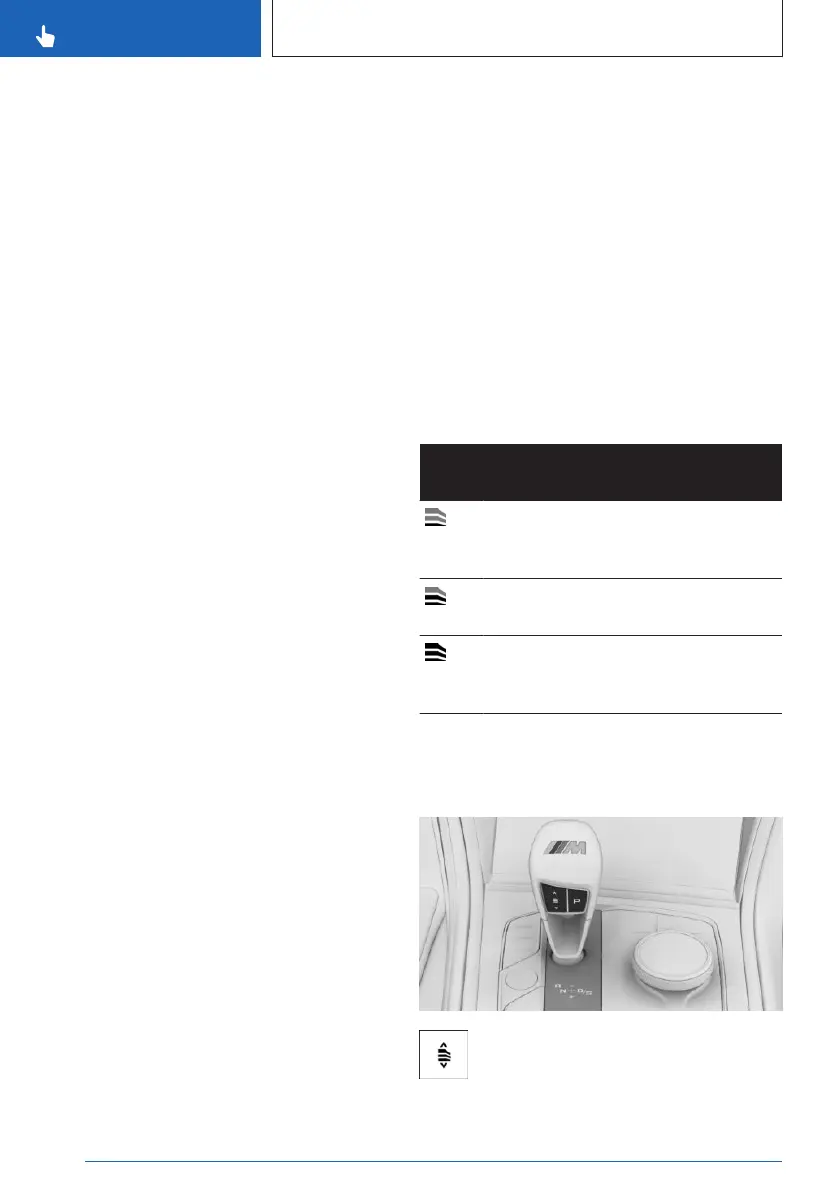
Selecting a DriveLogic program
Via the rocker switch on the selector lever
Press the rocker switch repeatedly until
the desired DriveLogic program is dis-
played on the instrument cluster.
Seite 126
CONTROLS
Driving
126
Online Edition for Part no. 01405A8A608 - VI/23


 To Next Page
 Loading...