Model 670C Berkeley Nucleonics Corp. 15 of 96
Power On
• Insert the AC power cord into the power receptacle on the rear panel.
• Use the front-panel power button to power on the instrument.
• Wait until the system shows windows desktop.
• The Simple TrueArb software will start automatically if at the previous power off the instrument
was working in TrueArb mode.
Alternatively push the TrueArb icon to launch the application from the desktop or push the
Switch App button to switch in TrueArb mode from another application.
Power Off
• Close the application in use.
• Press the front-panel power button to power off the instrument.
Check Input and Output Connectors
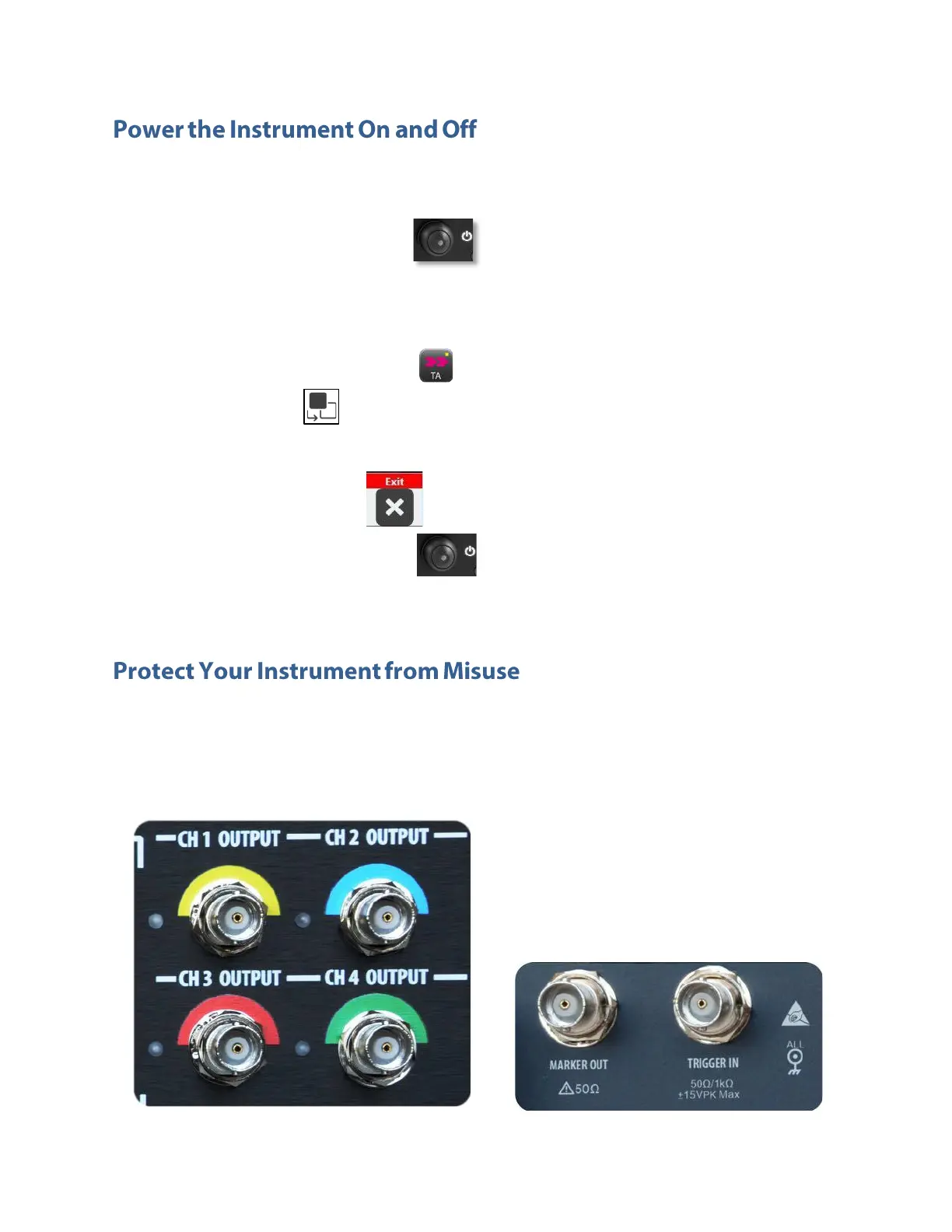
When connecting a cable, be sure to distinguish the input connector from the output connectors to avoid
making the wrong connection (images are referred to 670C-4C models).



 To Next Page