Model 670C Berkeley Nucleonics Corp. 16 of 96
CAUTION. Do not short output pins or apply external voltages to Output connectors. The instrument
may be damaged.
CAUTION. Do not apply excessive inputs over ±15 Vpk to Trigger Input connector. The instrument may be
damaged.
The latest release of the software may not be installed on your instrument. The latest version could be
found on Berkeley Nucleonics’ website (www.berkeleynucleonics.com) in the support area
If your instrument has already installed another version of the Simple TrueArb application, DO NOT
uninstall it otherwise you will lose all the configurations and projects.
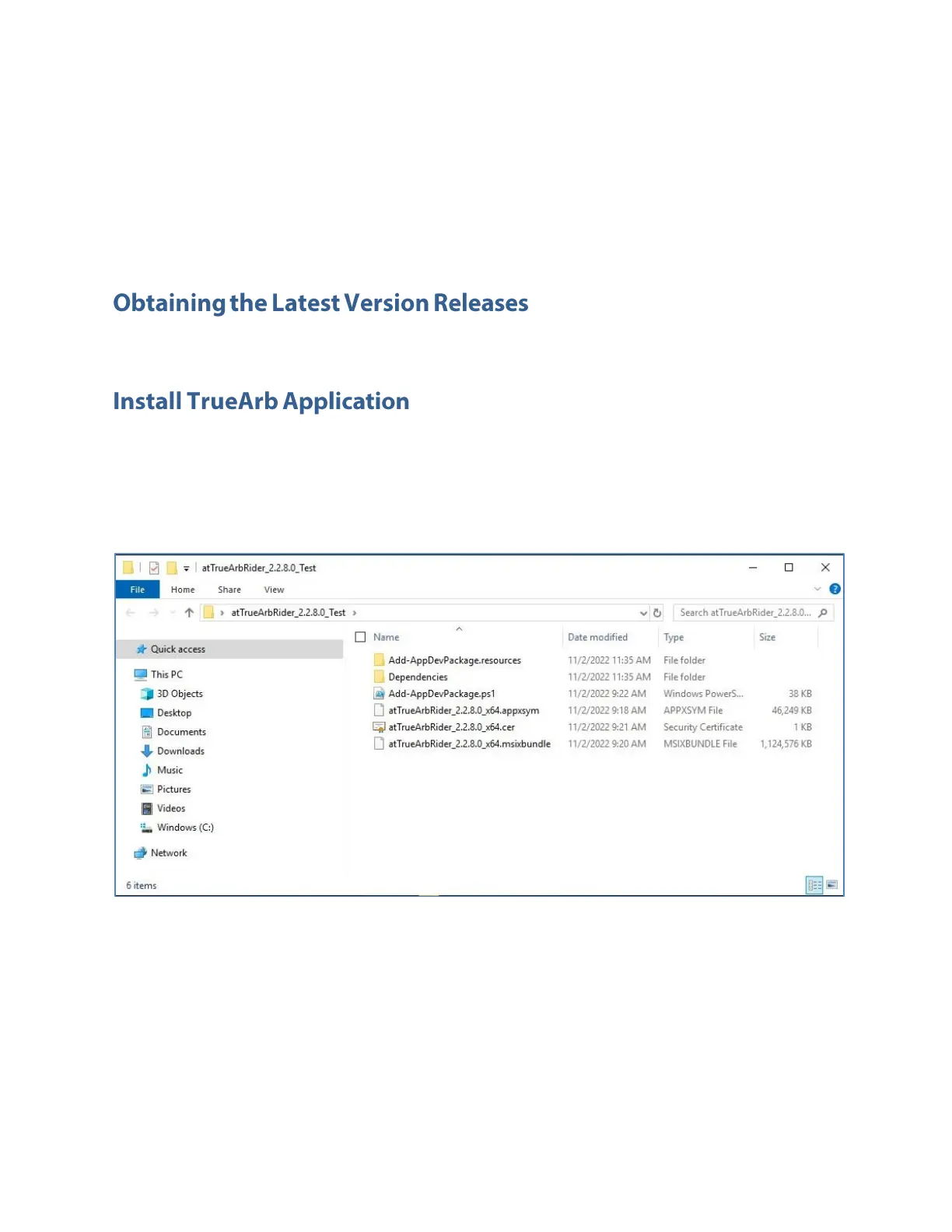
1. Download the Simple TrueArb setup package from Berkeley Nucleonics’ website and
decompress it to instrument’s local disk.
2. Right click on the “Add-AppDevPackage.ps1” file and select Run with PowerShell to start the
installation.



 To Next Page