Model 670C Berkeley Nucleonics Corp. 69 of 96
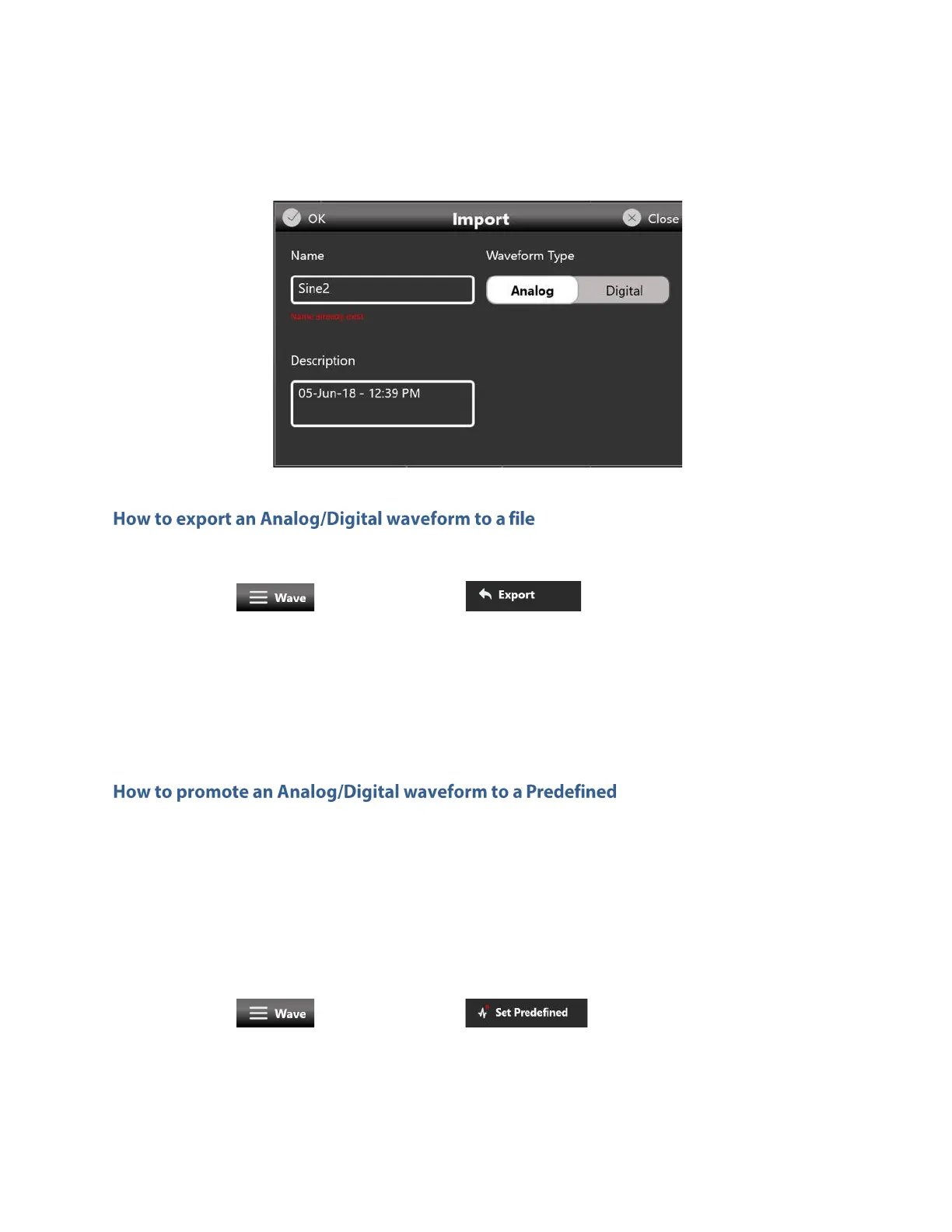
4. Press OK to confirm or Close to cancel the operation.
• Select an analog or digital waveform on the waveform list
• Press the button and then the button
• The exported waveform will be stored in a proprietary binary .zip file format that can be shared
with other instruments running the same application.
• You can export also the Predefined waveforms.
Please note this special case: if you export a Predefined waveform and then you try to import it
again on the list, it will be imported as a standard analog or digital waveform.
Please note that when a configuration is loaded only all Predefined waveforms and those directly used
at the time of saving will appear in the Waveform list.
Before saving a configuration it’s necessary to promote an imported waveform as Predefined if the user
want to keep it in the Waveform List.
• Select an imported analog or digital waveform on the waveform list
• Press the button and then the button
• The waveform will appear on the list in red color to show that it has been promoted to
Predefined.



 To Next Page