Model 670C Berkeley Nucleonics Corp. 72 of 96
Once a new parametric waveform has been created, the page above will be opened. From here, you can
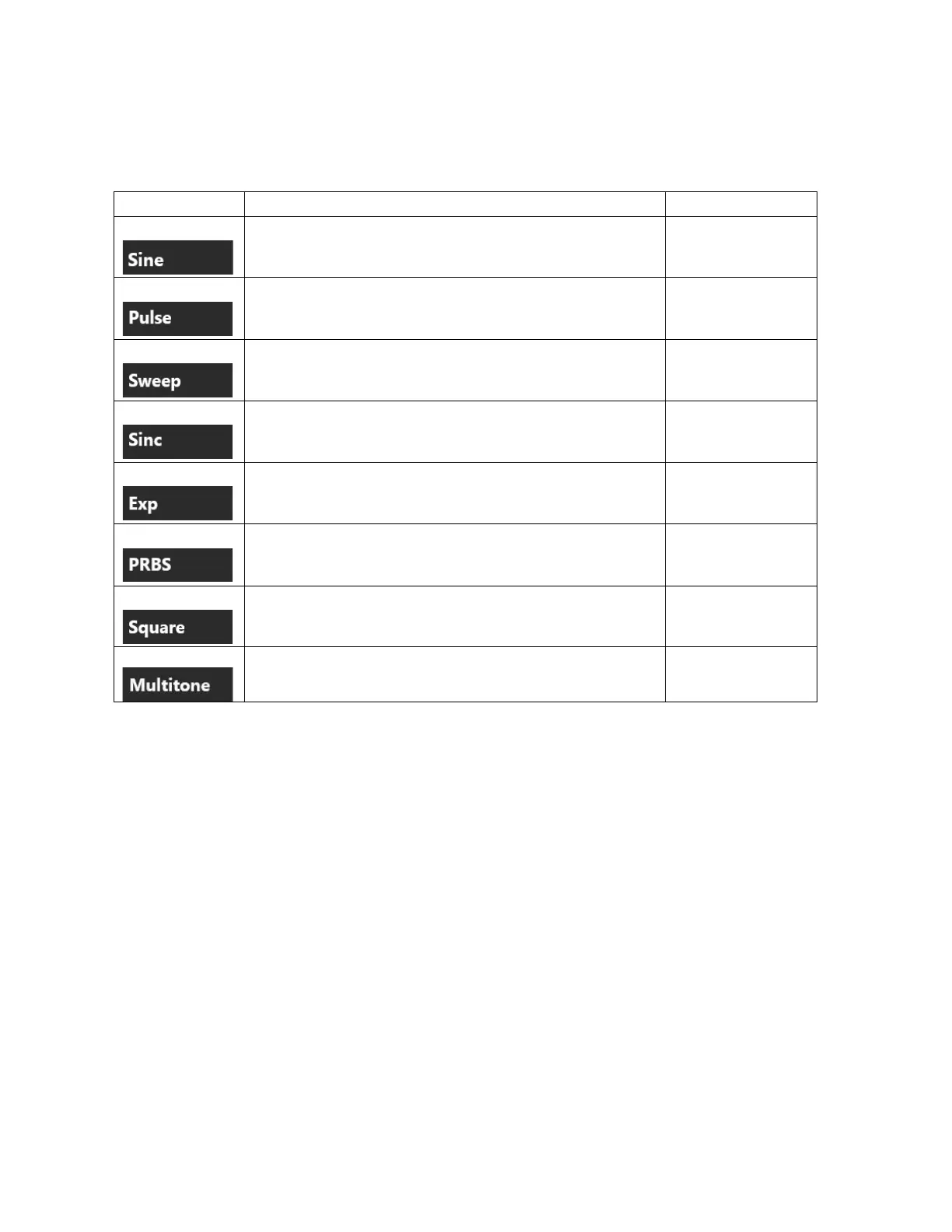
select different type of waveforms by interacting with the Type drop down menu. Types available are:
Length, Sampling Rate, Cycles, Frequency, Phase
Length, Sampling Rate, Cycles, Frequency, Phase, Rise &
Fall Time, Duty Cycle / Pulse Width
Length, Sampling Rate, Start Frequency, Stop Frequency,
Sweep Mode
Length, Sampling Rate, Peak Position, Lobe Width
Length, Sampling Rate, Cycles, Time Constant, Exp Mode
Length, Sampling Rate, PRBS Type
Length, Sampling Rate, Cycles, Frequency, Phase, Rise &
Fall Time
Sampling Rate, Tone Frequency, Tone Phase, Tone
Amplitude
Once you have decided which waveform type you want, you can start customizing it as it better suits your
needs. To do that, you need to set the characteristic parameters of a waveform type, which can be easily
accessed by scrolling up and down the waveform parameters area as shown in the following image.


 To Next Page
 Loading...
