Model 670C Berkeley Nucleonics Corp. 83 of 96
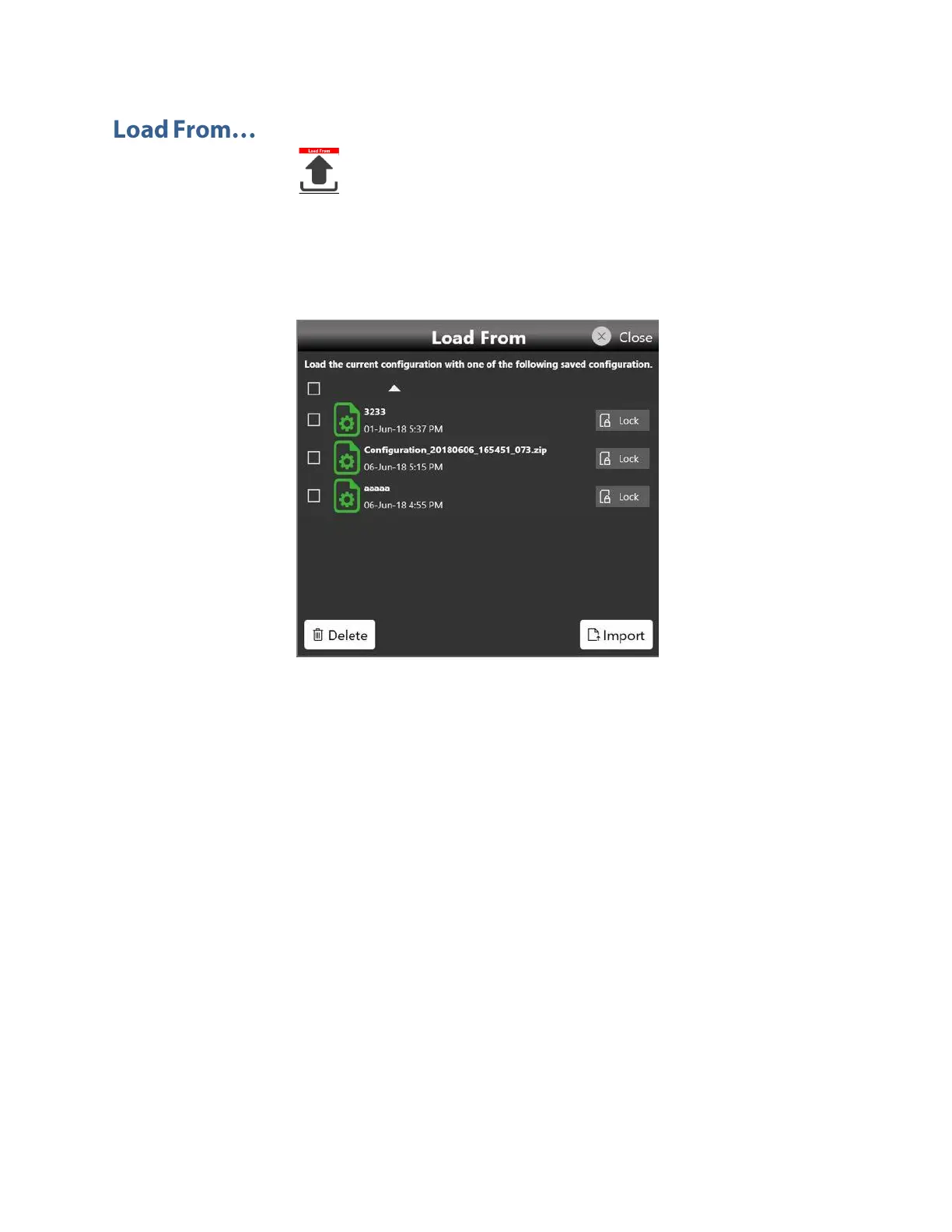
Touching the “Load From” button in the “More” menu, a page will be opened that shows the list
of all the saved and imported configurations.
If you select an existing Configuration, you will load all the settings into the instrument.
In the “Load From” page it is also possible to manage the configuration list: you can delete, import or
lock a configuration. When a configuration is locked it can’t be deleted or overwrited.
If you touch the Import Configuration button you can import the configuration file that comes from a
different machine or from a different user. The imported configuration will be inserted in the “Load
From” list.



 To Next Page